Back to the Blog
Rendered Project

Rendered Project

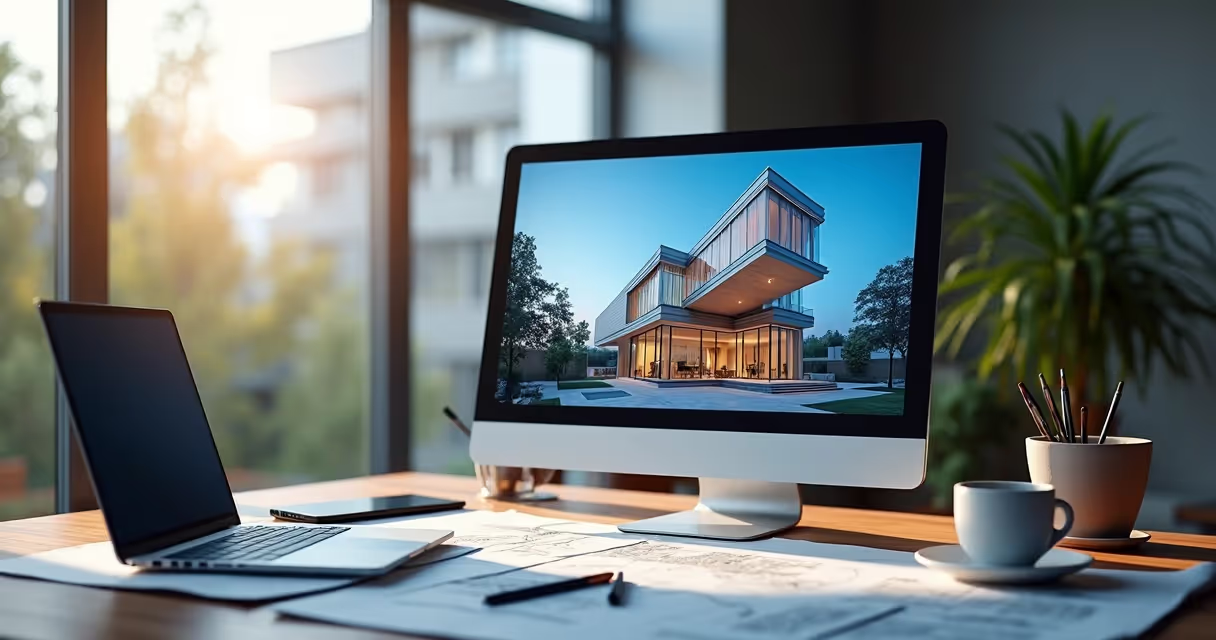
A rendered project with quality and speed is possible with AI. See how Redraw transforms your files into impressive images.

Rendered Project
Author
Redraw
Administrador
Use AI to delight your customers, sell more, and make your images and videos stand out in ads and marketplaces.

Rendered Project
6 min
|
18.03.2026
Author
Redraw
Administrador
Use AI to delight your customers, sell more, and make your images and videos stand out in ads and marketplaces.
[

Redraw

]

Create your free account

Start transforming your projects today using Redraw.

I want to register
Share this article

Quickly and impressively rendered project

Rendered design no longer has to be synonymous with sleepless nights, computers begging for help, or that classic cup of coffee that cools down before finishing the process. In the world of architects and designers, rendering a project has become almost a ritual. But what if I told you that today you can generate an award-winning rendered image in minutes, without hardware crisis or complex technical juggling? Follow me, and I will show you how Redraw opened this door, delivering architectural visualization via artificial intelligence directly through the browser.

Your project is more real than ever. Ready to impress clients and colleagues, without drama.

If you are looking to transform your ideas into realistic renderings (or simply tired of hearing that “I didn't understand” from the client), this guide is for you. Keep an eye out to the end, because there are tips, history and, of course, that invitation to get to know Redraw.

What is a rendered project and why does it matter

Do you know that floor plan full of doodles and dimensions? Then, when it becomes a visual image, full of shadows, textures and context, the rendered project is born. In other words, we are talking about translating your technical lines into such a rendered image, that anyone, layman or not, will look at and think: “oh, I want to live there!”

Architectural visualization ceased to be luxury and became an almost mandatory item. Clients want to understand the space, the play of light, the volume, the materials, and they want all of this without having to decipher complex plans or cuts. Have you ever seen a customer trying to understand plan facades? Not even Google Translate can do it!

  • Three-dimensional projection adds value to presentation material
  • Facilitates decisions by those who hire, construction, and suppliers
  • It reduces those unpleasant surprises: “but I thought it would be different...”

It's a short journey from the technical plane to the enchantment of the eye. Designing a render not only serves to show, but to sell, convince, align expectations and... save professional skin more than once.
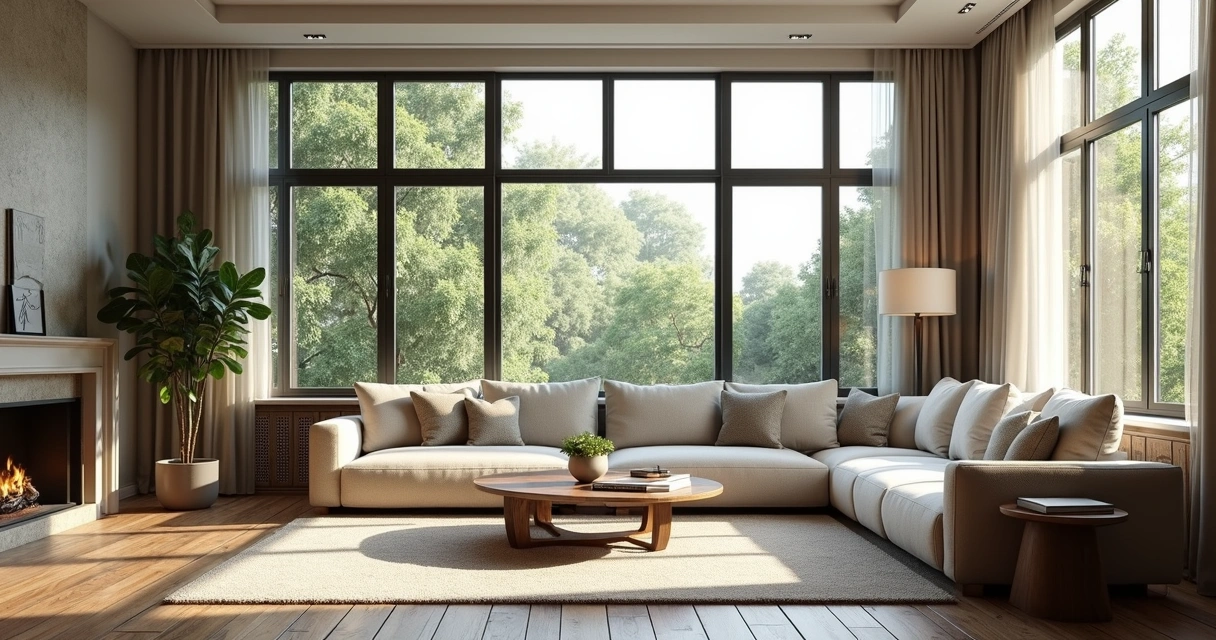
projeto renderizado

How rendering evolved with artificial intelligence

Let's be serious, professional rendering with AI 3D wasn't for amateurs. Only people with the patience of a monk (and a gamer's computer) faced it. We worked hours to see, at the end, the result appear slowly in blocks, as if we were using dial-up internet.

But then, here is where artificial intelligence comes in. And no, I'm not romanticizing. AI literally changed the game, bringing features such as:

  • Autonomous interpretation of materials and light
  • Automatic fault correction
  • Generating visual ideas from text, yes, you say it and it creates
  • Cloud processing, leaving your computer free for other missions

Redraw, for example, took this advance and made it available: architects, designers, engineers and even those who are just starting out can render projects in the browser, in minutes. It's not science fiction, it's real life. And it's too good not to rely on a graphics card or the goodwill of someone else's computer.

Today, algorithms understand your proposal, fill spaces, adjust light, texture, and even suggest alternatives. That is, less time waiting and more time impressive.

Advantages of an AI-rendered project

If before the office shook at the mere hearing of the term “rendered image”, now many are already breathing a sigh of relief. Let's list what changed (and make your life easier at once):

  1. Baffling Agility No, it's not an exaggeration. 3D rendering with artificial intelligence reduces hours to minutes. Who hasn't been keeping up with the progress bar and making a promise to All Saints?
  2. Impressive qualityAI learns from thousands of references and takes great care in delivery. From small suggestions in perspective to millimetric adjustments for texture and reflection.
  3. Fewer technical errors Automation reduces the chance that the image will be full of smudges, bursting lights, and floating objects (yes, it's happened to everyone, it will).
  4. Cloud for allYour notebook or PC can be basic. The processing is resolved online, you only need internet. There's no excuse for poor rendering anymore, and customers thank you.
  5. Stimulate the creative sideAsk for quick changes, test different combinations of materials, change lighting and compare results in a few clicks.
Your time is valuable. Render to live, not live to render.

Those who work with Redraw immediately notice: delegating the heavy lifting to AI frees up energy for what matters. Experiment with ideas, test solutions, dare. And delete that old phrase from the vocabulary: “computer crashed and I lost everything”.
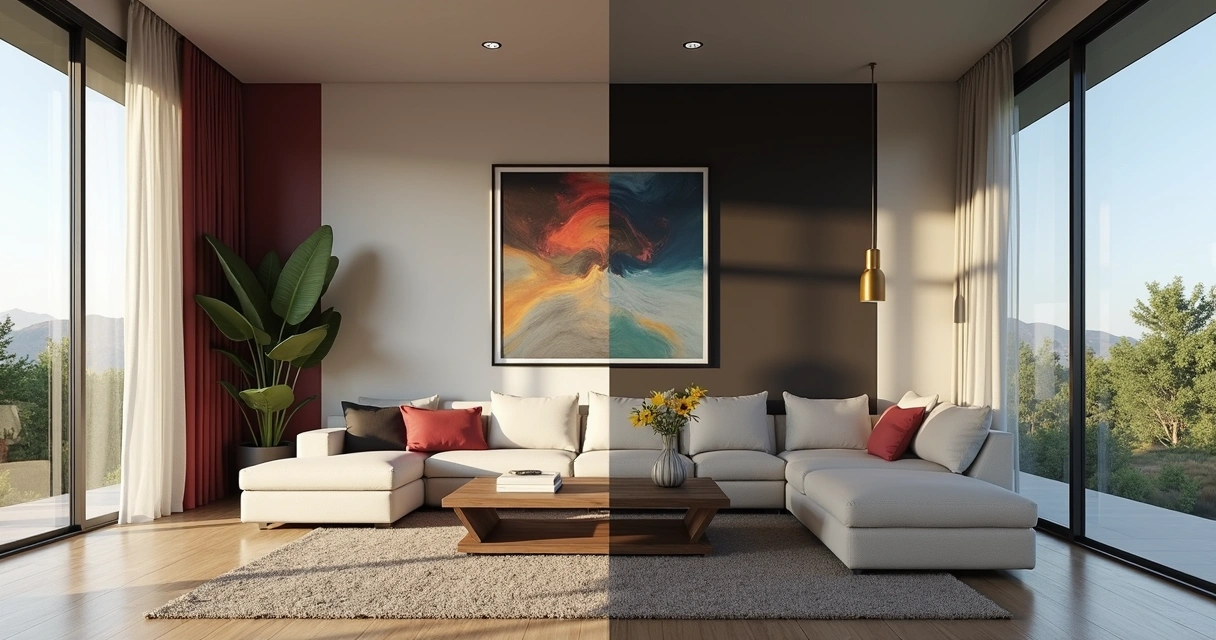
projeto renderizado

How to create a rendered project using Redraw

Let's go step by step, and there's no mystery here. Working with Redraw is less drama, more results. The flow, so simple, seems like a short movie script:

  1. Upload your project file You can upload images, sketches, or 3D models, right from your browser. No installing monstrous programs.
  2. Choose the type of rendered imageDo you want a classic rendering, a conceptual style, or even an animation? Select and continue.
  3. Describe what you want (optional) You can write: “bright room with natural light, wooden floors, bright furniture” and let the AI guide the magic.
  4. Wait a few seconds. Believe me, it's usually faster than ordering coffee at the bakery.
  5. Get your RENDER ready to download, submit for approval, or post to that group of undecided customers. You can even transform a still image into an animated video. The sky's the limit.

Depending on the plan, there are also advanced settings and dedicated support. Didn't like it? Ask to redo, change colors, textures, or add elements. A playground for architects and designers without the patience for slow rework.

Rendered design vs. traditional rendering

That's the topic that sparks discussion at the office cafe. On the one hand, the purists saying that nothing beats the manual touch of traditional rendering. On the other, the modern class, who have forgotten what it is to wait three hours to see a low-resolution rendering.

Let's put it on the scale, without filter:

  • Traditional rendering is patient, sometimes stubbornly slow. IA already delivers faster than many people finish their afternoon snack.
  • Equipment Classic rendering often requires roasted machines, special video cards, and steel nerves. In the cloud model, as with Redraw, a decent notebook is enough. Or even a tablet.
  • Level of detailingToday, artificial intelligence reaches frightening photographic and realistic levels. With a few adjustments, it surprises even the most demanding.
  • Cost Traditionally, it requires investment in expensive hardware and licenses. In the IA model, you pay for the service, without scaring the electricity bill.
  • Classic learning curve requires mastery of software, manual adjustment, and a dose of patience. AI only requires creativity and good commands. And that's liberating.
The future wants agility, not nostalgia.

Of course there's room for both. But if your customer keeps asking for last-minute changes, guess which model will save your deadline?

Care and good practices for your rendered projects

Okay, don't just throw everything into the AI and expect a miracle. A good rendered project depends on a few rules. Here's what you can't miss to keep your images from joining that shameful group of “strange renders on the internet”:

  • Define materials and colors clearly. The more accurate the input, the better the result. Specify types of floors, coatings, lighting. AI is part of it, but it doesn't read thought.
  • Think about the proportions. It's no use cluttering up the room with furniture. Less is more, the scale speaks too loudly in 3D rendering.
  • Avoid exaggerations in post-productionExcessive brightness, surreal reflections, or high saturation discourage realism. Look for references and keep the rendered image true to the project's intent.
  • Focus on lightingLight is life. Good artificial or natural light enhances volumes, textures and makes every space more convincing.
  • Test test angles, change elements, ask for opinions from colleagues. Sometimes a small adjustment makes all the difference.
  • Don't forget the contextPlace people, everyday objects, vegetation. All of this helps the client to see “life” in space.
Be careful with wood textures: the customer swears they know it from afar.

With a little whim, even those who don't understand anything about architecture will look at your rendering and smile. And smiling is always great feedback.

Rendered Project FAQs

What is a rendered project?

It is the realistic or artistic visual representation created through the 3D rendering of an architectural project, whether residential, commercial or institutional. Instead of showing technical drawings, the rendered image presents the result as if it were already ready, facilitating the understanding, decision-making, and enchantment of clients or staff. It can be static or animated, bringing experiences that are ever closer to the real.

How much does a rendered project cost?

The amount varies a lot. It will depend on the complexity of the project, the desired quality, the number of images and the type of service contracted. At Redraw, for example, there are affordable plans for professionals and companies, in addition to the customization option. In other words, it is possible to find prices ranging from a few tens to hundreds of reais per image or package, but the cost-benefit ratio is certainly greater than investing heavily in your own infrastructure.

How to make a good architectural rendering?

The secret lies in the sum of well-detailed input, visual references and common sense in the choice of materials and light. Define the concept of the environment, specify textures, choose strategic angles, take care of the lighting, and adjust final details carefully. Platforms like Redraw help a lot, since AI optimizes patterns and corrects possible flaws. And of course: whenever possible, review and ask for opinions before finalizing.

What is the best software for rendering?

There are several tools on the market, each appropriate to the professional's profile and the project's demand. Some prioritize quality, others agility, but it's always important to choose the one whose result delivers the desired look within your workflow. Redraw, for example, stands out for working directly in the browser, without installation and allowing projects to be rendered with the aid of artificial intelligence in a very intuitive way.

Is it worth investing in rendered projects?

Absolutely. The presentation of the project has an absurd visual impact, facilitates communication and reduces the possibility of rework or doubts. It helps sell ideas, guarantee approval, and create a portfolio of respect. The investment returns in professional appreciation, customer satisfaction and agility in all phases of the project. In other words: it's worth a lot!

Conclusion and next step with Redraw

Did you just see how the art of creating a rendered project ceased to be a technological marathon and became an almost pleasurable process? It's no exaggeration: today, rendering a project has become so accessible that it seems like a magic trick, but it's pure technology, state-of-the-art artificial intelligence and that dose of creativity that only you bring.

Redraw opens the doors for you to experiment, test, and surprise. Your portfolio thanks you, and so do your clients. What about your mental health? Well, this one may never be shaken again by a rendering that took all day to finish.

Your next project can become a reality in minutes. It just depends on you.

Access the Redraw, discover the possibilities and transform your architectural visualization into something so realistic that only the scent of the environment will be missing.

Share this article
Summary of the content
[

Blog

]

Related articles

Access Blog
Render
10.04.2026

Prompt to Render with Nano Banana - Google Gemini

Alexandre Kuhn
5 min of reading

Generative artificial intelligence has transformed the way in which architects and designers view their projects. Tools such as Nano Banana, with the integration of Veo 3, opened up a universe of possibilities for creating conceptual images. However, this flexibility comes with a steep learning curve and a process that can be frustrating: the art of writing Perfect Prompt. While a generic prompt can be powerful, it requires the architect to become an expert in prompt engineering, shifting focus away from what really matters: design.


In this article, we will demystify the process of creating prompts for rendering in tools like Google's Nano Banana, explain what the mysterious “seeds” are, and show why the Redraw represents the natural evolution of this technology, offering a solution where the architect does not have to be a programmer to create spectacular images.


The Nano Banana Prompt Challenge

Transforming Ideas into Commands


To generate an accurate architectural image in Nano Banana, it's not enough to describe the scene. A detailed instruction manual for the AI must be provided. An effective prompt must be a combination of multiple commands, specifying every detail to avoid ambiguities.

Let's analyze an example of a complex prompt to generate a modern house facade:

“Photograph of a modern two-story house with exposed concrete façade and cumaru wood paneling, large floor-to-ceiling glass windows, black pivoting entrance door. The lighting should be dramatic, with late afternoon sunlight creating long shadows (golden hour). The house is surrounded by a minimalist garden with grass and an olive tree. Architectural photography style, Canon EOS 5D Mark IV camera with 35mm lens, f/8. The climate is serene and luxurious.”

This level of detail is necessary because AI lacks the context of an architect. You must specify:

  • Subject: The house and its materials.
  • Style: Architectural photography.
  • Lighting: Golden Hour, Long Shadows.
  • Environment: Minimalist garden.
  • Technical Parameters: Type of camera, lens, and aperture.

Any omission may result in an image that does not match the professional's vision, generating rework and wasting time.

What are Seeds

Why Did You Need to Worry About Them?

Another technical concept that haunts users of generic image generators is the “seed” (headquarters). The seed is a number that serves as a starting point for AI randomness. Think of it as the “DNA” of an image. If you use the same prompt and the same seed, the AI will generate the exact same image every time.


This is useful for maintaining consistency or for making small changes to a result that you liked. However, managing seeds is yet another layer of complexity. You need to find the seed of an image you liked, save it, and reinsert it with each new generation. Recently, OpenAI itself removed the ability to customize seeds in DALL-E 3, signaling that even for creators, this is a complex and unintuitive functionality for the end user.

The Solution without Prompt

Redraw was created to eliminate this technical barrier. We understand that architects and designers need a tool that speaks their language, that understands materials, lighting and architectural styles without the need for an instruction manual at every command.

In Redraw, the prompt is simplified because our AI is already an expert in architecture.

You don't have to specify that you want an “architectural photograph” or detail the type of lens. The platform is trained with a vast database of high-quality architectural images, allowing it to understand direct commands such as:

“It's as simple as relaxing and selecting the options that make sense for your project. Redraw builds the best prompt for you through examples.” Sergio Santos - Co-founder of Redraw - Specialist in Generative AI.

Redraw bridges the gaps with its expertise, delivering high-fidelity results with a fraction of the effort. And most importantly: On Redraw, you don't have to worry about seeds. Our technology was developed to offer consistency and high-quality variations in an intuitive way, through a simple and visual interface, allowing you to refine your projects without requiring technical programming knowledge.

Conclusion

Let AI Work for You, Not the Other Way Around

Generic imaging tools are powerful, but they require the professional to adapt to them. The result is a workflow where the architect spends more time learning to “talk to the machine” than designing.


O Redraw reverses this logic. We teach the machine to understand architecture so you can focus on your creative vision. We believe that technology should be an extension of your creativity, not an obstacle. By simplifying the prompt and eliminating the need to manage technicalities such as seeds, Redraw gives power back to the architect, ensuring that the only skill needed to create incredible renders is their passion for design.


Are you ready to abandon complexity and focus on what really matters? Try Redraw and transform the way you view your projects.

Render
10.04.2026

Prompt to Render: Why ChatGPT Complicates and Redraw Simplifies for Architects

Alexandre Kuhn
5 min of reading

Generative artificial intelligence has transformed the way in which architects and designers view their projects. Tools such as ChatGPT, with the integration of DALL-E, opened up a universe of possibilities for creating conceptual images. However, that flexibility comes with a steep learning curve and a process that can be frustrating: the art of writing Perfect Prompt. While a generic prompt can be powerful, it requires the architect to become an expert in prompt engineering, shifting focus away from what really matters: design.


In this article, we will demystify the process of creating prompts for rendering in tools like ChatGPT, explain what the mysterious “seeds” are, and show why Redraw represents the natural evolution of this technology, offering a solution where the architect does not have to be a programmer to create spectacular images.


The Prompt Challenge in ChatGPT

Transforming Ideas into Commands


To generate an accurate architectural image in ChatGPT, it is not enough to describe the scene. A detailed instruction manual for the AI must be provided. An effective prompt must be a combination of multiple commands, specifying every detail to avoid ambiguities.

Let's analyze an example of a complex prompt to generate a modern house facade:

“Photograph of a modern two-story house with exposed concrete façade and cumaru wood paneling, large floor-to-ceiling glass windows, black pivoting entrance door. The lighting should be dramatic, with late afternoon sunlight creating long shadows (golden hour). The house is surrounded by a minimalist garden with grass and an olive tree. Architectural photography style, Canon EOS 5D Mark IV camera with 35mm lens, f/8. The climate is serene and luxurious.”

This level of detail is necessary because AI lacks the context of an architect. You must specify:

  • Subject: The house and its materials.
  • Style: Architectural photography.
  • Lighting: Golden Hour, Long Shadows.
  • Environment: Minimalist garden.
  • Technical Parameters: Type of camera, lens, and aperture.

Any omission may result in an image that does not match the professional's vision, generating rework and wasting time.

What are Seeds

Why Did You Need to Worry About Them?

Another technical concept that haunts users of generic image generators is the “seed” (headquarters). The seed is a number that serves as a starting point for AI randomness. Think of it as the “DNA” of an image. If you use the same prompt and the same seed, the AI will generate the exact same image every time.


This is useful for maintaining consistency or for making small changes to a result that you liked. However, managing seeds is yet another layer of complexity. You need to find the seed of an image you liked, save it, and reinsert it with each new generation. Recently, OpenAI itself removed the ability to customize seeds in DALL-E 3, signaling that even for creators, this is a complex and unintuitive functionality for the end user.

The Solution without Prompt

Redraw was created to eliminate this technical barrier. We understand that architects and designers need a tool that speaks their language, that understands materials, lighting and architectural styles without the need for an instruction manual at every command.

In Redraw, the prompt is simplified because our AI is already an expert in architecture.

You don't have to specify that you want an “architectural photograph” or detail the type of lens. The platform is trained with a vast database of high-quality architectural images, allowing it to understand direct commands such as:

“It's as simple as relaxing and selecting the options that make sense for your project. Redraw builds the best prompt for you through examples.” Sergio Santos - Co-founder of Redraw - Specialist in Generative AI.

Redraw bridges the gaps with its expertise, delivering high-fidelity results with a fraction of the effort. And most importantly: On Redraw, you don't have to worry about seeds. Our technology was developed to offer consistency and high-quality variations in an intuitive way, through a simple and visual interface, allowing you to refine your projects without requiring technical programming knowledge.

Conclusion

Let AI Work for You, Not the Other Way Around

Generic imaging tools are powerful, but they require the professional to adapt to them. The result is a workflow where the architect spends more time learning to “talk to the machine” than designing.


O Redraw reverses this logic. We teach the machine to understand architecture so you can focus on your creative vision. We believe that technology should be an extension of your creativity, not an obstacle. By simplifying the prompt and eliminating the need to manage technicalities such as seeds, Redraw gives power back to the architect, ensuring that the only skill needed to create incredible renders is their passion for design.


Are you ready to abandon complexity and focus on what really matters? Try Redraw and transform the way you view your projects.

Render
10.04.2026

The 8 Best Renderers of 2026

Redraw
5 min of reading

Every year the market for architectural renderers changes, some alternatives appear, others cease to be relevant, software remains king of the market while some are consolidating and, in the midst of all this, in 2026, IAs are increasingly capable of generating and improving their renderings and have a promising future in sight.

This year, however, given the news and evolution of the renderers, the question is no longer which option is the best, since all of them can give you great results, but rather, which one best meets my demands.

In this article, we will show you the 8 best options at the beginning of the year for you to render your architectural projects, evaluating them based on 3 aspects: learning difficulty, price, and rendering agility.

V-RAY

V-Ray remains the first choice when thinking about rendering for architecture. It is one of the most consolidated tools and remains a reference for its precision and realism, great for offices that want to have an above average result and for studios that work with luxury real estate launches where each image needs to be like a photo.

The V-Ray engine is robust, offering rendering options via CPU, GPU, or a hybrid model. Its main advantage is full control over lighting parameters and materials. However, this control comes at a price: the learning curve is high and the time to render is the longest among the options on the list.

Positive Points:
  • Unquestionable quality: It remains one of the best options in terms of final quality.
  • Chaos Ecosystem: Perfect integration with the Chaos Cosmos (asset library) and Chaos Cloud.
  • Post-Production Control: Generates a wide range of Render Elements for advanced composition in Photoshop.
  • Interoperability: Because it's a plugin, it's a great option for offices and architects working with SketchUp.
Negative Points
  • Hardware Requirement: Needs state-of-the-art computers to improve quality options while reducing rendering time.
  • Complexity: It requires a lot of study to extract the best that the software has to offer, which can make it more difficult to start from scratch.

CORONA

While V-Ray is the precision tool, Corona simplifies some technical parameters, making it a simple option and focuses only on the essentials for a quality rendering but with results very similar to the competitor.

Corona simplified complex processes, such as LightMix, which allows you to change the intensity and color of the lights after the rendering has been completed without needing multiple renders to test day and night scenes.

It is ideal for offices focused on interior design and high-end residential architecture, it balances quality with productivity and its ability to handle lighting and complex materials (such as fabrics and woods) with little configuration effort makes it extremely efficient for medium teams.

Positive Points:
  • Industry Standard: It is the reference software for archviz offices and studios when it comes to realism and productivity.
  • Chaos Ecosystem: Like V-ray, it also has interoperability with Chaos Cosmos and Chaos Cloud.
  • Simplicity: It has several options that improve the user experience and make rendering easier.
Negative Points
  • Complexity: Despite being simple compared to V-Ray, it's still more complex to learn than many on the list.
  • 3ds Max: Doesn't work natively with SketchUp, the most common modeling program among architects.

ENSCAPE

Enscape is the best option for the architect who seeks simplicity and wants to have quick results. The program is a plugin that runs within the most popular programs on the market (Sketchup, Revit, Archicad and Rhino), facilitating the workflow and minimizing modeling rework.

In addition, it shows your results in real time without the need for many settings in lighting and effects. Rendering previews as some programs require is not something for those who use Enscape, which requires you to render only the final version.

Positive Points:
  • Simplicity and Agility: Few configurations are needed to achieve a quality rendering with very low waiting times.
  • Chaos Ecosystem: It also includes the Chaos Cosmos and the Chaos Cloud.
  • Plugin: It works together within almost all architectural software.
Negative Points
  • Quality: Among the options on the list, it may be the one with the weakest rendering results, especially in outdoor scenes.
  • Customization: It allows few customizations due to its simplified interface.

TWINMOTION

Also with an extremely simple and intuitive interface, Twinmotion focuses on unique animation experiences, with simplified options that only it presents and has fast and accurate rendering. It is also compatible with several programs (SketchUp, Revit, Archicad and Rhino) through its Datashmith plugin, but unlike Enscape, it does not work internally in the programs but runs separately with automatic updates (which can be turned off) of the base model of the program you are using.

Positive Points:
  • Simplicity and Agility: Very low rendering and animation times and a very user-friendly interface.
  • Datasmith: It is compatible with most modeling programs.
  • Animations: There are several options to create customized animations.
  • Price: It's free.
Negative Points
  • Library: It doesn't have a robust library like the competitors.
  • Quality: Not up to the level of top renderers in the market.

UNREAL ENGINE

Certainly the most complex option on the list, Unreal Engine is also the software with the most possibilities among all the others, it allows you to create the most varied interactive experiences, both for an individual client and for real estate launches.

Although its differential is its interactivity, its renderings and animations leave nothing to be desired, and can be compared with images produced in Corona and with the highest rendering speed among all competitors.

Unreal, however, due to its learning difficulty, makes it a specific niche program for archviz studios or large architectural firms, but nothing prevents you from taking full advantage of this great tool.

Positive Points:
  • Render Speed: Almost instant renders and animations in a matter of minutes.
  • Interactivity: Allows delivery with fully customizable interactive projects.
  • Quality: It compares to the best options on the market.
  • Price: It's free.
Negative Points
  • Library: There is no native library, requiring you to do it from scratch
  • Difficulty: It has a very high learning curve and ended up becoming a niche option.
  • Heavy Hardware: This is the heaviest program on the list, requiring a very robust computer or notebook.

LUMION

Along with V-Ray, Lumion is one of the software that has dominated the rendering market in Brazil since the beginning. Because of its ease of use and vast library, they make it a relevant option today, however, with its minor updates, it makes it an increasingly less relevant alternative.

Lumion continues to have the best vegetation of all software for landscaping and has a large number of effects to customize your renderings, whether realistic or artistic, shining especially outdoors.

Positive Points:
  • Library: In addition to having the best vegetation, it also has numerous options to compose your indoor or outdoor scene.
  • Ease: It's undoubtedly the easiest and most intuitive program on the list.
  • Render Speed: Not the fastest option but it is among the fastest.
Negative Points
  • Losing Relevance: It is rapidly lagging behind the most relevant updates from competitors.
  • Heavy Hardware: With each new update, the program gets even heavier, requiring an extremely strong machine.
  • Cost: It is by far the most expensive software among the options listed.

D5 RENDER

The surprise of the rendering market and the new darling of architects, the D5 innovates by bringing ease, agility, library and integration with native AI, making it very easy to create an image, requiring only general knowledge of rendering and photography to achieve an optimal result.

Because of its free plan, it is also a great option for those architects who want to start rendering their projects and don't know where to start. This version, however, has library, functionality and AI limitations, requiring you to pay for its full version, which is not so expensive by market standards.

Positive Points:
  • Library: It has a great library in its paid version, limited to the free version.
  • Ease: Extremely easy and fast to use and render.
  • Cost: It offers a free version and a paid plan with affordable prices.
  • AI: It integrates with your artificial intelligence to save time and improve results in its paid version.
Negative Points
  • Heavy Hardware: Like the other options, it requires a powerful computer to be used with quality.
  • Free version: Although it has a free version, it is limited, compared to Twinmotion and Unreal Engine, they have a full free version.
  • Simplicity: Because of its simplicity, it has fewer customization parameters than more complete programs, such as V-Ray, Corona, and Unreal.

REDRAW

Unlike the other alternatives, Redraw is not a separate software or a plugin, but rather a browser AI that works anywhere you want, requiring only an internet connection.

Another difference is that you only need your modeling and only a few commands in Redraw's AI to instantly get an image to present to your client, making it the best option for architectural firms that want to save time and money by testing various alternatives until they find one suitable for your situation.

Redraw also provides integration with several other IAs, such as ChatGPT Pro and Gemini, which makes it a hub of the most powerful and innovative artificial intelligence on the market and allows you to not only create renderings but also improve those you have done in other programs, being the most versatile option on the market.

Positive Points:
  • Agility: Generate instant renderings from your base images.
  • Ease: You don't need knowledge in rendering, you can generate images from prints from your modeling program.
  • Versatility: Allows you to change the styles of your image, customizing your delivery to the client and also improving your renderings from other programs.
  • Cost: It allows free uses but has the cheapest paid plans among the options on the list.
Negative Points
  • Internet: It always requires an internet connection to work
  • AI: Technical limitations that all IAs have but which will quickly be overcome due to rapid advances and innovations in the market
  • Waste of Time: You will no longer be able to drink coffee and watch reels while waiting for the rendering to be ready.

CONCLUSION

There is no single answer, each situation and objective requires a specific tool, each with its positive and negative aspects. If you want quality, look for Vray or Corona. If you want agility combined with ease of learning, use Twinmotion or Enscape. If you want a vast library, Lumion, integration with AI, D5Render and interactivity, the Unreal Engine. But if you want the best of ease, agility, quality and innovation, united in a single option, Redraw is your right choice.

Redraw is ready to meet all your needs and expectations, simplifying rendering and taking it to the next level with the use of our AI specifically created for architecture.