Sergio is a specialist in generative AI and technology, and leads the Redraw development team.
Complete guide to prompts for facade renders with AI — neighbors, trees, rain, overcast, night and blue hour. Preserve the design and elevate realism
Redraw
Start transforming your projects today using Redraw.



The facade is the project's calling card. It's the first thing the client sees, what appears on the portfolio cover, and what circulates on social media. A convincing facade render depends on two factors most architects neglect: realistic urban context and correct light condition.
Generic AI tools tend to “invent” the surroundings, change the original facade, or produce inconsistent results between generations. The prompts in this guide were designed to solve exactly that — each one preserves 100% of the original facade while working only on what needs to be improved.
About Redraw: For facade renders with project fidelity, Redraw is the most direct tool — you upload the model, select the atmosphere in clicks, and get the result in seconds, with no risk of the AI altering the facade. The prompts below are for those working with text-based generation tools.
Architects shouldn't need to learn machine language to generate a professional facade render. That premise guided how Redraw was built.
Instead of writing warm late-afternoon natural light, long shadows entering from the side, in Redraw you click “Sunset”.
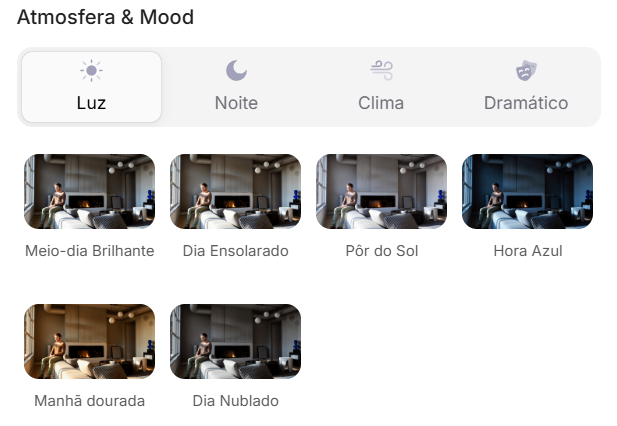
Atmosphere & Mood in Redraw: lighting in one click, no long prompt.
Instead of describing suburban residential street with visible neighbors in the background, you select the scene directly in the visual interface.
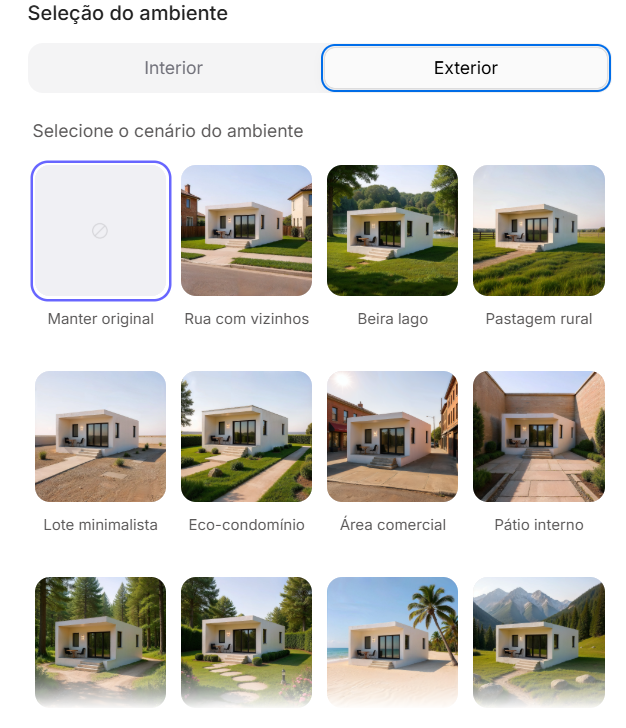
Environment Selection in Redraw: scene in one click, no text description.
Every choice you'd make in a long prompt — lighting, environment, style, camera — becomes a click. And because Redraw was trained exclusively for architecture, the model already “understands” the project context without you having to explain.
“In Redraw, the less prompt users write, the better the results.”
| Feature | Text-Prompt Tools | Redraw |
|---|---|---|
| Prompt complexity | High — requires technical, long structure | Low — natural and simple language |
| Lighting control | Based on technical text | Based on visual clicks (Atmosphere & Mood) |
| Environment control | Based on descriptive text | Based on visual clicks (Environment Selection) |
| Fidelity to 3D project | Variable — depends on reference and prompt | High — processes the model geometry directly |
| Consistency between generations | Low | High |
| User focus | Learning to command the AI | Describing the architectural vision |
| Learning curve | Steep | Fast and intuitive |
| Time per render | High (prompt + tweaking + post-production) | Low (20–40 seconds, publishable result) |
The prompts in this guide remain valuable — understanding the logic makes you a more strategic user of any tool. But if you want to skip the learning curve and go straight to the result, Redraw solves it in clicks.
Problem it solves: Facades rendered against white or generic backgrounds don't convey the project's real urban context. Clients and developers need to see how the project fits into the street.
When to use: Residences on urban lots where neighborhood context is relevant for the presentation.
The prompt:
Transform this image into an ultra photorealistic architectural photograph. Preserve 100% of the original architecture, layout, furniture placement, materials, colors, textures, proportions, decorative elements, and camera angle. Do NOT add, remove, redesign, or replace any element of the main project. Enhance realism only through: Physically accurate global illumination • Natural light behavior and realistic light bounce • Soft and natural shadow gradients • Ray traced reflections and refractions • Real-world material response. Add neighboring houses on both sides of the main construction, integrating them naturally into the urban context. The neighboring houses must: • Respect correct scale and perspective • Follow realistic residential architectural language • Maintain coherent lighting direction • Not block or interfere with the visibility of the main project • Not cast unrealistic shadows over the main façade • Remain secondary elements in the composition. Under no circumstances modify, adjust, reinterpret, resize, or redesign the original main building. Professional architectural photography style, balanced HDR exposure, natural color grading, cinematic yet realistic atmosphere. Ultra high resolution, 8K detail.
What sets this prompt apart: The detailed instruction on how neighboring houses should behave — scale, perspective, light direction, and visual hierarchy. Without it, the AI may produce neighbors that visually compete with the project or distort perspective.
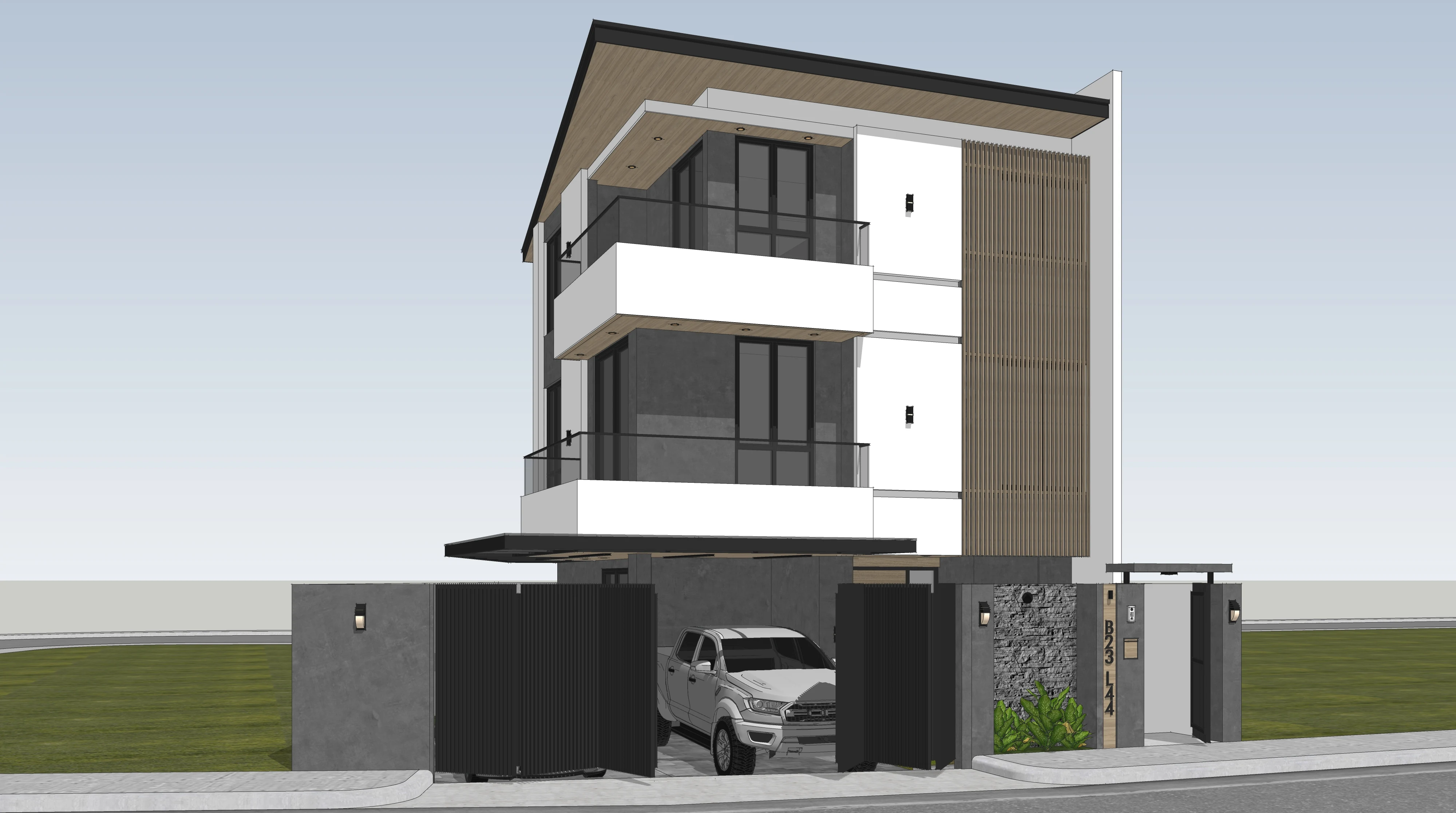
Before — base SketchUp render
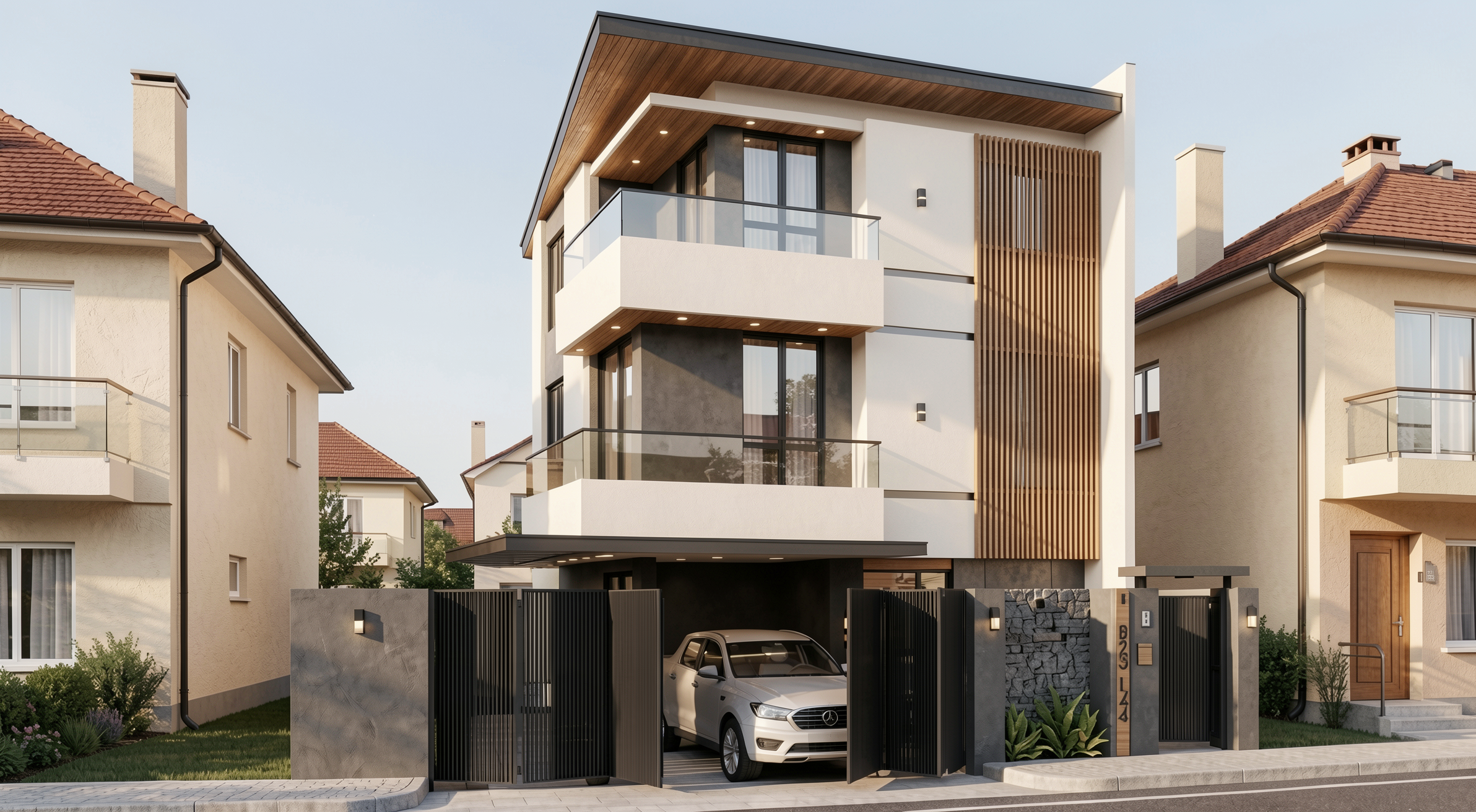
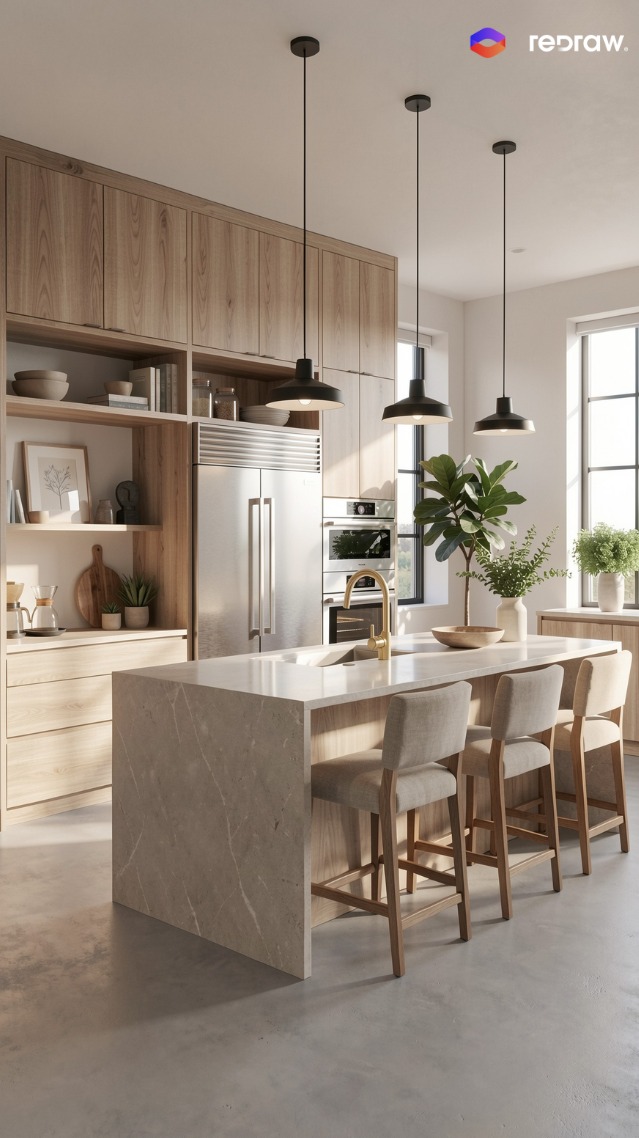
Result with Redraw
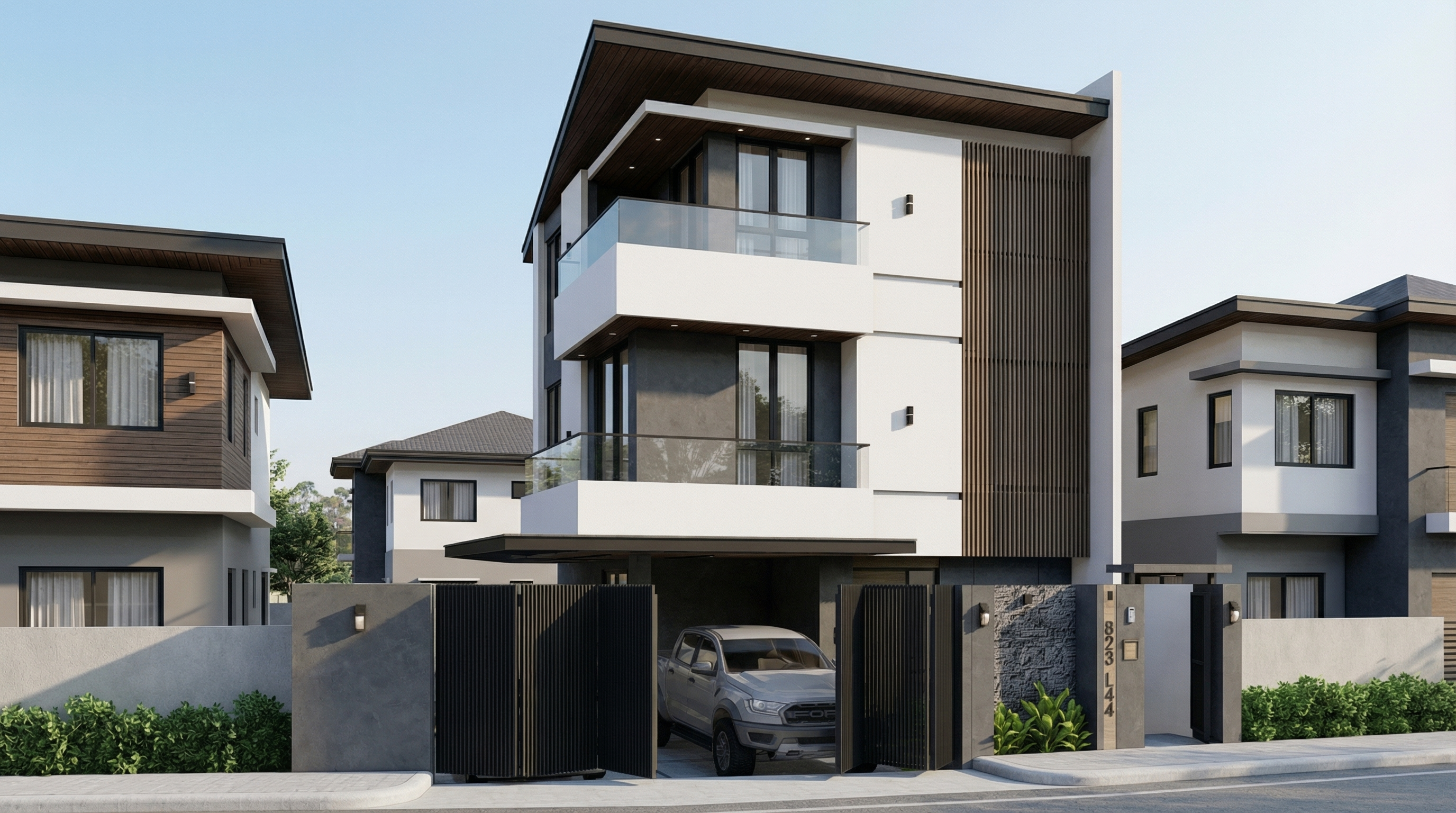
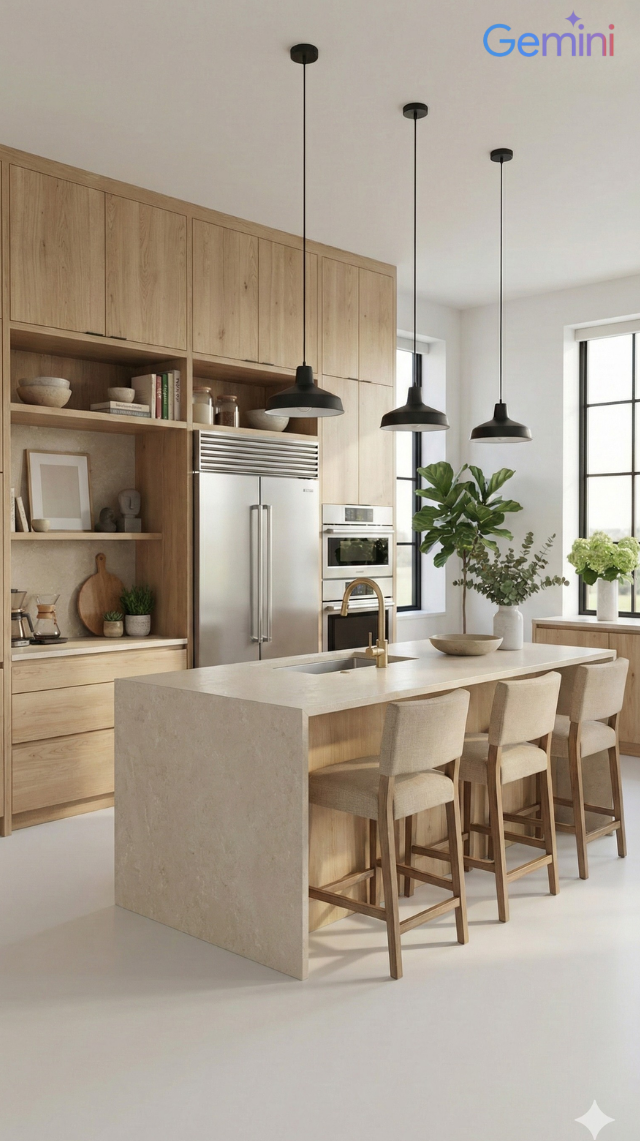
Result with Nano Banana Pro
Problem it solves: Facades without vegetation feel cold and decontextualized. Adding trees increases realism and elevates the project — as long as it's done with control over scale and shadows.
When to use: Any type of facade — residential, commercial, mixed-use — where natural vegetation improves the presentation.
The prompt:
Transform this image into an ultra photorealistic architectural photograph. Preserve 100% of the original architecture, layout, furniture placement, materials, colors, textures, proportions, decorative elements, and camera angle. Do NOT add, remove, redesign, or replace any element of the main project. Enhance realism only through: Physically accurate global illumination • Natural light behavior and realistic light bounce • Soft and natural shadow gradients • Ray traced reflections and refractions • Real-world material response. Add realistic trees around the main construction, integrating them naturally into the surrounding context. The trees must: • Respect correct scale and perspective relative to the building • Be positioned naturally (side areas, background, or sidewalk alignment) • Maintain coherent lighting direction and shadow behavior • Cast physically accurate and soft shadows • Not block or interfere with the visibility of the main façade • Remain secondary elements in the composition • Appear as natural landscape additions, not decorative overlays. Under no circumstances modify, adjust, reinterpret, resize, or redesign the original main building. Professional architectural photography style, balanced HDR exposure, natural color grading, cinematic yet realistic atmosphere. Ultra high resolution, 8K detail.
If you want a specific type of tree (palms, oaks, cedars), add to the prompt: “Use [tree type] as the primary vegetation species.”
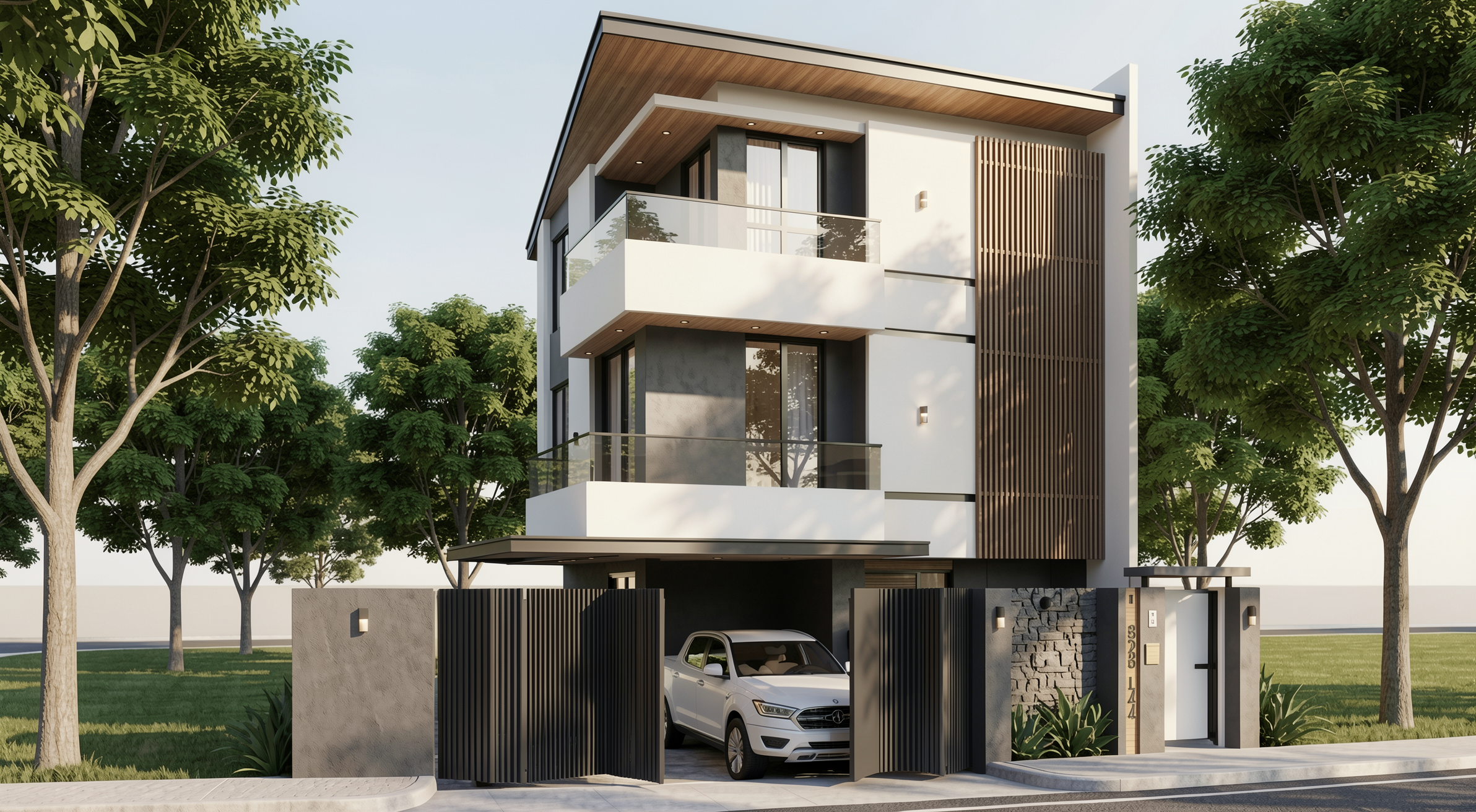
Result with Redraw
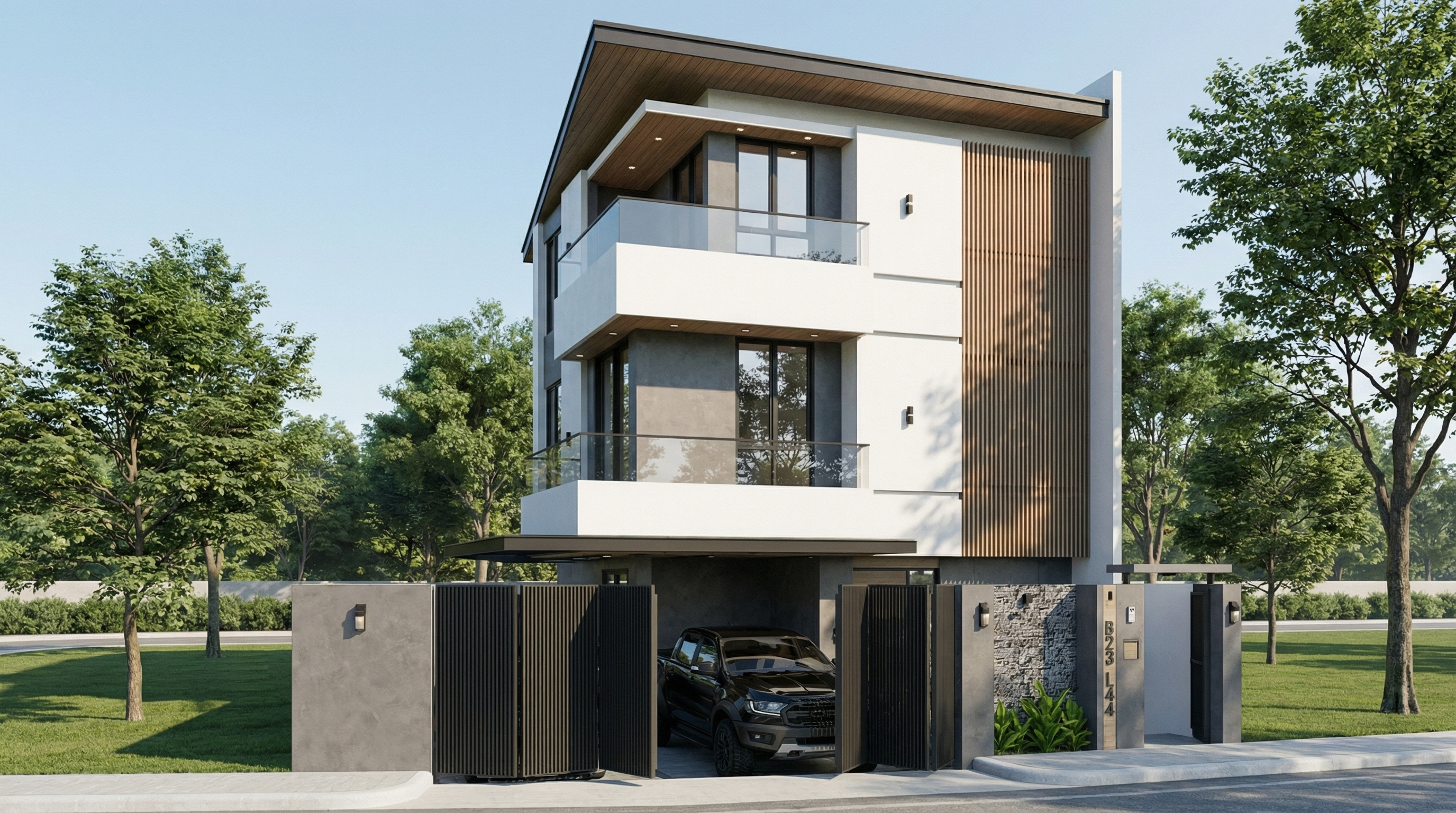
Result with Nano Banana Pro
Problem it solves: Post-rain facades with wet floor reflections and surface moisture are among the most visually impactful renders — and among the hardest to do with control. This prompt solves it.
When to use: High-impact presentations, portfolios, social media. Works especially well on facades with concrete, stone, paving, and metal.
The prompt:
Preserve 100% of the original architecture, materials, colors, textures, proportions, decorative elements, lighting fixtures, surrounding elements, landscaping, and camera angle. Do NOT add, remove, redesign, reposition, replace, or reinterpret any element. Transform the image into an ultra photorealistic architectural photograph representing a natural post-rain environment. Simulate realistic wet surface conditions on ground planes, pavements, streets, and exposed exterior surfaces, ensuring physically accurate water reflection behavior and subtle moisture accumulation. Enhance reflective properties on materials such as stone, concrete, glass, metal, and flooring through realistic surface roughness variation, water film reflections, and natural light diffusion across wet areas. Introduce subtle environmental dampness indicators such as slightly darkened material tones, enhanced reflection clarity, and realistic interaction between moisture and lighting. Maintain balanced HDR exposure, natural color grading, realistic sky brightness consistency, soft shadow transitions, and accurate global illumination under post-rain atmospheric conditions. Ensure reflections remain physically plausible and proportional, avoiding exaggerated mirror effects while preserving realistic depth and material response. Professional architectural photography quality, cinematic yet natural atmosphere, ultra high resolution, 8K detail, and full-frame camera realism.
What sets this prompt apart: The instruction “avoiding exaggerated mirror effects” is fundamental. Without it, the AI tends to create floor mirror reflections that look unreal.
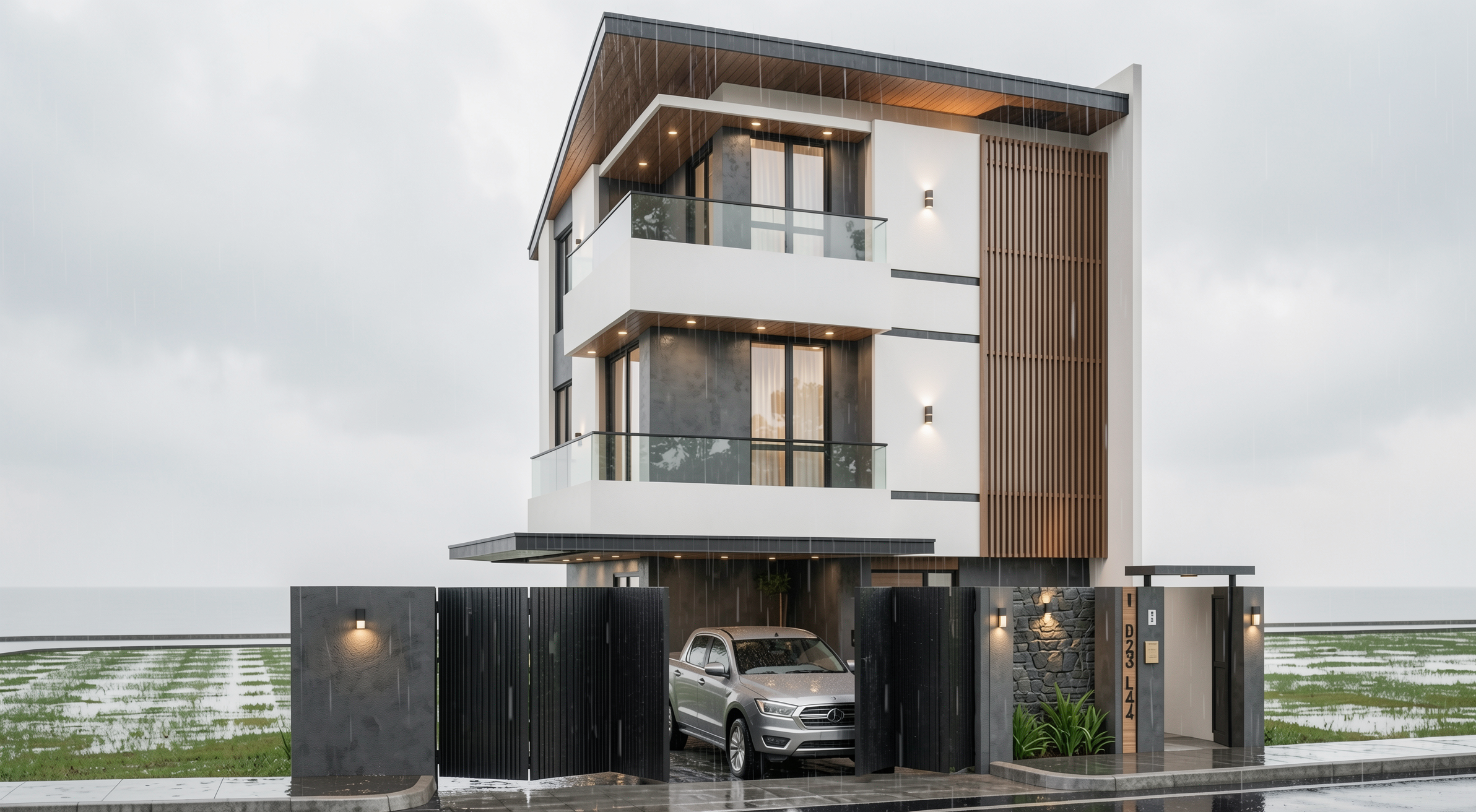
Result with Redraw
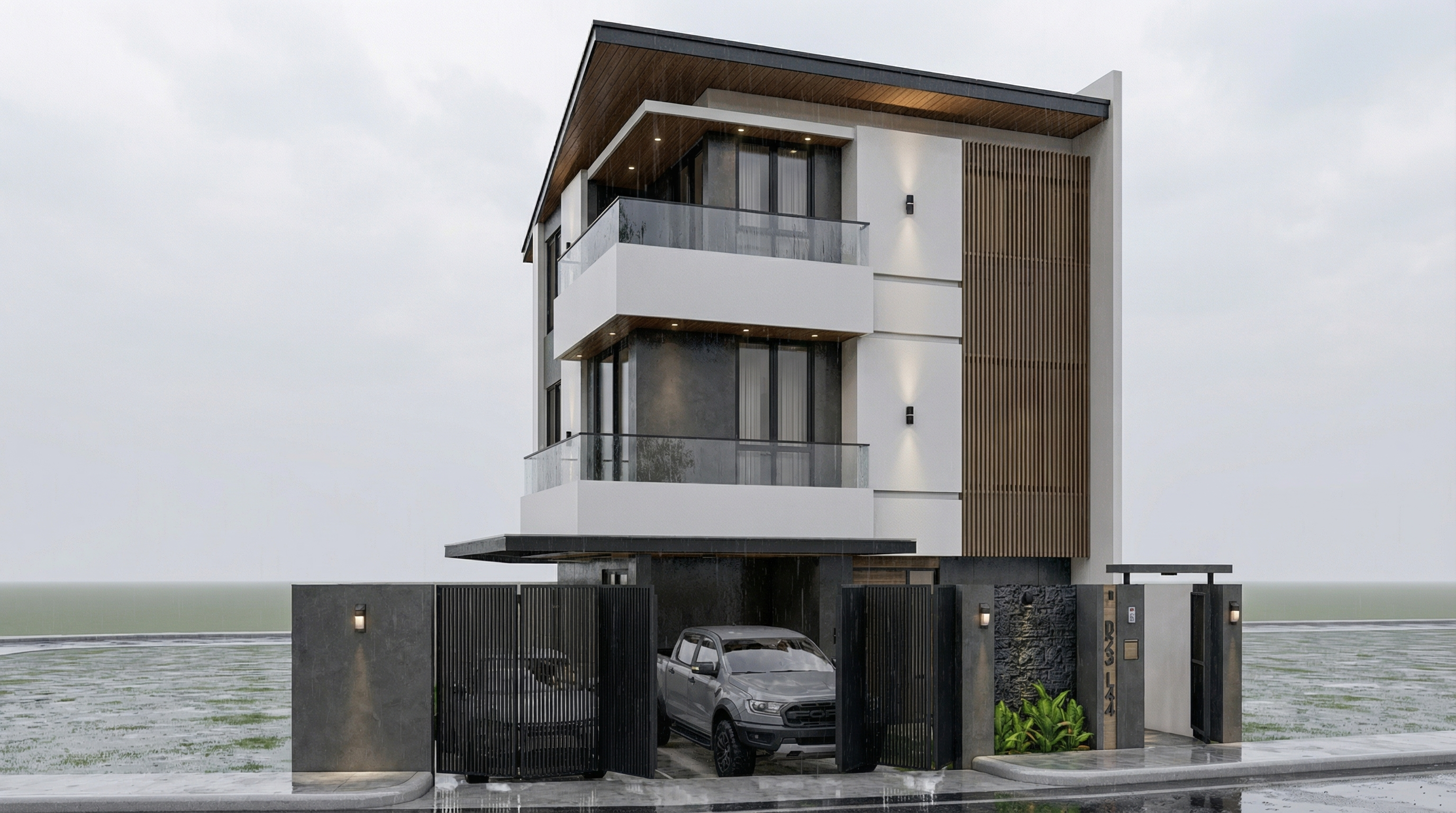
Result with Nano Banana Pro
Problem it solves: The most versatile facade prompt — transforms any facade render into a daytime architectural photograph with realistic natural light.
When to use: Starting point for any facade when you want a clean and professional photorealistic result, without defining a specific atmosphere.
The prompt:
Preserve 100% of the original architecture, materials, colors, textures, proportions, decorative elements, lighting fixtures, surrounding elements, landscaping, and camera angle. Do NOT add, remove, redesign, reposition, replace, or reinterpret any element. Transform the image into an ultra photorealistic daytime architectural photograph. Enhance realism through physically accurate daylight simulation, natural sky illumination, realistic sun direction, soft shadow gradients, global illumination, and accurate environmental light bounce. Improve facade material response with micro surface imperfections, subtle tonal variation, realistic roughness maps, natural reflection behavior on glass and metal, and authentic surface depth. Maintain balanced HDR exposure, natural color grading, realistic atmospheric clarity, professional full-frame camera behavior, subtle depth perception, and true-to-life sharpness. Ultra high resolution, 8K detail, cinematic yet realistic architectural photography quality.
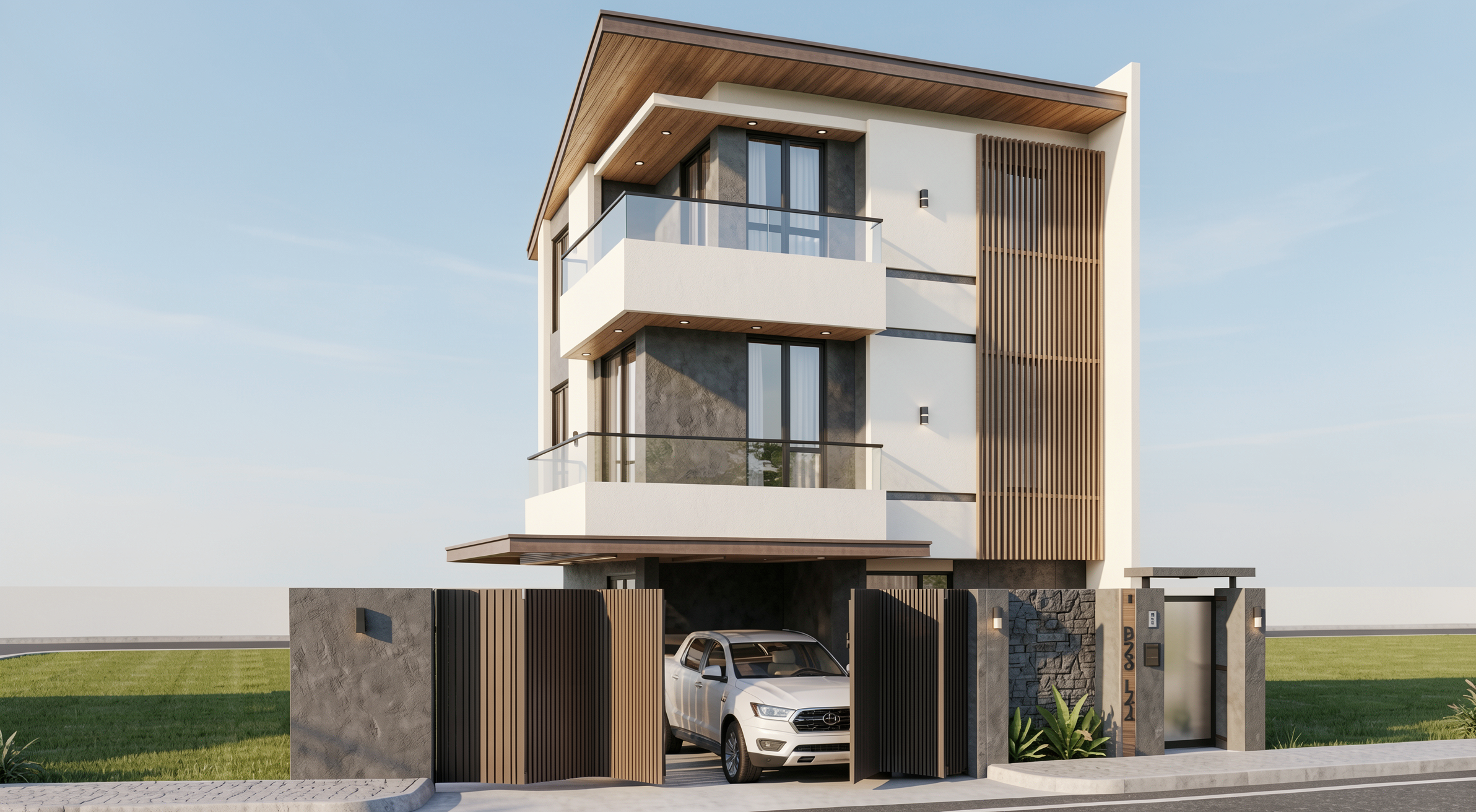
Result with Redraw
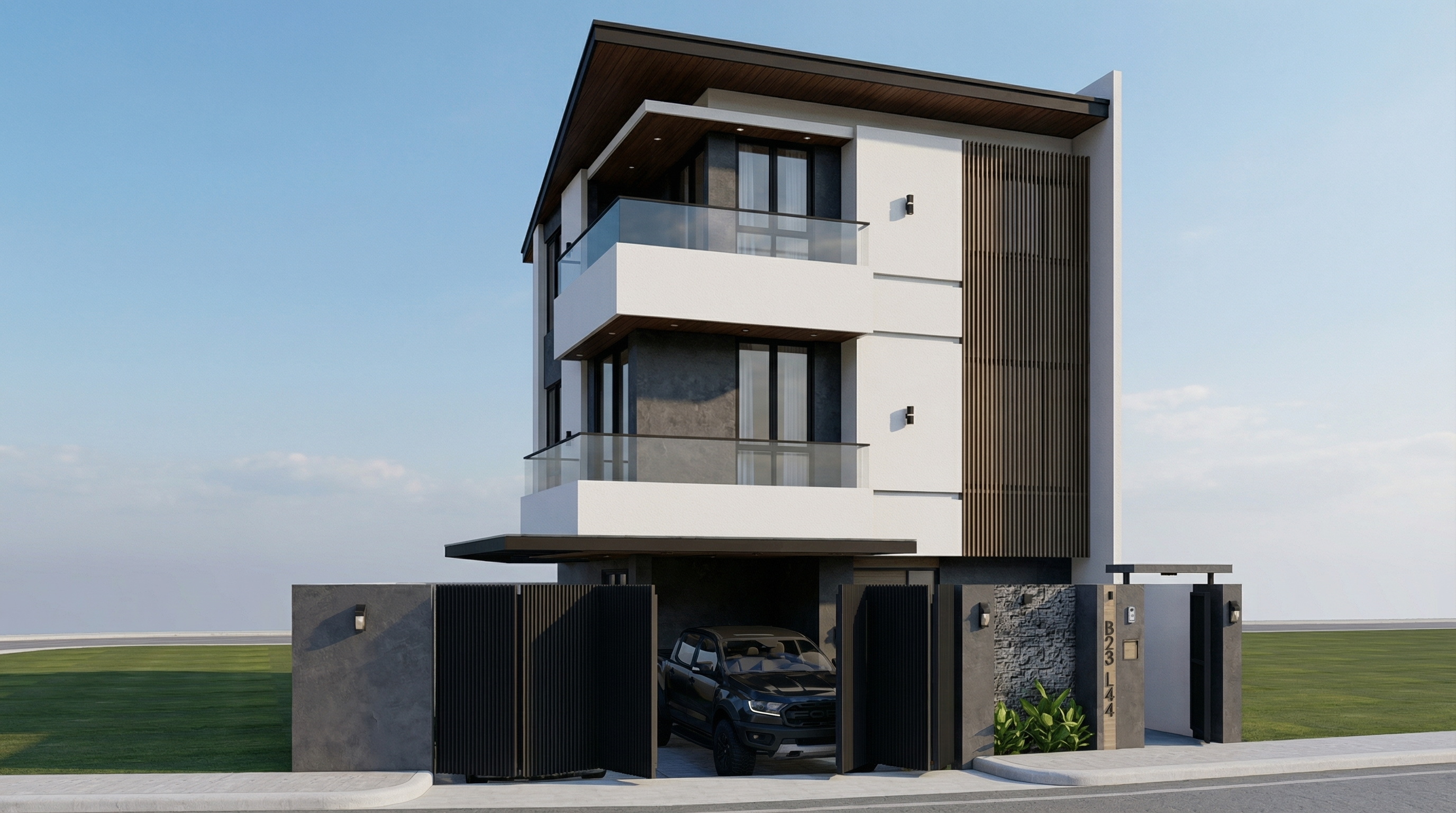
Result with Nano Banana Pro
Problem it solves: Overcast light is the favorite of professional architectural photographers — it's diffused, casts no harsh shadows, and reveals the real material texture. This prompt replicates that effect.
When to use: Facades with textured materials (exposed concrete, brick, stone) where you want texture to be the protagonist. Also works very well on dark facades or low-reflection materials.
The prompt:
Preserve 100% of the original architecture, materials, colors, textures, proportions, decorative elements, lighting fixtures, surrounding elements, landscaping, and camera angle. Do NOT add, remove, redesign, reposition, replace, or reinterpret any element. Transform the image into an ultra photorealistic architectural photograph under overcast sky conditions. Simulate diffused environmental lighting with soft, evenly distributed illumination across all facade surfaces. Reduce harsh shadow contrast while maintaining realistic depth perception, natural material response, accurate environmental reflections, and subtle tonal transitions. Enhance facade texture clarity with physically accurate surface roughness, micro imperfections, realistic light absorption, and natural color consistency under cloudy lighting conditions. Maintain professional architectural photography standards, balanced exposure, realistic atmospheric depth, and ultra high resolution 8K detail.
What sets this prompt apart: “Reduce harsh shadow contrast” is the key to overcast days. Soft shadows and uniform diffused light are exactly what differentiate a professional facade photograph from a hard-sun render.
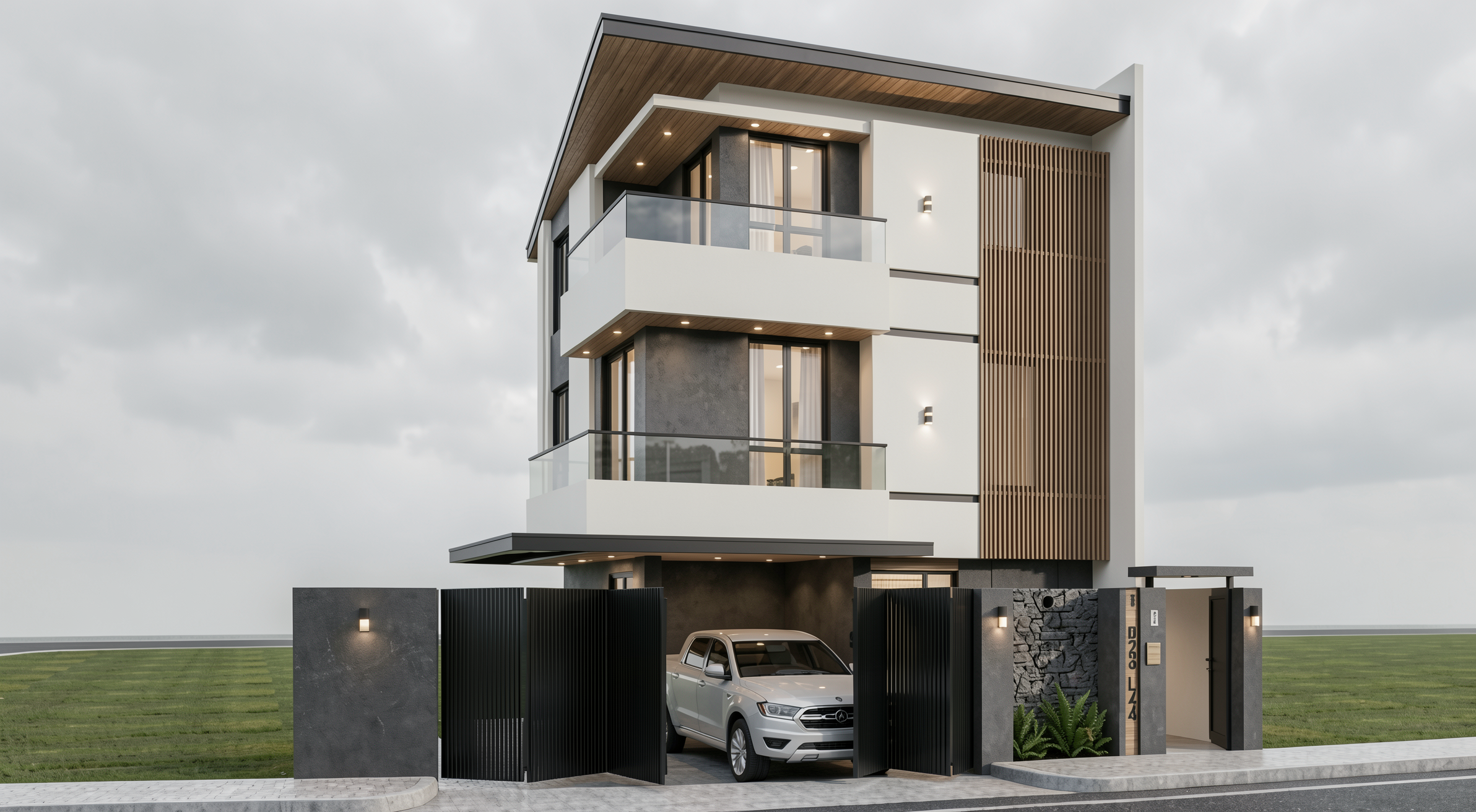
Result with Redraw
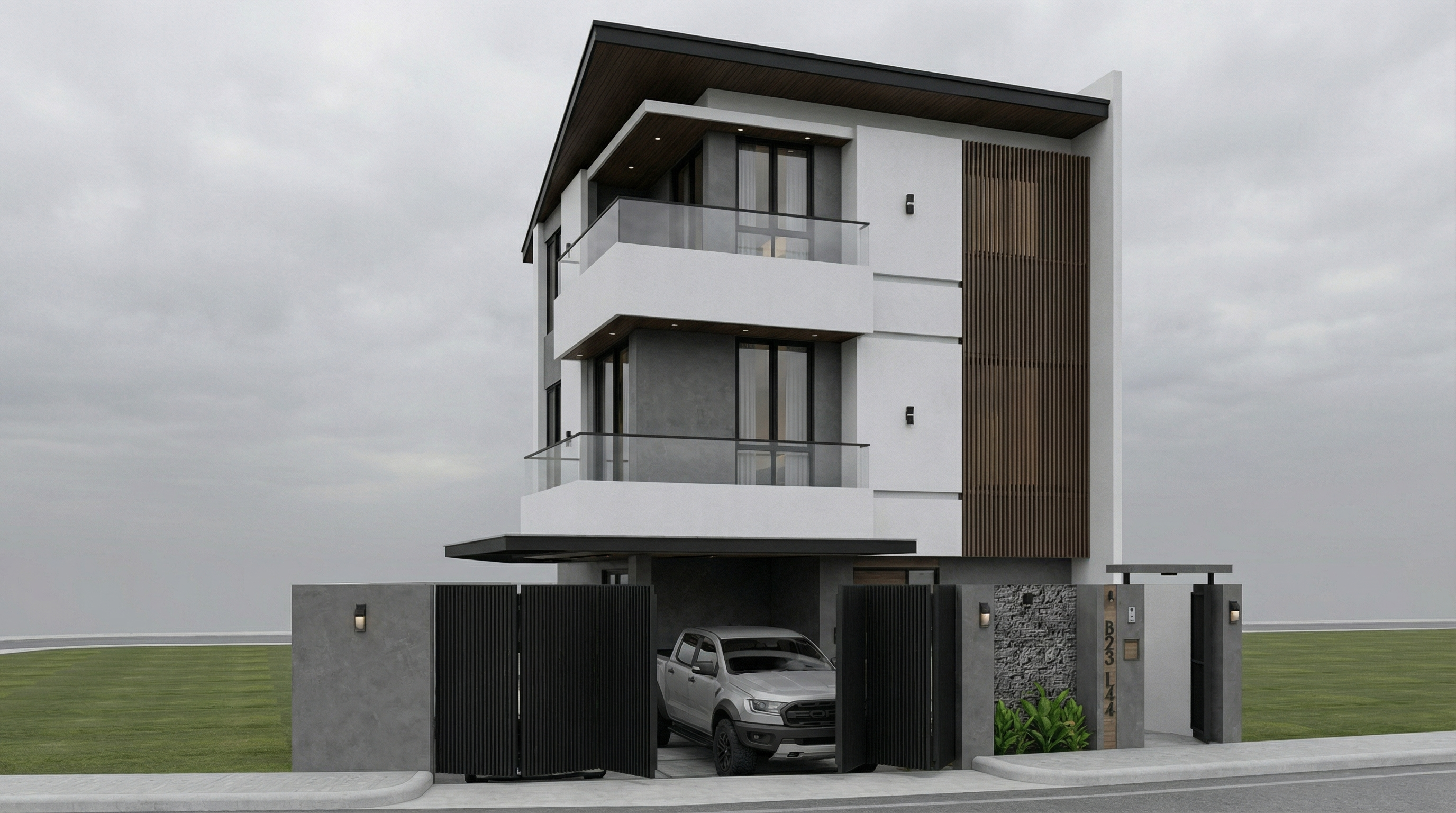
Result with Nano Banana Pro
Problem it solves: Night renders are hard to do well — the balance between the project's artificial lighting and the dark environment is the great challenge.
When to use: Projects with elaborate artificial lighting — commercial, high-end residential, restaurants, hotels. Night renders are often the most impactful for these.
The prompt:
Preserve 100% of the original architecture, materials, colors, textures, proportions, decorative elements, lighting fixtures, surrounding elements, landscaping, and camera angle. Do NOT add, remove, redesign, reposition, replace, or reinterpret any element. Transform the image into an ultra photorealistic nighttime architectural photograph. Simulate realistic night environmental conditions with accurate low-light exposure, natural darkness balance, and physically correct interaction between existing artificial lighting and surrounding shadows. Enhance realistic light falloff, warm and cool contrast balance, subtle reflections on glass surfaces, accurate ambient occlusion, soft shadow transitions, and volumetric light interaction where appropriate. Refine facade materials with realistic surface depth, micro imperfections, subtle reflection roughness variation, and true-to-life night photography exposure control. Professional architectural night photography style, balanced dynamic range, cinematic yet natural atmosphere, ultra high resolution, 8K detail.
What sets this prompt apart: “warm and cool contrast balance” and “light falloff” are the two parameters that make a night render look like a real photo. Warm light from fixtures vs. cool blue of the night ambient.
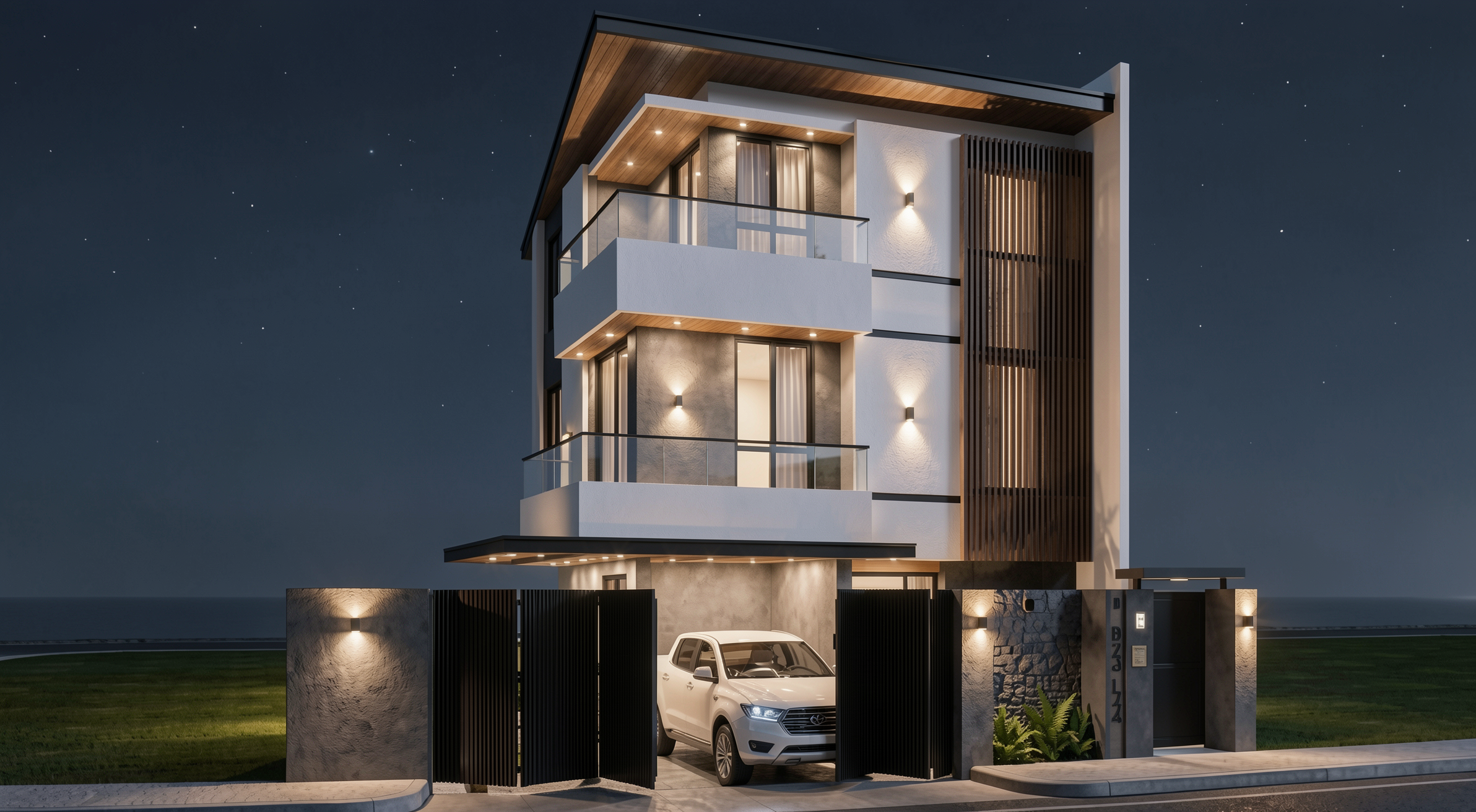
Result with Redraw
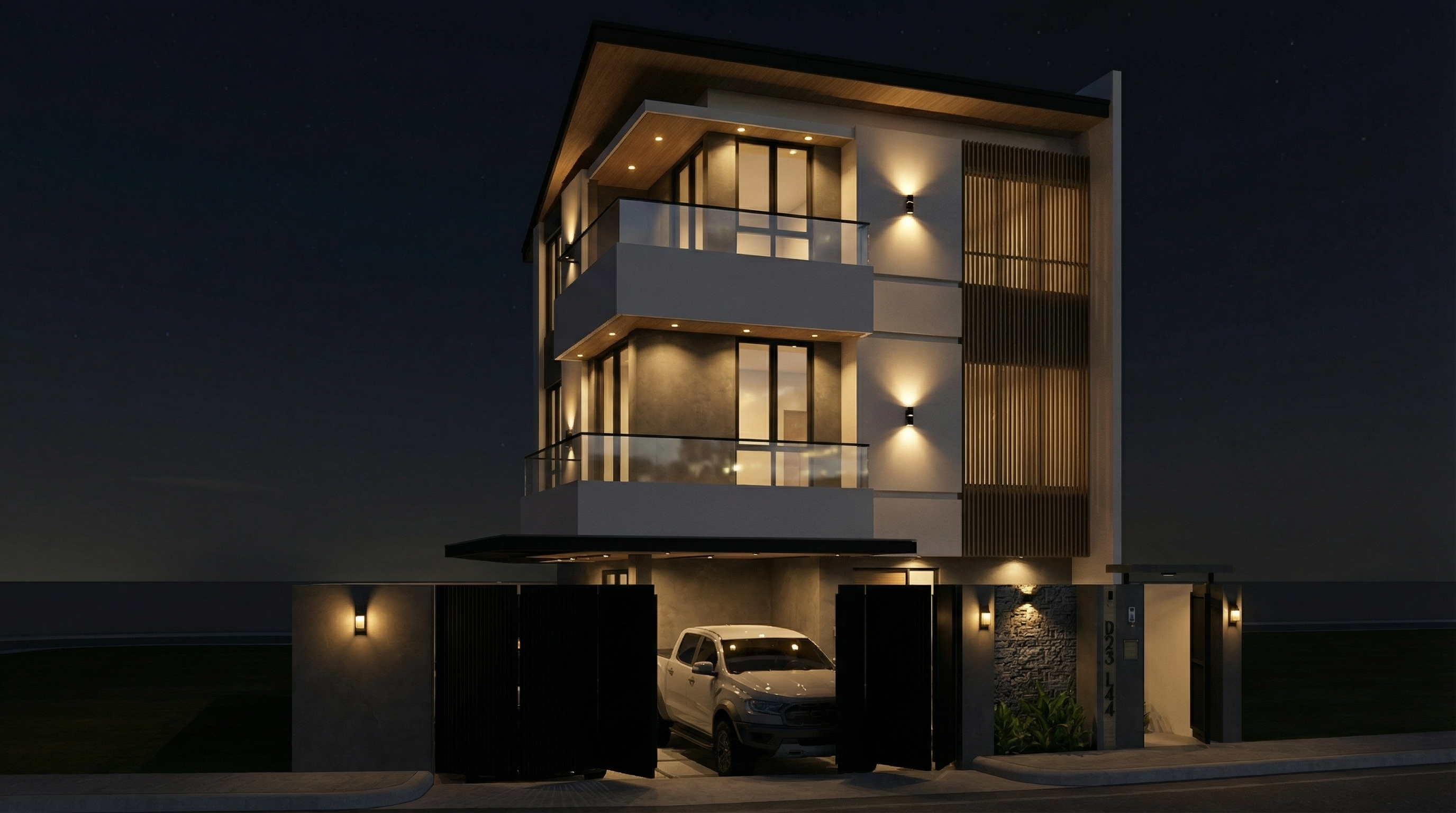
Result with Nano Banana Pro
Problem it solves: Blue hour — that moment between end of day and full night — is the most sought-after timing in professional architectural photography. Ambient light still exists, but the project's artificial lights are already on. The contrast is cinematic.
When to use: Portfolios, high-impact presentations, projects with significant artificial lighting. It's the hardest render to do manually and one of the most efficient with AI.
The prompt:
Preserve 100% of the original architecture, materials, colors, textures, proportions, decorative elements, lighting fixtures, surrounding elements, landscaping, and camera angle. Do NOT alter any architectural or design element. Transform the scene into an ultra photorealistic blue hour architectural photograph. Balance residual ambient daylight with existing artificial lighting, creating realistic contrast between cool environmental tones and warm interior illumination. Enhance subtle reflections, soft shadow layering, atmospheric depth, physically accurate light diffusion, and realistic material response. Maintain cinematic yet natural color grading, professional camera exposure control, realistic dynamic range, and ultra high resolution 8K architectural photography quality.
What sets this prompt apart: “balance residual ambient daylight with existing artificial lighting” — this instruction is what creates the real blue hour contrast. Without it, the AI tends to go straight to night or day, with no transition.
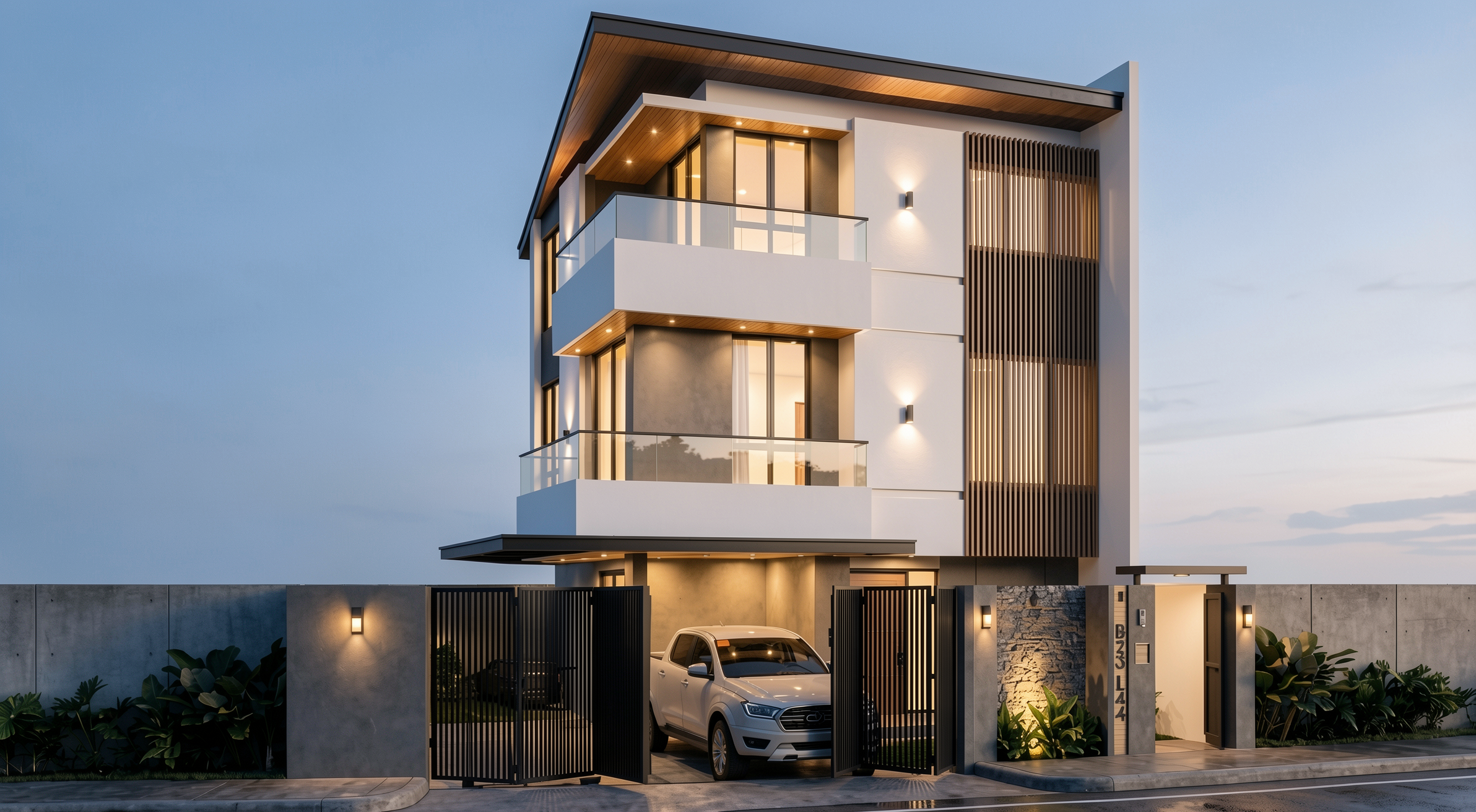
Result with Redraw
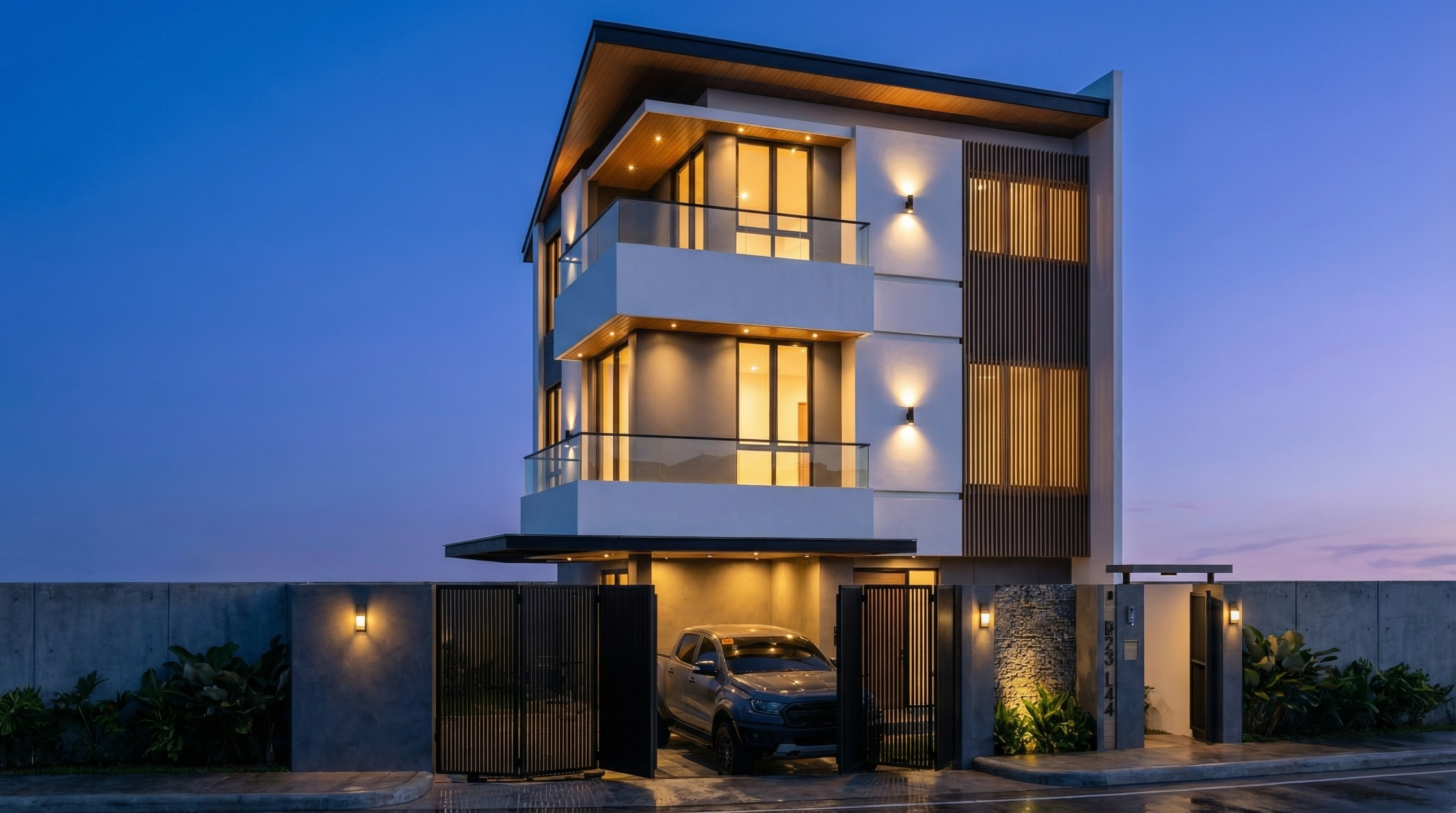
Result with Nano Banana Pro
Use these prompts together with any facade prompt above whenever the AI is altering elements it shouldn't.
Preserve 100% of the original architecture, layout, furniture placement, materials, colors, textures, decorative elements, proportions, lighting positions, and camera angle. Strictly forbid adding, removing, replacing, resizing, repositioning, or redesigning any element. The purpose of this transformation is ONLY to enhance realism, lighting behavior, and material response without altering the original design in any way.
Preserve the original lighting design exactly as shown in the image. Do not add new light sources, remove existing lights, or modify lighting positions. Only enhance realism through natural light diffusion, realistic light bounce, soft shadow transitions, and accurate material interaction with existing lighting.
Preserve all original materials and textures exactly as shown. Do not replace, reinterpret, or stylize materials. Enhance realism only through improved surface detailing, micro imperfections, and physically accurate light response.
For facade renders with full project fidelity, the recommendation is clear: Redraw.
Redraw processes the 3D facade model directly (SketchUp, Archicad, Revit, Rhino, 3DS), preserves the original geometry, and generates the render in 20 to 40 seconds. You choose the atmosphere — daytime, night, overcast, sunset — in clicks, with no need for long text prompts.
The prompts in this guide are ideal for those who want to explore and learn AI text control. For day-to-day office work, Redraw delivers the result without the learning curve.
Blog