Use AI to delight your customers, sell more, and make your images and videos stand out in ads and marketplaces.
Discover how ChatGPT is transforming the daily lives of Brazilian architects and how Redraw integrated this technology.
Redraw
Start transforming your projects today using Redraw.



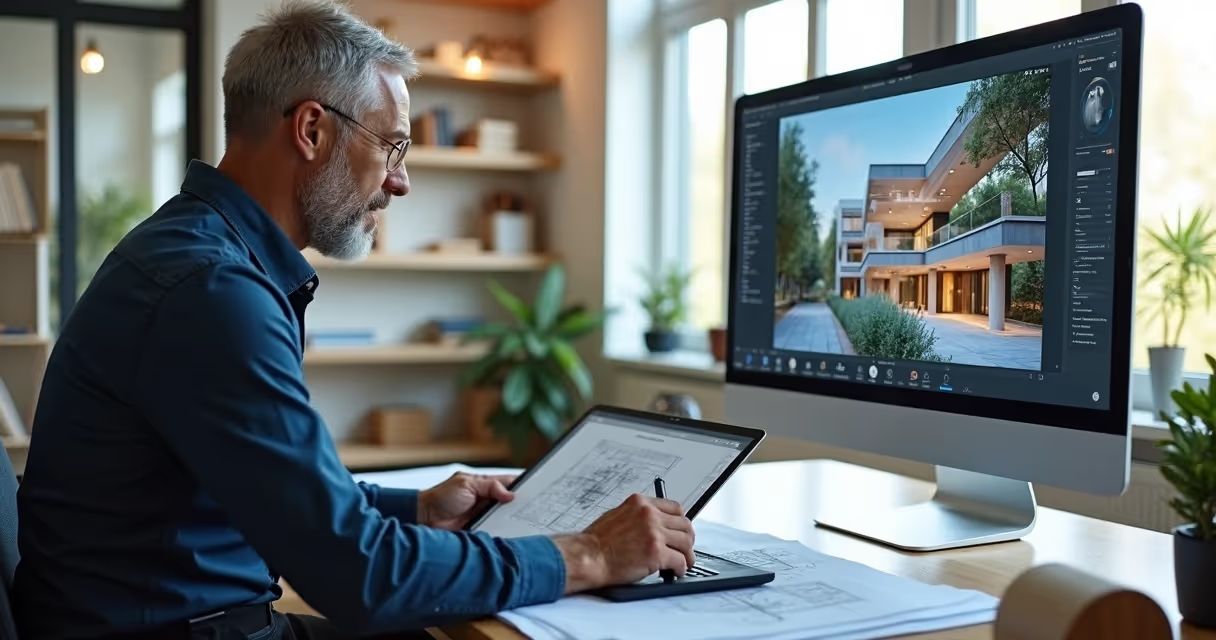
ChatGPT architecture has never made more sense to Brazilian architects than it does now. From a futuristic conversation to happy hour, it became an office routine, after Redraw integrated the GPT-4 intelligence directly into its platform. As a result, professionals who previously spent hours explaining ideas to interns, designers, or slow software discovered that it was enough to type “brutalist façade with vertical stripes” in the chat, wait 30 seconds, and see the hyper-realistic rendering appear from Nought on the screen. All this without installing plugins or messing with super-powerful computers. It's no exaggeration: this integration created the first conversational AI ecosystem with instant rendering in the country, changing the workflow, and even the mood, of those who live by delivering visuals.
The integration between ChatGPT and Redraw created a turning point that is still being digested by many professionals in Brazil. Before, to transform a briefing into realistic images, architects had to jump between tools, adjust a thousand settings and, almost always, face technical frustrations.
With ChatGPT within Redraw, this process was reduced to a few clicks and some well-formulated sentences.
Do you want to know how it works in practice?
This “superpower” is in the hands of more than 80,000 active users, who already understand the value of saving up to 90% of the time on renderings and concept tests.
ChatGPT is a language model trained to understand, generate and dialogue on almost any topic, including architecture. Its version based on GPT-4 overcomes the text-to-text barrier. It interprets a briefing and already solutions, standards, styles, and even estimates of area or lighting. And when integrated with Redraw, it becomes an “instant translator” between technical words and photorealistic images.
The latest generation of the model, the GPT-4, understands complex contexts, knows how to differentiate rendering from a volumetric model, and recognizes specific terms (such as “vertical brise”, “double ceiling height” or “vegetation density on the edge of an urban lot”). Thus, he responds like a senior architect, without trying to guess the client's taste, but basing the answers on Brazilian trends, standards, and references.
According to Redraw's internal analysis, professionals are looking for architectural ChatGPT to gain speed and centralize workflow. Integration saves time, reduces rework, streamlines concept approval, and gets repetitive tasks out of the way. Brazilians like “all in one”, and the alternative of creating rendering directly from the browser, without investing in expensive hardware, makes a difference for small and medium-sized offices.
Many have already tried the free version of ChatGPT on the web. But without native integration with a visual platform, the chat is limited to generating texts and references. The difference between Redraw is that it transforms responses into rendered images, eliminating copies and pastes between applications. It's literally a leap from conversation to the final visual, without losing information along the way.
This question appears almost every day in groups of architects. With TCCs, commercial proposals and increasingly demanding clients, the desire to automate processes increases, but few know what to trust.
While other intelligence creates loose images based on artistic prompts, ChatGPT, integrated with Redraw, goes further. It understands context, generates aligned text and image (without distortions or headless results), and complies with Brazilian technical guidelines. The secret lies in the conversation of “remembering” the office pattern, the palette, the use of space, and even the client's preference, something that no isolated visual AI can deliver.
AI alone generates beautiful results that are disconnected from the actual design process. The integration, on the other hand, allows for more precise commands, continuous context, and automatic sequences that speed up briefing to visualization. It's the difference between ordering a pizza on the phone and having an automatic kitchen, adjusting the flavor according to your diet.
Speaking of a national reality, only the Redraw + ChatGPT union was built on the step by step of Brazilian flows, with support in Portuguese and price in real. The result is a 100% cloud engine, adapted to render both 30m² apartments in São Paulo and 500m² homes in Santa Catarina, from sketch to rendering, everything goes through the chat. See more behind the scenes of this technology in details on how Redraw works.
Now for the practical part. If someone has already logged in, they will notice that Redraw's integrated environment allows instant access to ChatGPT. You don't have to download anything. Just open the project, click on the chat tab, choose the GPT-4 model, and start the dialogue:
Once logged in, the user clicks on the desired project and opens the side chat window. The integration recognizes project settings, imports data from SketchUp/Revit, and suggests intelligent questions, such as “Do you want a more Scandinavian look?” or “What is the solar orientation of the environment?”
The architect writes clear sentences about the objective (“commercial room, 3.5m ceiling height, natural lighting, clean style”). ChatGPT responds with a conceptual proposal, material references, and already suggests layout and detailing options. The user can adjust, ask “What if I enlarge the window?”
Just click “render”. The Redraw cloud processes the order and, in about 30 seconds, delivers the renders with magazine catalog quality, including lighting, textures, and even automatic setting.

Asking for a project for AI requires a bit of malice. The secret lies in the prompt, that is, in the command that translates all your architectural reasoning into digital instruction.
Good Prompt has:
The more precise and objective, the faster and more faithful the ChatGPT result integrated with Redraw will be.
The result appears within 30 seconds, ready for approval or adjustment.
Other prompts inspirations can be found at Advanced content about applied AI in projects.
Just review before submitting, prioritizing clarity and technical consistency.
The secret of the Redraw experience lies in the integration architecture. Opened via API to GPT-4, the system connects chat responses directly with the cloud rendering engine, forming a continuous cycle between conversation and visual result.
The user doesn't see it, but the platform automatically translates the textual briefing into parametric commands sent to the rendering engine, while keeping the conversation open for refinement. This allows you to receive instant visual feedback without giving up technical dialogue.
100% cloud processing eliminates the need for expensive video cards or local servers. The generated file can be downloaded, adjusted, or sent to clients in less than 1 minute.
All submitted and rendered projects are under user control, with automatic backup and restricted access via secure login. Redraw doesn't use project data to train independent AI models, keeping intellectual property protected.
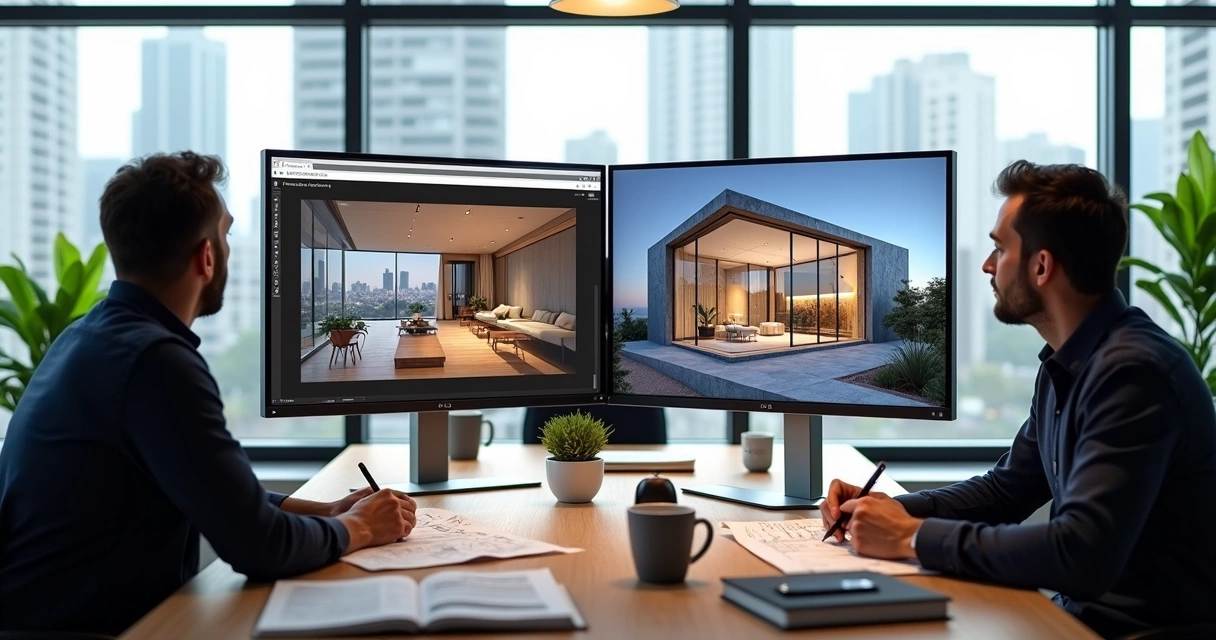
The process integrated with SketchUp or Revit does not require digital juggling. The base project is normally created in these tools, exported to Redraw, and that's where the magic continues.
The platform accepts SKP, RVT, and DWG files. Just import and choose whether you prefer to start with the basic volume or activate the chat for details.
The user can ask for more details, “add pergola to the porch”, “insert hidden LED lighting”, “change facade color to dark blue”.
Tired of the result? Request changes to the chat and receive other material, texture, layout, and lighting options in a few seconds. This eliminates time-consuming drafting and speeds up approvals with customers.
The best part: you don't have to start from scratch with every change. The AI understands the context, history of the project and adjusts only what is necessary. The work flows, without that feeling of “fighting” with the software.
Learn more about integration with design software at Article about interior design with AI.
Numbers speak louder than creative slogans. And in the case of Redraw with ChatGPT, KPIs excite even construction managers.
Before the integration, renders took two days between briefing, file exchange, adjustments, and export. Now, real projects report final delivery in less than half an hour, with three or more options ready for the customer to approve the same day.
Architect Juliana Silva, from Belo Horizonte, says: “By saving time and cutting expenses with a render farm, we were able to increase the number of projects completed in 2024.” Other data collected in internal research show a reduction of up to 70% in operating costs in small offices that migrated to the 100% cloud flow.
“When the customer ordered 12 facade variations, I thought it would be a wasted weekend. With the Redraw chat, I delivered everything in 1h30.”
“AI even helped me find solutions that my team hadn't thought of.”
These testimonials are published directly on Redraw's real case channel.
Integrated AI doesn't live in residential areas alone. Four segments stand out in the professional use of ChatGPT combined with Redraw:
From the creation of the layout, definition of finishes to a 360° digital tour, ChatGPT interprets the needs of the Brazilian house, natural light, integration, ventilation, and real solutions for the climate and the national pocket.
Store, restaurant, office? The chat generates images with an emphasis on the product, flow of people, ergonomics, and already suggests techniques for displaying brands or exploiting a façade.
School projects, clinics and public offices are automated in compliance with ABNT standards, accessibility, and environmental comfort requirements. All with suggestions of colors and furniture adapted to the purpose of the building.
Prompt: “rain garden for urban lot, native species and recycled wood bench”. The result is instantaneous: the rendering shows vegetation, shadows and paths according to the city's biome, editable in the chat.
To learn how AI and landscape design move forward together, see tips at AI projects article.
It is the application of GPT-4 conversational intelligence to transform technical briefings, ideas and requests from architects into objective answers, ready-made concepts, regulations and, with Redraw, even instantly rendered images. ChatGPT understands architectural language and translates instructions into practical flows without intermediaries.
The most practical way is through integration with platforms such as Redraw. The professional accesses a chat, describes the project requirements, style, area, materials, standard, receives suggestions and can generate 3D images or renders with just one click. There is no need to program or install new software on the computer.
Architects gain agility, centralize information, reduce rework, and generate photorealistic visualizations based on simple text commands. The integrated use eliminates noise between the “desired” and the “executed”, optimizes costs and allows presenting varied options to the customer without increasing the workload.
No. ChatGPT in architecture is a support tool, and the architect's talent and critical eye are still irreplaceable. The AI takes care of the repetitive and conversational phase, while the professional is dedicated to the concept, detail, and human relations of the project.
With ChatGPT combined with Redraw, it is possible to automate:
Thus, AI frees up time for the architect to focus on creativity, service, and personalized solutions for each client.
What seemed like fiction a little while ago has become routine in the most attentive offices in Brazil. Use chatgpt architecture integrated with Redraw It is to deliver more, with a better look and less wear.
The invitation remains: take the test and personally see the transformation in your creative process, without depending on expensive hardware, without losing technical control, and with support in Portuguese and prices in real. The future of projects is just a prompt away. Try it and be surprised.
Blog