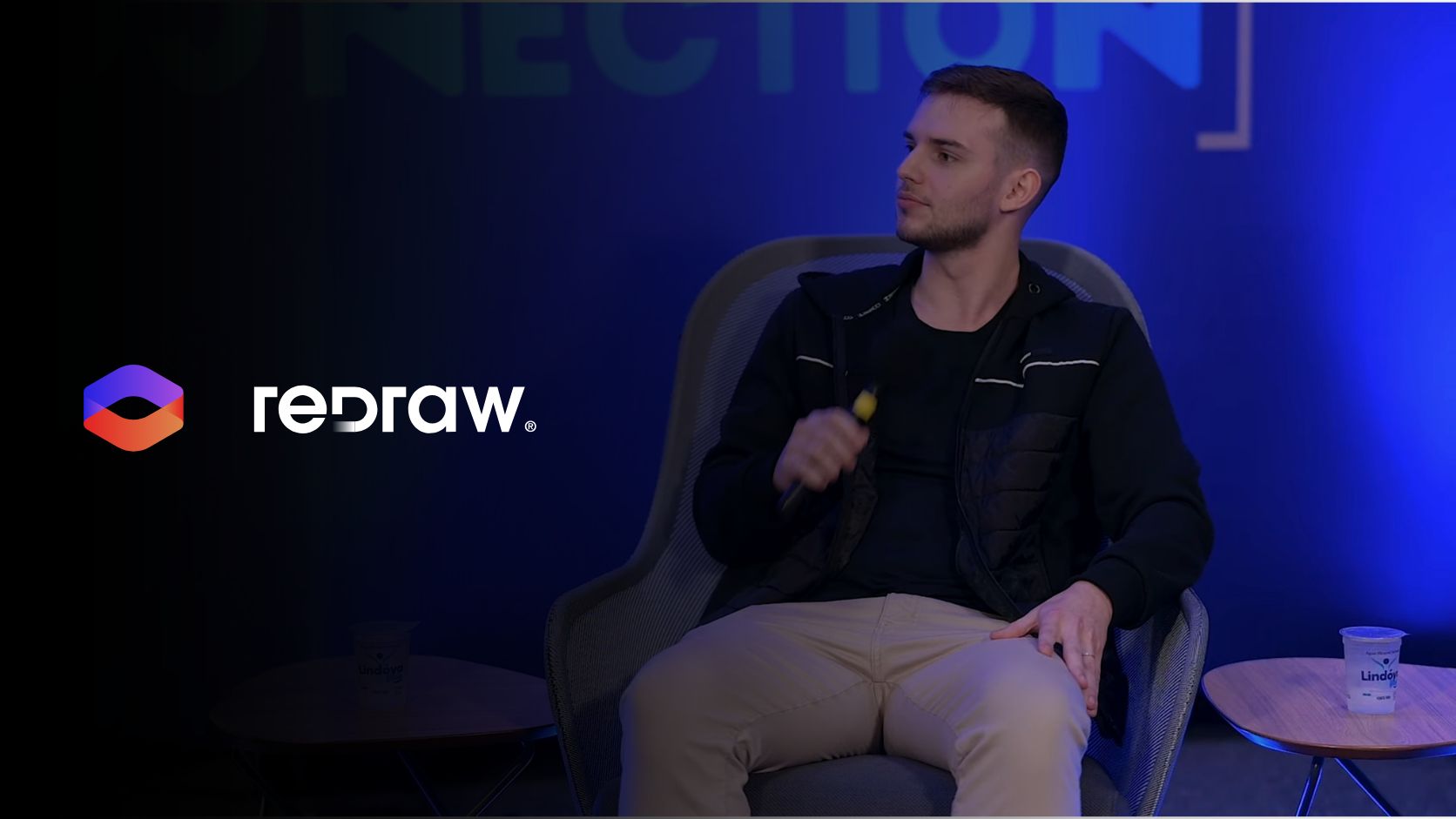
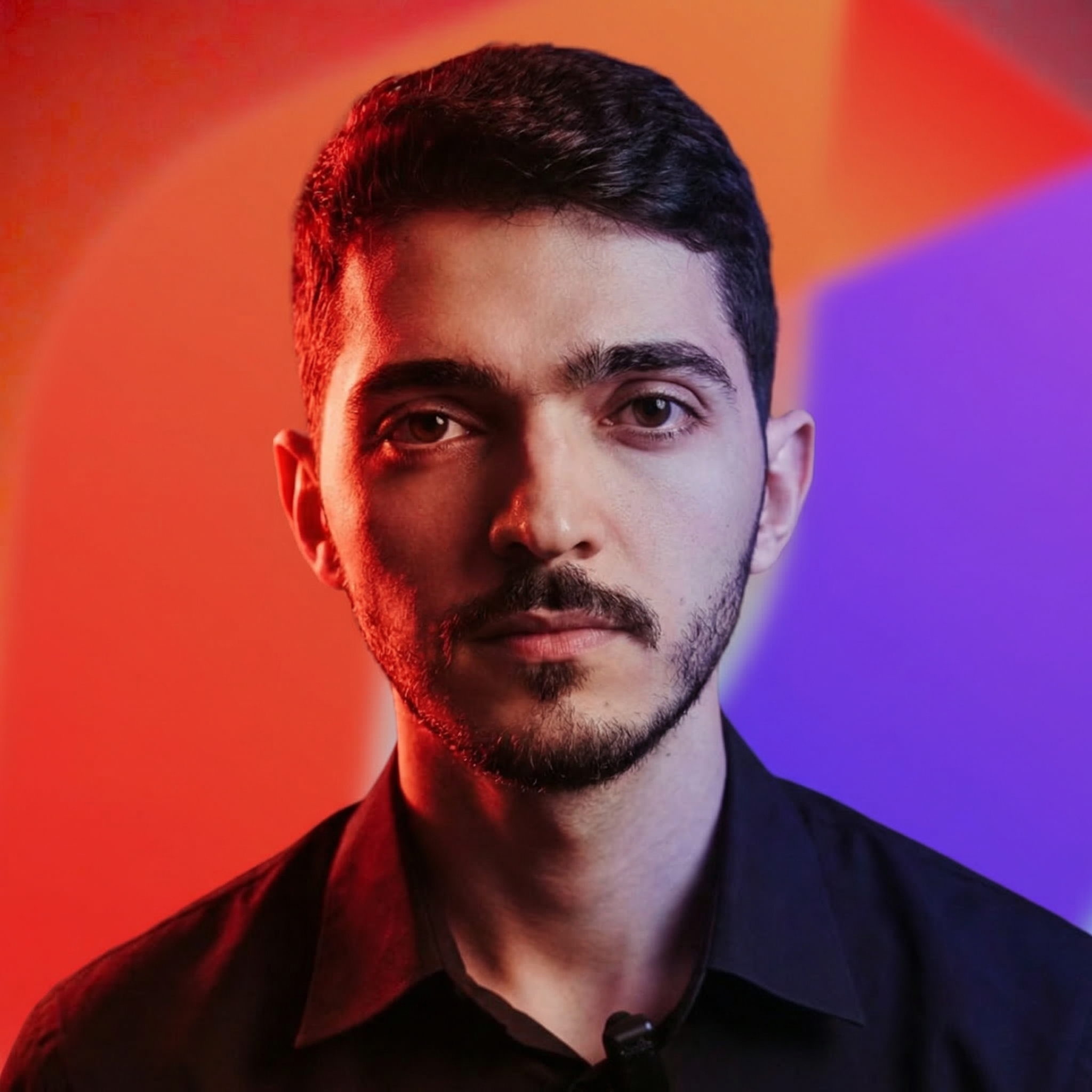
Alexandre is currently the marketing director, but he previously worked as an architect specializing in BIM.
Cloud rendering vs local: real costs, delivery time and quality. Why architects are swapping V-Ray and Lumion for AI in 2026.
Redraw
Start transforming your projects today using Redraw.



Rendering a project has always meant waiting. Hours of setup, a frozen machine, and that quiet prayer that nothing breaks halfway through. If you work in architecture, engineering or interior design, you've lived it.
The scene changed. There's now a real alternative to local rendering, and it isn't only “send it to a farm”. AI cloud rendering is changing how professionals deliver projects. Faster, cheaper, and without needing a US$ 3,000 workstation.
In this article we compare local rendering and cloud rendering for real. With numbers, actual costs, and what makes sense in your day-to-day.
Local rendering is the traditional path. You model in SketchUp, Revit or ArchiCAD, configure materials, lighting, camera, and hit render on your machine using V-Ray, Lumion, Enscape, Twinmotion or Corona.
Does it work? It does. But it carries a cost most people don't sit down to calculate.
First, the hardware. To run Lumion fluently, the vendor itself recommends a high-performance dedicated GPU. In practice that means a PC between US$ 1,500 and US$ 5,000. And it needs replacing every 2 to 3 years because the software gets heavier each release.
Second, the software. A V-Ray license costs around US$ 540 a year. Lumion Pro is US$ 1,149 a year. Enscape is about US$ 575 a year. Twinmotion is US$ 445 a year for companies over US$ 1 million in revenue. Per seat.
Third, time. An interior render in V-Ray takes from 20 minutes to 4 hours depending on complexity and your machine. While rendering, the machine is unusable. Need 5 angles? Multiply by 5.
For a studio doing 3 projects a week, this becomes the bottleneck. It isn't a quality question. It's a productivity question.
Cloud rendering means the processing leaves your computer and runs on remote servers. This happens in two very different ways.
The first is render farms. Services like Fox Render Farm and GarageFarm rent processing power by the hour. You export the file, upload, configure, and wait. The render runs on powerful machines and you download the result.
Render farms solve one problem: you don't need a strong machine. They create others. You pay per hour of use, you still configure everything as you would locally, and there's upload and download time. The real upside is freeing your computer and getting raw processing speed.
The second is AI cloud rendering. And here it changes completely.
With AI, you don't configure materials. You don't tweak lighting manually. You don't need a heavily optimized file. You upload a screenshot of your 3D model and in 20 to 40 seconds you get a photorealistic render. Work that took hours now takes seconds, with results that impress even V-Ray power users.
That's the difference that matters. Render farm is the same process on someone else's machine. AI rendering is a new process.
Numbers side by side, for a solo architect running about 50 renders a month:
| Local (V-Ray) | Render Farm | AI Cloud (Redraw) | |
|---|---|---|---|
| Hardware cost | US$ 2,500+ (amortized) | None | None |
| Software cost | ~US$ 540/year (V-Ray) | ~US$ 10-40/mo (usage) | ~US$ 15/mo (Basic) |
| Time per render | 30 min to 4 hours | 15 min to 2 hours | 20 to 40 seconds |
| Setup required | High (materials, light, camera) | High (same as local) | Minimal (upload + generate) |
| Technical knowledge | High | High | Low |
| Computer locked up? | Yes | No | No |
| Works on a laptop? | Barely | Yes | Yes |
Now look at total cost. With local rendering, between hardware and software, a solo architect spends US$ 3,000 easily in year one. With Redraw, the Basic plan is US$ 15/month and delivers roughly 300 renders. That's under US$ 200 a year for capacity that traditional setups would need 15x more to match.
That's the question everyone asks. Fair one.
Two years ago, AI rendering was experimental. Results were generic, textures came out weird, and project geometry was lost entirely. Anyone who tested ChatGPT, ComfyUI or other generic AIs for rendering knows this. The image looks nice but has nothing to do with the actual project. The AI invents windows, changes proportions, adds elements that don't exist.
The issue with those tools is that they weren't built for architecture. ChatGPT generates great images, but it doesn't respect your project. ComfyUI gives technical control, but demands hours of workflow setup. Nano Banana produces interesting results, but doesn't keep fidelity to the original model.
Architecture-specific AI tools solved that. Redraw, for example, was trained specifically to understand architectural projects. It doesn't invent geometry. It respects lines, proportions, and the project's intent. And it does that in seconds, no complex prompt required.
It hasn't completely replaced V-Ray for every case. A render for an international competition with extreme detail still calls for traditional software. But for 90% of a studio's day-to-day, client presentations, facade studies, interior variations, AI delivers professional output at a fraction of the time and cost.
It isn't hype. It's math.
A 3-person studio with Lumion Pro spends US$ 3,447 a year on software alone. Add hardware and you blow past US$ 10,000 easily. With AI cloud rendering, the same studio spends under US$ 1,000 a year and delivers faster.
There's another factor people rarely mention: mobility. Local rendering ties you to a machine. On site, in a meeting, traveling, you don't render. With cloud rendering, you open the browser anywhere, upload the image, and in 30 seconds you have the result. It works on a laptop, tablet, even mobile.
The trend is clear. Traditional software is chasing it. Lumion launched cloud rendering. Twinmotion integrated with Unreal Cloud. V-Ray has Chaos Cloud. They know the future is cloud. The difference is those solutions still charge per processing hour and still require the same manual setup. It's render farm with a pretty brand.
AI changed the game because it killed the most expensive step: setup. It isn't only running on the cloud. It's not having to configure.
The process is simple. You take a screenshot of your 3D model (SketchUp, Revit, ArchiCAD, any software), upload to Redraw, and in up to 40 seconds you get a photorealistic render.
Nothing to install. No powerful GPU. No configuring material by material.
Redraw runs 100% in the browser. That means any machine, any OS. And because it's based on AI trained for architecture, it reads the image context: it tells interior from exterior, identifies materials, adjusts lighting automatically.
For those already using render software, Redraw also works as an enhancer. You can upload a V-Ray, Lumion or Enscape render and boost textures, lighting and realism in seconds. An extra quality layer without redoing the work.
Let's run the math for a small studio (2 architects, ~100 renders/month):
Scenario 1: Local with V-Ray
Two V-Ray licenses: US$ 1,080/year
Two adequate workstations: ~US$ 4,000 (amortized over 3 years = ~US$ 1,333/year)
Time spent rendering: ~50 hours/month
Annual total: ~US$ 2,413 + opportunity cost of time
Scenario 2: AI Cloud with Redraw
Expert plan (2 users): US$ 32/month = US$ 384/year
Required hardware: any laptop
Time spent rendering: ~3 hours/month
Annual total: US$ 384
Direct savings of over US$ 2,000 a year. But the real win is time. 47 hours a month that come back to design, meet clients, or just live.
Does cloud rendering need fast internet?
It needs internet, but it doesn't have to be ultra fast. Because you upload images (not heavy 3D files), a 10 Mbps connection already works well.
Does AI rendering replace V-Ray?
For most day-to-day studio use, yes. For projects that demand absolute technical control (complex animations, engineering detailing), V-Ray still has a place. But a shrinking one.
Does cloud rendering preserve project fidelity?
Depends on the tool. Generic AI like ChatGPT and ComfyUI invent elements and alter the project. Specialized tools like Redraw were trained to preserve proportions, geometry and materials.
Can I use cloud rendering for client presentations?
Yes. The quality from specialized AI renderers is already professional enough for presentations, social posts and portfolios.
Are render farms and AI rendering the same thing?
No. A render farm is remote processing of the traditional process. AI rendering is a different process, where artificial intelligence generates the image directly, with no manual material or lighting setup.
How much does AI rendering cost?
On Redraw, the entry plan costs US$ 15 a month and includes around 300 renders. A fraction of traditional software license costs.
Blog