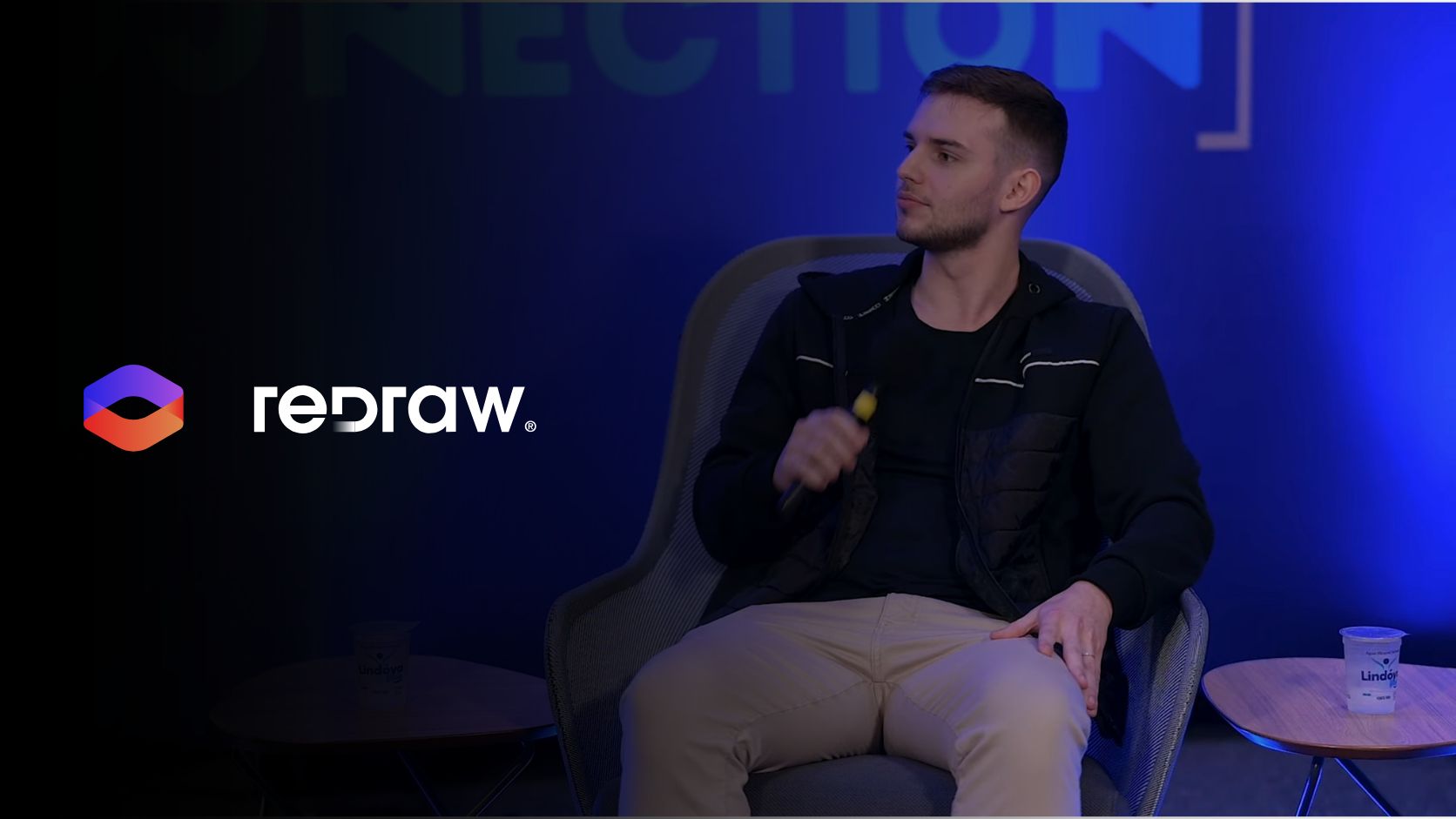
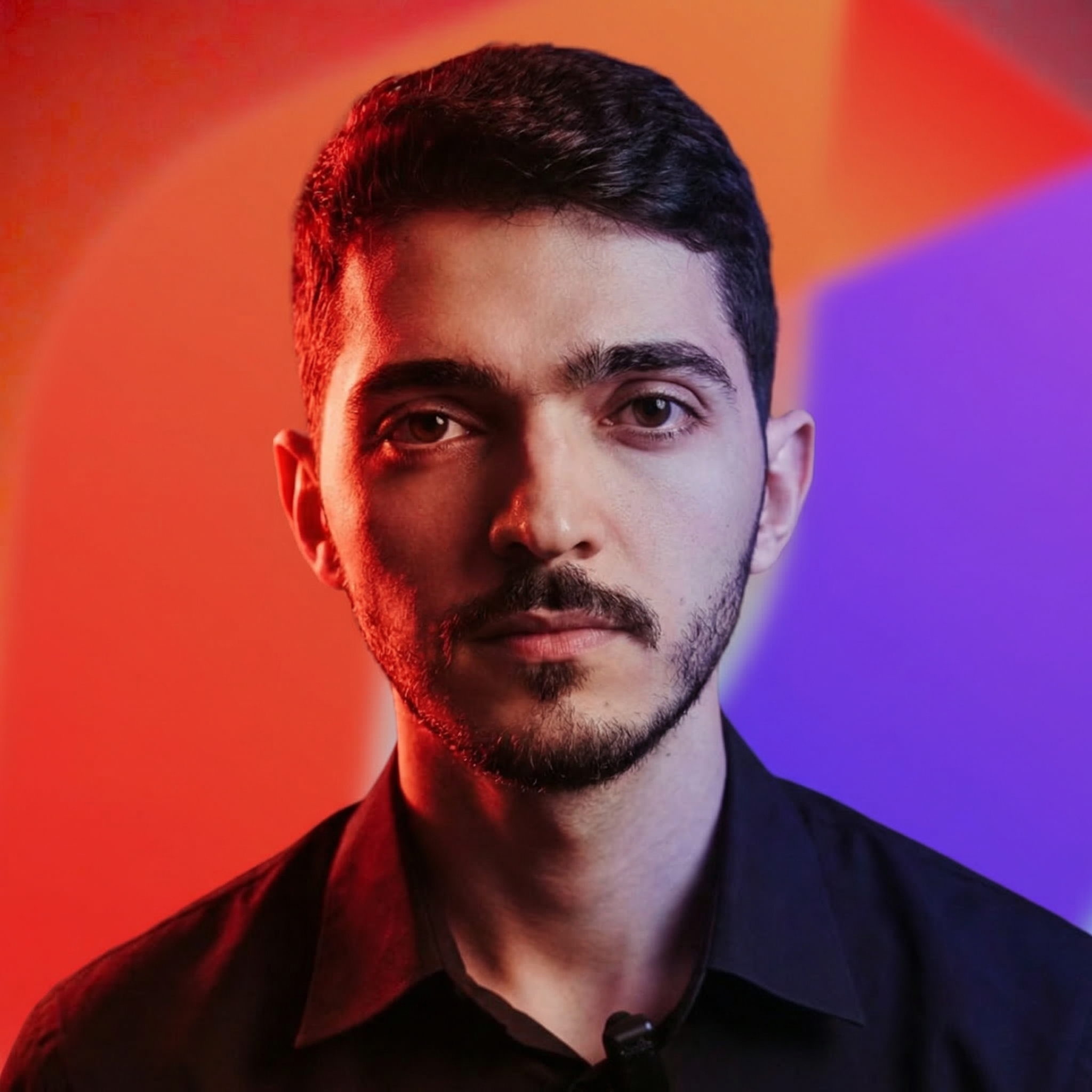
Alexandre is currently the marketing director, but he previously worked as an architect specializing in BIM.
Redraw is the AI hub for architecture used by 200,000+ professionals. Photorealistic renders in 20–40 seconds, native to SketchUp, Revit and Archicad.

Redraw
Start transforming your projects today using Redraw.



In 2023, an architect needed an average of 4 to 8 hours to produce a presentable render. Today, with Redraw, the same render is delivered in 20 to 40 seconds — no gaming PC, no V-Ray, no render farm queue.
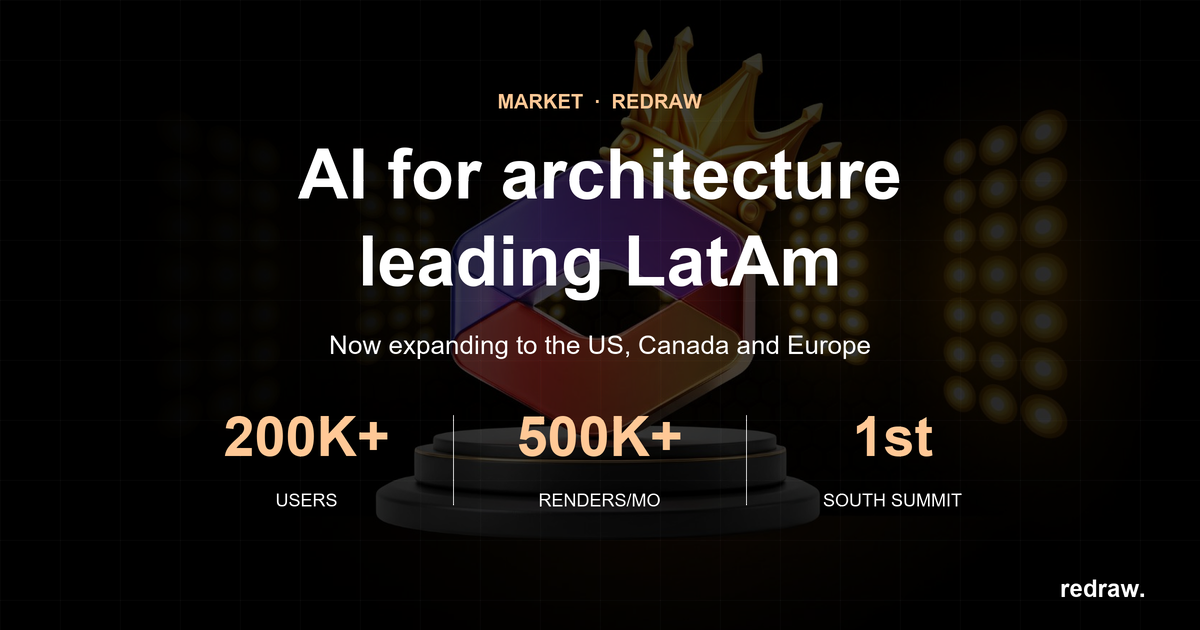
Redraw is a 100% cloud-based SaaS platform that brings together the leading AI tools for architecture, engineering, and interior design in a single place. With over 200,000 active users and 500,000 renders generated per month, Redraw is the most-used AI rendering platform among professionals in Brazil and across Latin America.
This guide covers what Redraw is, how each tool works, who it’s for, and why specialization matters when it comes to technical rendering.
Redraw is an AI platform specialized in architectural visualization. Unlike generic AI image tools, Redraw was trained and developed exclusively for architecture, interior design, and engineering — meaning it understands technical perspective, preserves the geometry of the original project, and delivers publishable results without requiring post-production.
The platform was founded in late 2022 by Sergio Moreira Santos and Alexandre Kuhn and officially launched in June 2023. In less than three years, it has become a category reference across Brazil with international expansion underway.
Redraw runs directly in the browser. There is no software to install, no licenses to configure, and no need for a high-performance computer. Processing happens on Redraw’s servers, and results arrive in seconds.
Redraw is not just a render generator. It’s a complete hub of AI tools designed around the architect and designer’s real workflow.
| Tool | What it does |
|---|---|
| Render Image | Turns 3D models (SketchUp, Archicad, 3DS, Revit, Rhino) or reference images into photorealistic renders in 20–40 seconds. |
| Improve Render | Enhances existing renders — improves lighting, textures, finishes, and details without regenerating from scratch. |
| Image from Text | Generates concept images from a text description, ideal for moodboards and early-stage style exploration. |
| Idea Generator | Proposes new design directions for a space — useful for showing clients alternatives quickly. |
| Render Traces | Interprets sketches and hand-drawn references, turning them into realistic visualizations. |
| Upscale | Increases image resolution up to 8K while preserving professional print quality. |
| AI Chat (ChatGPT) | Integrated ChatGPT access inside the platform to support briefings, presentation copy, project descriptions, and client communication. |
| Nano Banana | AI video generator integrated into the hub — create animations and project presentation videos directly inside the platform, with no external tools. |
| Video generation (Veo 3 / Kling) | High-quality generative video tools to create virtual tours, concept animations, and audiovisual project content. |
Generic AI image tools were built for any purpose — fine art, graphic design, content creation. That makes them versatile, but shallow when applied to a technical problem like architectural rendering. The output may capture the style of the project, but rarely the project itself. (For a head-to-head, see Redraw vs Midjourney for architecture.)
Redraw was built for one specific problem, and that choice translates into three concrete differences:
Redraw processes the geometry of the 3D model. The output respects walls, openings, volumes, and proportions — because the model was trained exclusively on architecture data. Generic tools reinterpret freely, generating rework and inconsistencies clients notice.
Redraw connects directly to SketchUp, Archicad, 3DS, Revit, and Rhino. No exporting to another software, no intermediate steps. You start from the model you already have and render without leaving your workflow.
With generic tools, the render is the starting point for post-production. With Redraw, the result already arrives at presentation quality — ready to send to the client or publish to your portfolio.
Redraw was designed for professionals who need technical, fast, and project-faithful results:
Access to Redraw starts with a free plan that includes credits to test the main features without commitment. The basic flow is:
Redraw supports models from SketchUp, Archicad, 3DS, Revit, and Rhino — with native SketchUp integration that fully removes the export step.
Redraw offers a free plan with monthly credits and paid plans that scale with usage. Professional plans include unlimited renders, access to all styles and tools, and priority support. Current pricing is always up to date at redraw.pro/pricing.
Redraw is an AI platform specialized in rendering for architecture, interior design, and engineering. It runs 100% in the cloud and generates photorealistic renders in 20 to 40 seconds from 3D models or reference images.
Yes, Redraw has a free plan with monthly credits to test the main tools. For professional use with higher render volumes, there are paid plans with scalable pricing available at redraw.pro/pricing.
No. Redraw runs directly in the browser, with no installation. Processing happens in the cloud, so you don’t need a high-performance computer.
Yes. Redraw has native SketchUp integration and supports models exported from Archicad, 3DS, Revit, and Rhino. The integration lets you render directly from the model, with no intermediate conversion steps.
Yes. This is the core difference compared with generic AI tools. Redraw was trained to process the structure of the 3D model and generate the render preserving the proportions, volumes, and characteristics of the designed project — not a free stylistic interpretation.
Beyond rendering, Redraw consolidates other AI tools inside the platform: integrated ChatGPT for communication and copywriting, Nano Banana for video generation, and Veo 3 and Kling for high-quality generative video. The goal is for architects to avoid juggling multiple subscriptions and tools — everything in one place.
A generic image AI was trained on visual data from any domain. It can produce beautiful images with an architectural aesthetic, but it doesn’t understand the project itself — it doesn’t preserve proportions, doesn’t read 3D models, and doesn’t maintain consistency between generations. Redraw was trained exclusively for architecture, which means it processes the real geometry of the project and delivers a result faithful to what was designed.
Yes. The free plan is ideal for students who need professional quality without investing in paid software. Many universities in Brazil already recommend Redraw as a support tool for project presentations.
Redraw is not just another AI tool. It’s a specialized hub built for the architect’s real workflow — from 3D model to publishable render in less than a minute, with complementary text, video, and communication tools integrated into the same platform.
For anyone still relying on outsourced render farms, V-Ray, or wasting hours trying to extract technical fidelity from tools that weren’t built for it, Redraw represents a paradigm shift: less time on tools, more time on what matters — designing.
Blog