

Sergio is a specialist in generative AI and technology, and leads the Redraw development team.



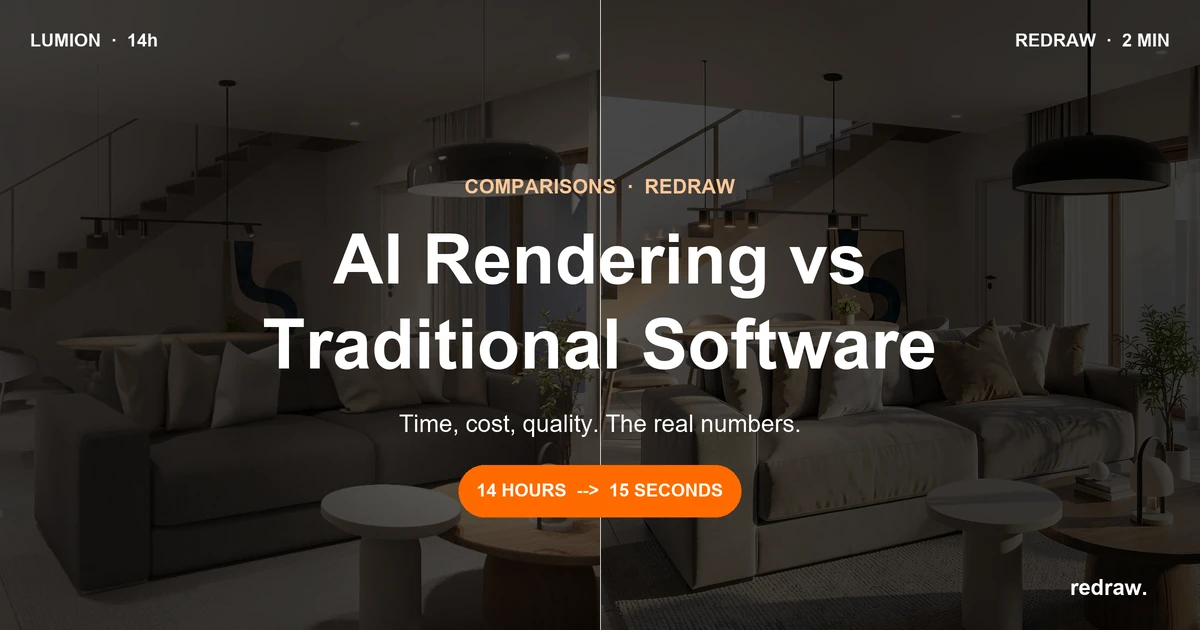
Lumion and Redraw side by side: time, cost, hardware and project fidelity. Understand when to use each one, or both together, in 2026.
Redraw
Start transforming your projects today using Redraw.



Lumion taught the market that rendering doesn't need to be complex. Before it, rendering was a specialist's job. V-Ray with hundreds of parameters, Corona with endless settings. Lumion arrived and simplified everything: drag material, position camera, click render. It was a sales leader in many countries, and for good reason. It didn't always deliver the best result, but it delivered the fastest and easiest.
But the market changed. AI entered architecture and what was fast became slow. What was simple became laborious. And the question many architects are asking now is: "does it still make sense to use Lumion in 2026?"
The short answer: it depends on how you use it. Let's unpack that.
Lumion revolutionized rendering for architects. That's a fact. Before it, rendering a project was a hours-long process with a steep learning curve. Lumion brought a massive library of materials, vegetation, people, and a visual workflow anyone could use.
The problem is it stalled at that proposition. Rendering still depends on your machine, still takes tens of minutes, and the cost remains high. The Pro license costs $1,149 per year. To run it well, you need a good dedicated GPU. We're talking a PC between $2,000 and $6,000.
And there's a detail few people talk about: because of that price, many professionals end up using pirated Lumion. They download from sketchy sites, risk viruses, and miss out on updates. The irony is that the results Lumion delivers, AI can already surpass, for a fraction of that cost.
Let's be clear: Redraw doesn't compete with Lumion. At least not in the way you might be thinking.
If you like Lumion, like the control it gives, the library, the visual workflow, keep using it. Redraw amplifies your results. With Enhance Render, you take that render from Lumion and in 30 seconds improve textures, lighting and realism. Without reopening Lumion, without re-rendering.
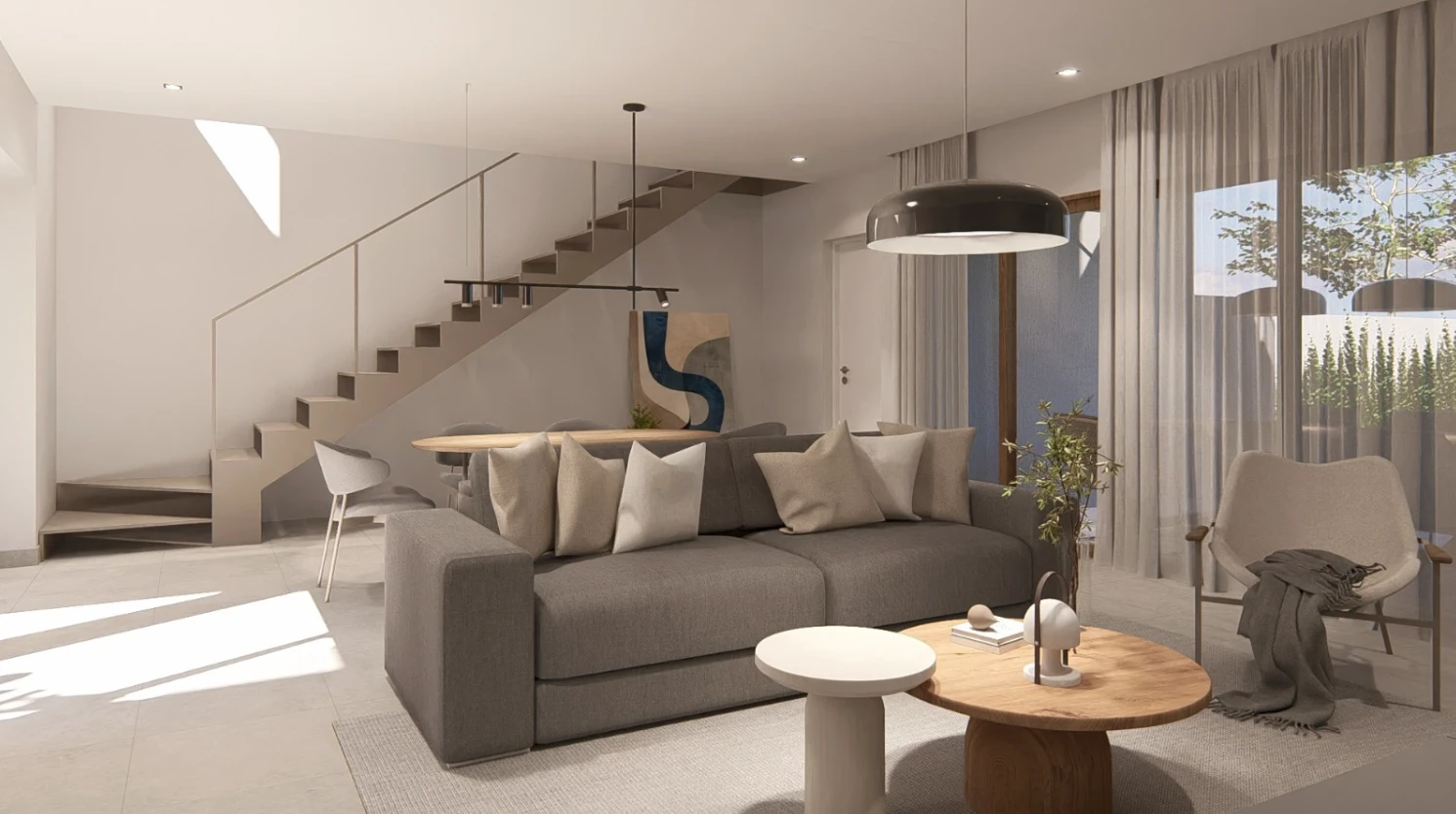
You know that situation? You just finished a render in Lumion. It took 47 minutes at best, with an RTX 4090 that cost more than many residential projects. The client asks for three more finish options, a nighttime version and "that warmer lighting." That's four more hours of work.
With Redraw, you drop that same render in and in 30 seconds have the nighttime version, different materials, the vegetation that was missing. Without opening Lumion. Without freezing your computer. Without waiting.
That's not hypothetical. It's what over 200,000 architects already do.
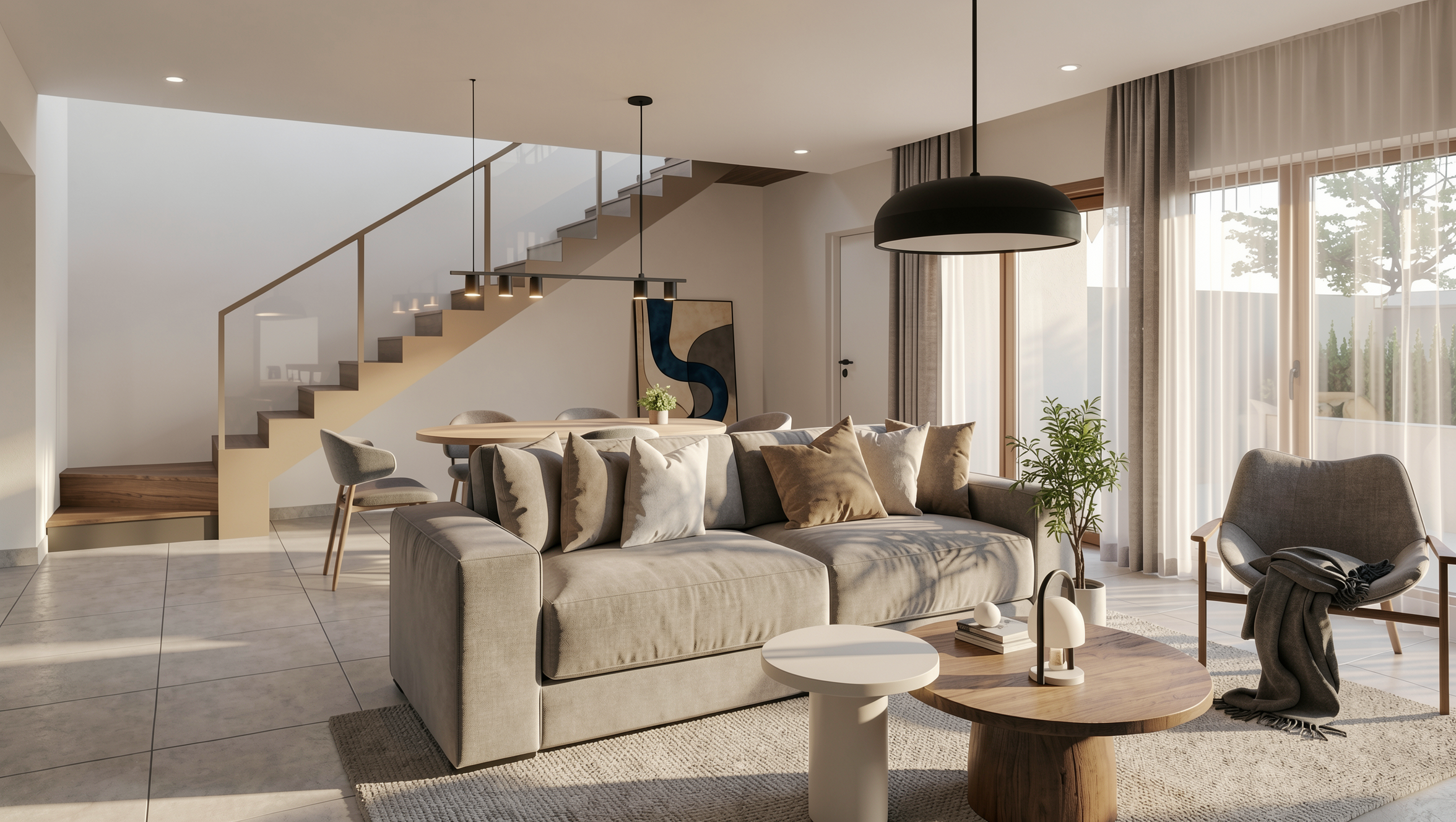
Now, if what you want is pure speed, if you don't need that manual control Lumion offers, Redraw works standalone. And then the results are superior to Lumion's. In seconds.
Take a screenshot of your 3D model (SketchUp, Revit, ArchiCAD), upload to Redraw, and get a photorealistic render in 20 to 40 seconds. No downloading anything, no expensive GPU, directly in the browser.
From 2026 on, it's hard to justify hours of rendering when AI delivers hyper-realistic results in seconds. The market evolved. The results AI delivers today maintain fidelity to the original project, proportions, materials, geometry. It's not like ChatGPT or ComfyUI that invent things. Redraw was built with architecture, engineering, and interior design in mind. It understands the project and respects what you designed.
Let's run the numbers for a freelance architect delivering 10 projects per month with 3 renders each:
With Lumion:
Pro license: $1,149/year
Adequate PC (amortized over 3 years): ~$1,500/year
Total render time: ~15 hours/month
Total: ~$2,649/year + 15 hours idle
With Redraw:
Basic plan: $15/month = $180/year
Hardware: any laptop
Total render time: ~15 minutes/month
Total: $180/year + 15 minutes
The difference is nearly $2,500 per year. And 15 hours per month that come back to you to design, serve clients, or leave early.
If you've already mastered Lumion and have your setup in place, you don't need to abandon anything. The smartest path is to use Redraw as a complement:
Rendered in Lumion? Drop it into Redraw's Enhance Render. In 30 seconds, textures, lighting and vegetation reach another level. Client asks for a variation? Do it directly in Redraw, without going back to Lumion. Need to render outside the office? Use Redraw on your phone.
This combo works because each tool covers the other's weak point. Lumion gives control. Redraw gives speed.
If you haven't invested in Lumion yet, if you're just starting out or setting up a firm, the recommendation is straightforward: try Redraw first. Create a free account at redraw.pro and do your first renders.
If the result works (and for 90% of day-to-day office cases, it does), you save thousands in licenses and hardware. If you need finer control on specific projects, then evaluate Lumion as a complement.
The market changed. What was fast in 2022 is slow in 2026. And spending $2,500+ per year on something AI solves for $15/month needs a very good justification.
Does Redraw fully replace Lumion?
For most day-to-day projects, yes. For those who need absolute manual control over every parameter or do complex animations, Lumion still has a place. But an increasingly smaller one.
Can I use my Lumion renders in Redraw?
Yes. Redraw's Enhance Render accepts renders from any software. Upload the image and in seconds receive a version with improved textures, lighting and realism.
Does Redraw maintain project fidelity?
Yes. Unlike generic AIs like ChatGPT or ComfyUI, Redraw was trained for architecture. It respects geometry, proportions and materials of the original project.
Does Lumion work on Mac?
No. Lumion only runs on Windows with a dedicated GPU. Redraw works on any operating system in the browser, including Mac, Linux and even mobile.
How much does each cost?
Lumion Pro costs $1,149/year and requires a powerful PC. Redraw starts at $15/month, with no special hardware required. For those who used pirated Lumion, Redraw is the legal alternative that costs less and delivers more.
Blog
The AI that transforms how you create architecture, engineering and design projects.