Rendering a project has always meant waiting. Hours of configuration, computer locked, hoping it wouldn't crash mid-process. If you work in architecture, engineering or interior design, you know this feeling.
But things have changed. There's now a real alternative to local rendering, and it's not just “sending to a farm.” AI cloud rendering is changing how professionals deliver projects. Faster, cheaper, and without needing a $5,000 workstation.
In this article we compare local rendering and cloud rendering for real. With numbers, actual costs and what makes sense for your day-to-day work.
What is local rendering, and why is it getting expensive
Local rendering is the traditional process. You model in SketchUp, Revit or ArchiCAD, configure materials, lighting, camera, and render on your computer using software like V-Ray, Lumion, Enscape, Twinmotion or Corona Render.
Does it work? It does. But it has a cost that most people never stop to calculate.
First, the hardware. To run Lumion smoothly, the manufacturer recommends a high-performance dedicated GPU. In practice, that means a machine between $3,000 and $8,000. And that machine needs updating every 2 or 3 years, because software gets heavier with every version.
Second, the software. A V-Ray license costs around $540 per year. Lumion Pro runs $1,149 per year. Enscape is around $575 per year. Twinmotion charges $445 per year for companies with revenue above $1 million. And that's per user.
Third, the time. An interior render with V-Ray can take 20 minutes to 4 hours depending on complexity and your machine. While it renders, your computer is unusable. If you need 5 different angles, multiply that time by 5.
For an office doing 3 projects a week, this becomes a bottleneck. It's not a question of quality. It's a question of productivity.
What is cloud rendering
Cloud rendering is when the processing leaves your computer and goes to remote servers. This can happen in two very different ways.
The first is render farms. Services like Fox Render Farm and GarageFarm rent processing power by the hour. You export your file, upload it, configure it, and wait. The render runs on powerful machines and you download the result.
Render farms solve one problem: you don't need a good machine. But they create others. You pay per hour of use, you need to configure everything the same as locally, and you still have upload and download time. In the end, the complexity of the work can even increase. The real advantage is freeing your computer and having raw processing speed.
The second form is AI cloud rendering. And here everything changes completely.
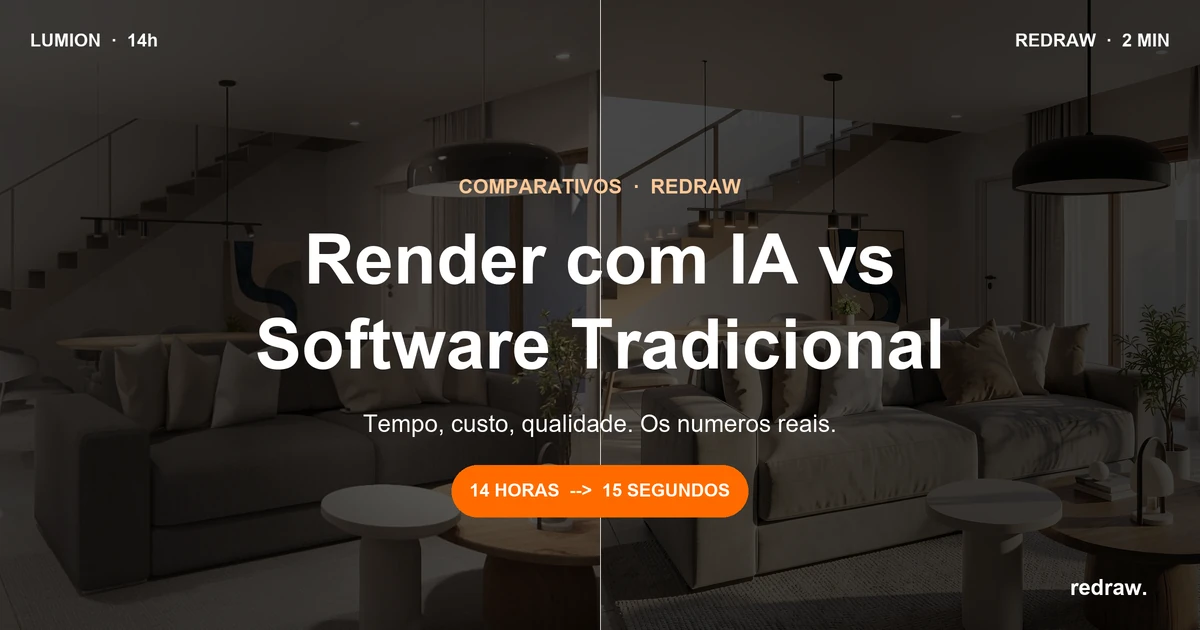
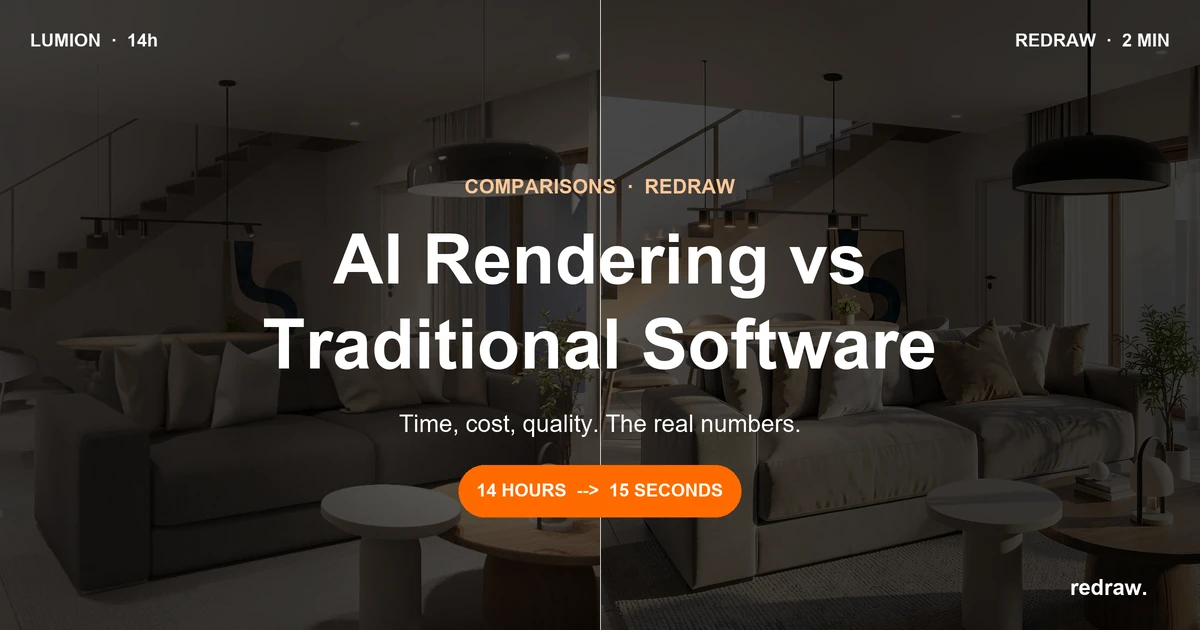
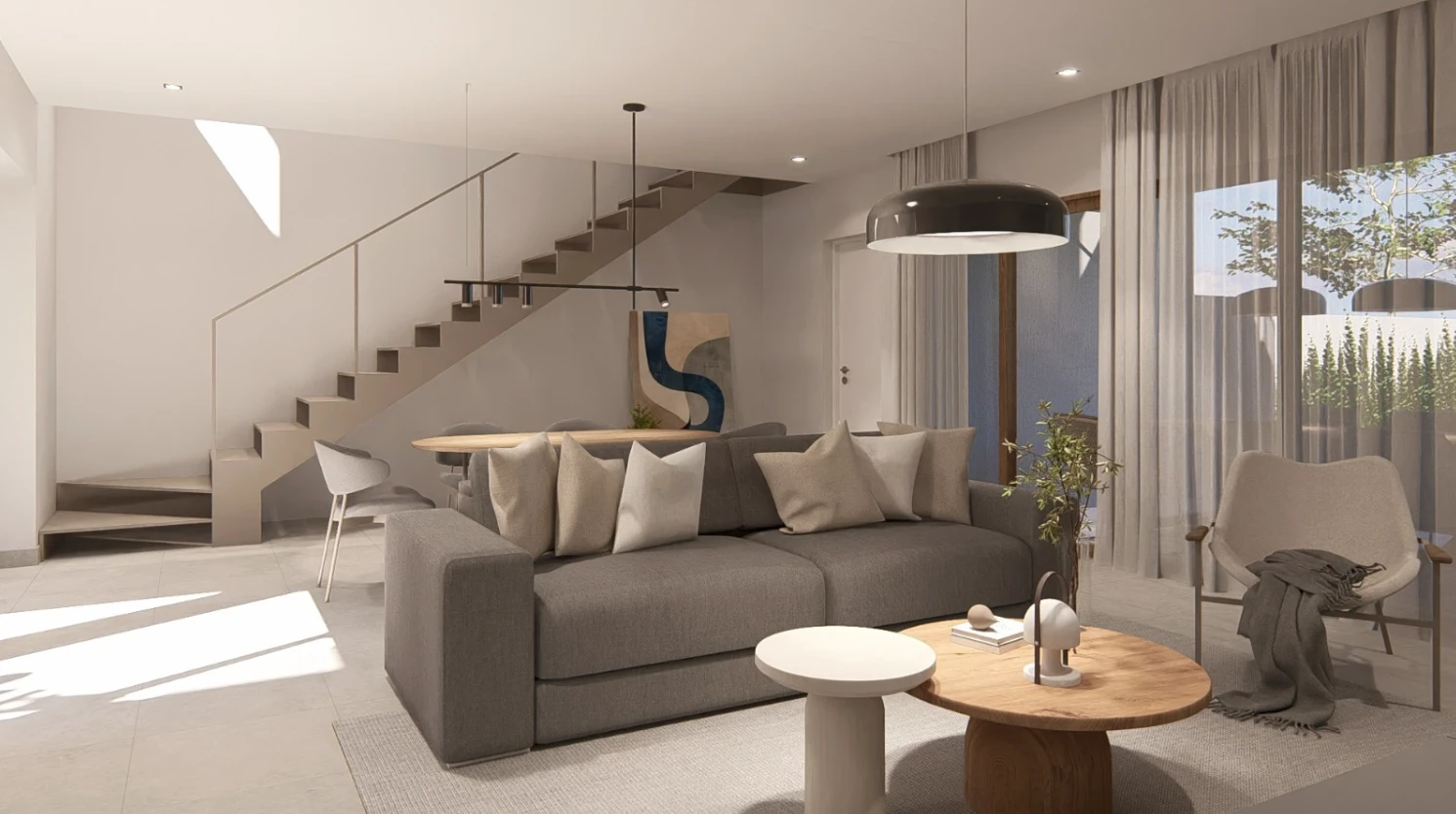
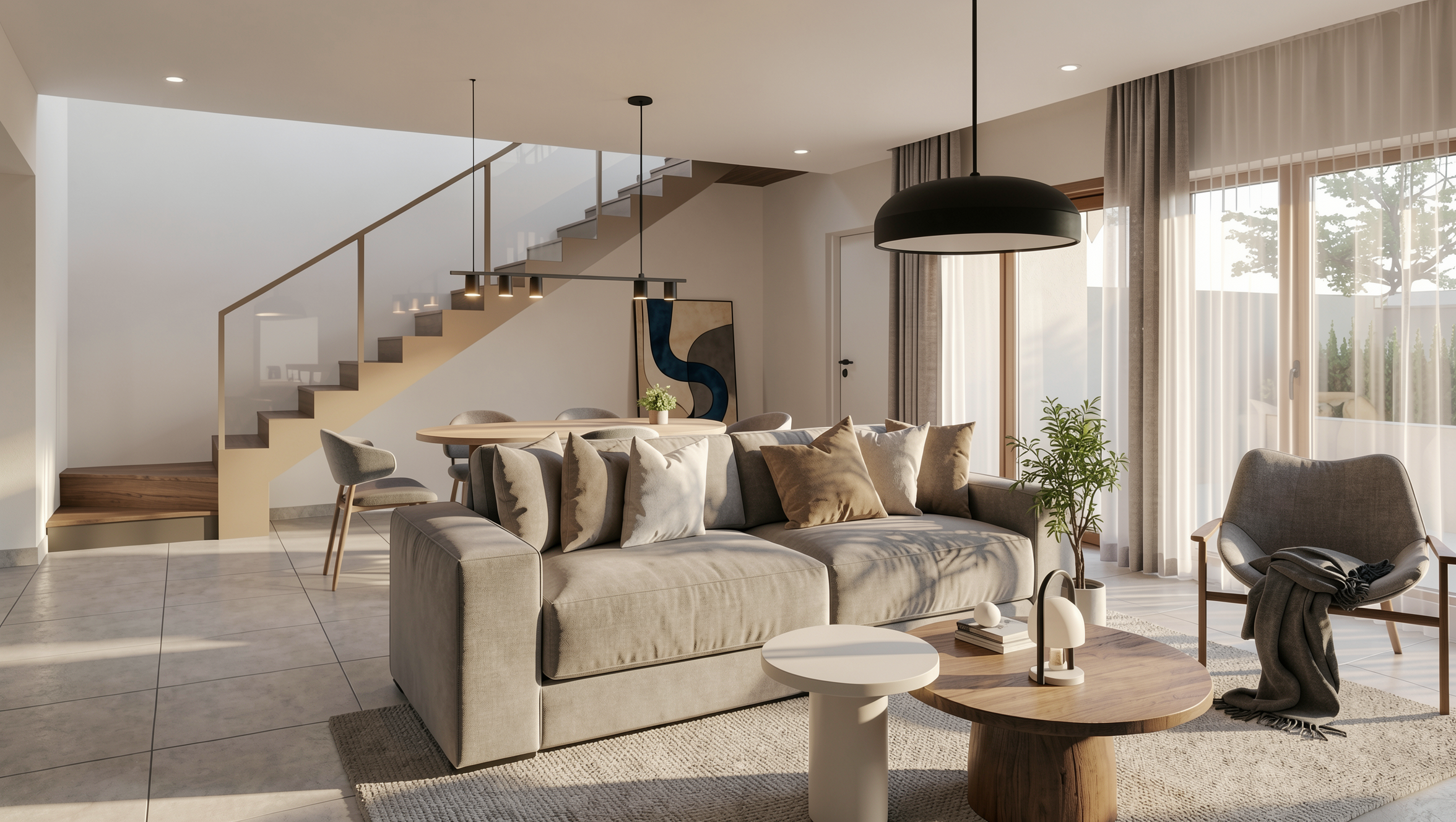
With AI, you don't configure materials. You don't manually adjust lighting. You don't need a super optimized file. You upload a screenshot of your 3D model, and in 20 to 40 seconds you have a photorealistic render. The work that used to take hours now takes seconds, with results that impress even those used to V-Ray.
That's the difference that matters. A render farm is the same process, just on another computer. AI rendering is a new process entirely.
Real comparison: Local Rendering vs Farm vs AI
Let's put numbers side by side. For a freelance architect doing about 50 renders per month:
| Local Rendering (V-Ray) | Render Farm | AI Cloud Rendering (Redraw) |
|---|
| Hardware cost | $4,000+ (amortized) | Not needed | Not needed |
| Software cost | ~$540/year (V-Ray) | ~$20-80/month (per use) | ~$15/month (Basic) |
| Time per render | 30 min to 4 hours | 15 min to 2 hours | 20 to 40 seconds |
| Setup required | High (materials, light, camera) | High (same as local) | Minimal (upload + generate) |
| Technical knowledge | High | High | Low |
| Computer locked? | Yes | No | No |
| Works on laptop? | Rarely | Yes | Yes |
Now think about total cost. With local rendering, between hardware and software, an architect easily spends $5,000 in the first year. With Redraw, the Basic plan costs $15 per month and delivers around 300 renders. That's less than $200 per year for a capacity that in the traditional model would require an investment 25 times greater.
But what about quality?
That's the question everyone asks. And it's fair.
2 years ago, AI rendering was experimental. Results were generic, textures looked strange, and the project geometry was completely lost. Anyone who tried ChatGPT, ComfyUI or other generic AIs for rendering knows this. The image looks nice, but has nothing to do with the real project. The AI invents windows, changes proportions, adds elements that don't exist.
The problem with those tools is that they weren't built for architecture. ChatGPT generates incredible images, but doesn't respect your project. ComfyUI gives technical control, but requires hours of workflow configuration. Nano Banana produces interesting results, but doesn't maintain fidelity to the original model.
AI tools specialized in architecture solved this. Redraw, for example, was trained specifically to understand architectural projects. It doesn't invent geometry. It respects lines, proportions, and the project intent. And it does this in seconds, without complex prompts.
I'm not saying it completely replaced V-Ray for all cases. A render for an international competition with extreme detail may still need traditional software. But for 90% of an office's day-to-day work — client presentations, facade studies, interior variations — AI delivers professional results in a fraction of the time and cost.
Why the market is migrating to the cloud
It's not hype. It's math.
A 3-person office with Lumion Pro spends $3,447 per year on software alone. Add hardware and it easily passes $10,000. With AI cloud rendering, the same office spends less than $1,000 per year and delivers faster.
There's another factor few people talk about: mobility. Local rendering ties you to a machine. If you're on-site, in a meeting, or traveling, you can't render. With cloud rendering, you open a browser anywhere, upload the image and in 30 seconds you have the result. It works on laptop, tablet, even on phone.
The trend is clear. Traditional software is catching up. Lumion launched cloud rendering. Twinmotion integrated with Unreal Cloud. V-Ray has Chaos Cloud. They know the future is cloud. The difference is these solutions still charge by processing hour and require the same manual configuration. It's a render farm with a nice brand.
AI changed the game because it eliminated the most expensive step: setup. It's not just processing in the cloud. It's not needing to configure.
How Redraw works in practice
The process is simple. You take a screenshot of your 3D model (SketchUp, Revit, ArchiCAD, any software), upload it to Redraw, and in up to 40 seconds you receive a photorealistic render.
No installation. No powerful GPU. No configuring material by material.
Redraw works 100% in the browser. That means it runs on any machine, any operating system. And since it's based on AI trained for architecture, it understands the image context: it knows how to differentiate interior from exterior, identifies materials, adjusts lighting automatically.
For those who already use other render software, Redraw also works as an optimizer. You can upload a render from V-Ray, Lumion or Enscape and improve textures, lighting and realism in seconds. It's an extra layer of quality without redoing the work.
How much you save: the real math
Let's do the math for a small office (2 architects, ~100 renders per month):
Scenario 1: Local Rendering with V-Ray
Two V-Ray licenses: $1,080/year
Two adequate computers: ~$4,000 (amortized over 3 years = ~$1,333/year)
Time spent rendering: ~50 hours/month
Annual total: ~$2,413 + opportunity cost of time
Scenario 2: Cloud Rendering with Redraw
Expert plan (2 users): $32/month = $384/year
Hardware required: any laptop
Time spent rendering: ~3 hours/month
Annual total: $384
The savings are over $2,000 per year in direct costs. But the real gain is in time. That's 47 hours per month returned to design, client service, or simply life.
Frequently Asked Questions
Does cloud rendering need fast internet?
It needs internet, but not ultra-fast. Since you upload images (not heavy 3D files), a 10 Mbps connection works fine. AI cloud rendering, like Redraw, processes everything on the remote server.
Does AI rendering replace V-Ray?
For most day-to-day office uses, yes. Client presentations, facade studies and interior variations are ready in seconds. For projects that require absolute technical control (complex animations, engineering detailing), V-Ray still has space, but increasingly less.
Does cloud rendering maintain the fidelity of my project?
It depends on the tool. Generic AIs like ChatGPT, Nano Banana and ComfyUI invent elements and alter the project. Specialized tools like Redraw were trained to maintain proportions, geometry and materiality of the original model.
How much does it cost to render with AI in the cloud?
At Redraw, the most accessible plan costs $15 per month and includes about 300 renders. That's a fraction of the cost of licenses like V-Ray ($540/year) or Lumion Pro ($1,149/year), and requires no expensive hardware.
Try Redraw now →