Insights Redraw
Redraw Updates and Trends
What's new in AI for architectural visualization.




AI for SketchUp: 10 Plugins and Tools Every Architect Needs in 2026

AI for SketchUp in 2026: the 10 plugins and tools every architect needs. From modeling to photorealistic rendering in 30 seconds.

SketchUp is the most popular modeling software among architects in Brazil and worldwide. Easy to learn, fast to use, and with a plugin ecosystem that lets you do practically anything. But SketchUp alone has limitations. It's through plugins and external tools that it transforms from a "massing software" into a complete professional tool.
In 2026, AI entered this ecosystem with force. And the best part: the most powerful AI tool for SketchUp is not a plugin. It's easier than one. But before we get there, let's cover the essential plugins every architect should know.
Modeling plugins: SketchUp at its best
These plugins solve native SketchUp limitations and give you more control over modeling.
1. Curviloft
SketchUp struggles with organic shapes. Complex curves, flowing roofs, facades with non-linear geometry. Curviloft solves this. It creates surfaces from curves, smooth transitions between different profiles, and shapes that native SketchUp simply cannot produce. For architects designing contemporary buildings with curves, it's indispensable.
Free.
2. SubD (Subdivision Surfaces)
SubD adds subdivision modeling to SketchUp. You create a simple shape (low-poly) and the plugin smooths it in real time, generating complex organic surfaces. The trick is that you work on the simple model (fast and lightweight) and switch to the smoothed version when you need to see the result. Keeps the file light while allowing advanced geometries.
Paid (~$39).
3. Profile Builder
Creates custom profiles (baseboards, moldings, channels, metal profiles) and applies them along any path. Instead of manually modeling each detail, you define the profile once and the plugin extrudes it wherever you need. Saves hours in detailing work.
Paid (~$49).
4. Skatter 2
The most powerful scatter plugin for SketchUp. Vegetation, street furniture, stones, tiles — any object that needs to be repeated at scale. Skatter distributes objects across surfaces with control over density, random rotation, and region exclusion. It turns landscaping and urban scenes that would take hours into minutes.
Paid (~$69).
5. CleanUp³
Models imported from DWG, Revit, or other software arrive in SketchUp full of unnecessary geometry. Duplicate faces, stray edges, repeated materials. CleanUp clears everything automatically. Reduces file size, improves performance, and prevents problems at render time.
Free.
6. Solid Inspector²
Before exporting for 3D printing or any boolean operation, the model needs to be solid. Solid Inspector checks and automatically fixes geometry issues: reversed faces, internal edges, holes. It's the "doctor" for your model.
Free.
7. PlaceMaker
Draw a rectangle on the map and PlaceMaker imports 3D terrain, surrounding buildings, satellite imagery, and elevation data. It does in 2 minutes what would take a full day of manually modeling urban context. For site studies and shadow analysis, it's transformative.
Paid (~$100/year).
8. Skalp
Generates sections and elevations with hatching directly in SketchUp. For those who need technical drawings without leaving the software, Skalp creates sections with material patterns (concrete, earth, insulation) that update automatically when the model changes.
Paid (~$59).
AI plugins for SketchUp: what exists (and what's missing)
9. Redraw: the AI tool that isn't a plugin (and is better than one)
Redraw is not a SketchUp plugin. Nothing needs to be installed. And that's exactly why it works better.
The workflow is simple: take a screenshot of the 3D view in SketchUp, open Redraw in your browser, upload the image, and in 20 to 40 seconds receive a photorealistic render. Works with any version of SketchUp (Free, Go, Pro). No plugin compatibility required. No file weight added. No crashes.
AI plugins like SketchUp AI Render and Veras need to read the 3D geometry of the model, which creates version dependency, compatibility problems, and technical limitations. Redraw skips all of that. It works with the visual image of the model — which is what the AI actually needs.
And the result is superior. Redraw has proprietary models trained for architecture that understand materiality, natural lighting, and proportion. It's not generic AI with an architecture skin. These are models that know the difference between porcelain tile flooring and a wood deck, between sunset light and artificial lighting.
Inside Redraw, beyond the proprietary model, you access ChatGPT optimized for rendering, optimized Gemini, Nano Banana. You can generate project video (proprietary tool + Veo 3 + Kling AI). You can generate 3D objects to import back into SketchUp. You can enhance existing renders with Enhance Render.
It's more than any plugin offers. And easier to use.
Why "not being a plugin" is an advantage
It may seem counterintuitive. If Redraw were a SketchUp plugin, you could click directly from the software. But in practice, plugins create problems:
They depend on the SketchUp version. Update SketchUp and the plugin stops working until an update is released.
They weigh on the model. Render plugins add processing that makes SketchUp slower.
They limit use to one software. If tomorrow you model something in Revit or ArchiCAD, the SketchUp plugin is useless.
Redraw works with any software, on any machine, anywhere. Took a screenshot? Render it. Doesn't matter if it came from SketchUp Free on a Chromebook or SketchUp Pro on a workstation.
The complete SketchUp architect toolkit for 2026
| Function | Tool | Type | Cost |
|---|---|---|---|
| Organic shapes | Curviloft | Free plugin | Free |
| Subdivision | SubD | Paid plugin | ~$39 |
| Custom profiles | Profile Builder | Paid plugin | ~$49 |
| Scatter (vegetation) | Skatter 2 | Paid plugin | ~$69 |
| Model cleanup | CleanUp³ | Free plugin | Free |
| Solid verification | Solid Inspector² | Free plugin | Free |
| Urban context | PlaceMaker | Paid plugin | ~$100/year |
| Sections with hatching | Skalp | Paid plugin | ~$59 |
| AI render + video + 3D | Redraw | Web platform | $15/month |
Frequently asked questions
What is the best AI plugin for SketchUp?
Redraw is not a plugin but delivers superior results: photorealistic render in 30 seconds, nothing to install, with proprietary models trained for architecture.
Does Redraw work with SketchUp Free?
Yes. Since Redraw works with a screenshot of the model, it works with any version of SketchUp, including Free, Go, and Pro. No plugin or specific version required.
Which SketchUp plugins are free?
Curviloft, CleanUp³, and Solid Inspector² are free and essential.
Does Redraw generate 3D objects for SketchUp?
Yes. Redraw has a proprietary 3D object generation model that can be imported directly into SketchUp. Furniture, vegetation, lighting fixtures — any element missing from your library.
Is it worth paying for SketchUp plugins?
It depends on your workflow. SubD, Skatter, and PlaceMaker pay off the investment within a few weeks of use. For rendering, there's no point investing in a paid plugin when Redraw delivers more for $15/month with no installation.
Try Redraw → redraw.pro

Redraw Trends
Featured articles
AI for SketchUp: 10 Plugins and Tools Every Architect Needs in 2026




SketchUp is the most popular modeling software among architects in Brazil and worldwide. Easy to learn, fast to use, and with a plugin ecosystem that lets you do practically anything. But SketchUp alone has limitations. It's through plugins and external tools that it transforms from a "massing software" into a complete professional tool.
In 2026, AI entered this ecosystem with force. And the best part: the most powerful AI tool for SketchUp is not a plugin. It's easier than one. But before we get there, let's cover the essential plugins every architect should know.
Modeling plugins: SketchUp at its best
These plugins solve native SketchUp limitations and give you more control over modeling.
1. Curviloft
SketchUp struggles with organic shapes. Complex curves, flowing roofs, facades with non-linear geometry. Curviloft solves this. It creates surfaces from curves, smooth transitions between different profiles, and shapes that native SketchUp simply cannot produce. For architects designing contemporary buildings with curves, it's indispensable.
Free.
2. SubD (Subdivision Surfaces)
SubD adds subdivision modeling to SketchUp. You create a simple shape (low-poly) and the plugin smooths it in real time, generating complex organic surfaces. The trick is that you work on the simple model (fast and lightweight) and switch to the smoothed version when you need to see the result. Keeps the file light while allowing advanced geometries.
Paid (~$39).
3. Profile Builder
Creates custom profiles (baseboards, moldings, channels, metal profiles) and applies them along any path. Instead of manually modeling each detail, you define the profile once and the plugin extrudes it wherever you need. Saves hours in detailing work.
Paid (~$49).
4. Skatter 2
The most powerful scatter plugin for SketchUp. Vegetation, street furniture, stones, tiles — any object that needs to be repeated at scale. Skatter distributes objects across surfaces with control over density, random rotation, and region exclusion. It turns landscaping and urban scenes that would take hours into minutes.
Paid (~$69).
5. CleanUp³
Models imported from DWG, Revit, or other software arrive in SketchUp full of unnecessary geometry. Duplicate faces, stray edges, repeated materials. CleanUp clears everything automatically. Reduces file size, improves performance, and prevents problems at render time.
Free.
6. Solid Inspector²
Before exporting for 3D printing or any boolean operation, the model needs to be solid. Solid Inspector checks and automatically fixes geometry issues: reversed faces, internal edges, holes. It's the "doctor" for your model.
Free.
7. PlaceMaker
Draw a rectangle on the map and PlaceMaker imports 3D terrain, surrounding buildings, satellite imagery, and elevation data. It does in 2 minutes what would take a full day of manually modeling urban context. For site studies and shadow analysis, it's transformative.
Paid (~$100/year).
8. Skalp
Generates sections and elevations with hatching directly in SketchUp. For those who need technical drawings without leaving the software, Skalp creates sections with material patterns (concrete, earth, insulation) that update automatically when the model changes.
Paid (~$59).
AI plugins for SketchUp: what exists (and what's missing)
9. Redraw: the AI tool that isn't a plugin (and is better than one)
Redraw is not a SketchUp plugin. Nothing needs to be installed. And that's exactly why it works better.
The workflow is simple: take a screenshot of the 3D view in SketchUp, open Redraw in your browser, upload the image, and in 20 to 40 seconds receive a photorealistic render. Works with any version of SketchUp (Free, Go, Pro). No plugin compatibility required. No file weight added. No crashes.
AI plugins like SketchUp AI Render and Veras need to read the 3D geometry of the model, which creates version dependency, compatibility problems, and technical limitations. Redraw skips all of that. It works with the visual image of the model — which is what the AI actually needs.
And the result is superior. Redraw has proprietary models trained for architecture that understand materiality, natural lighting, and proportion. It's not generic AI with an architecture skin. These are models that know the difference between porcelain tile flooring and a wood deck, between sunset light and artificial lighting.
Inside Redraw, beyond the proprietary model, you access ChatGPT optimized for rendering, optimized Gemini, Nano Banana. You can generate project video (proprietary tool + Veo 3 + Kling AI). You can generate 3D objects to import back into SketchUp. You can enhance existing renders with Enhance Render.
It's more than any plugin offers. And easier to use.
Why "not being a plugin" is an advantage
It may seem counterintuitive. If Redraw were a SketchUp plugin, you could click directly from the software. But in practice, plugins create problems:
They depend on the SketchUp version. Update SketchUp and the plugin stops working until an update is released.
They weigh on the model. Render plugins add processing that makes SketchUp slower.
They limit use to one software. If tomorrow you model something in Revit or ArchiCAD, the SketchUp plugin is useless.
Redraw works with any software, on any machine, anywhere. Took a screenshot? Render it. Doesn't matter if it came from SketchUp Free on a Chromebook or SketchUp Pro on a workstation.
The complete SketchUp architect toolkit for 2026
| Function | Tool | Type | Cost |
|---|---|---|---|
| Organic shapes | Curviloft | Free plugin | Free |
| Subdivision | SubD | Paid plugin | ~$39 |
| Custom profiles | Profile Builder | Paid plugin | ~$49 |
| Scatter (vegetation) | Skatter 2 | Paid plugin | ~$69 |
| Model cleanup | CleanUp³ | Free plugin | Free |
| Solid verification | Solid Inspector² | Free plugin | Free |
| Urban context | PlaceMaker | Paid plugin | ~$100/year |
| Sections with hatching | Skalp | Paid plugin | ~$59 |
| AI render + video + 3D | Redraw | Web platform | $15/month |
Frequently asked questions
What is the best AI plugin for SketchUp?
Redraw is not a plugin but delivers superior results: photorealistic render in 30 seconds, nothing to install, with proprietary models trained for architecture.
Does Redraw work with SketchUp Free?
Yes. Since Redraw works with a screenshot of the model, it works with any version of SketchUp, including Free, Go, and Pro. No plugin or specific version required.
Which SketchUp plugins are free?
Curviloft, CleanUp³, and Solid Inspector² are free and essential.
Does Redraw generate 3D objects for SketchUp?
Yes. Redraw has a proprietary 3D object generation model that can be imported directly into SketchUp. Furniture, vegetation, lighting fixtures — any element missing from your library.
Is it worth paying for SketchUp plugins?
It depends on your workflow. SubD, Skatter, and PlaceMaker pay off the investment within a few weeks of use. For rendering, there's no point investing in a paid plugin when Redraw delivers more for $15/month with no installation.
Try Redraw → redraw.pro
AI for Revit: How to Render BIM Projects with Artificial Intelligence in 2026
Revit is the most complete modeling software for architecture. That is not an opinion. It is the global BIM market standard. The amount of information a Revit model carries — precise geometry, assigned materials, construction data, dimensions, quantities — has no equivalent in any other software.
And it is precisely that richness of information that makes Revit excellent for AI rendering.
A well-built 3D model in Revit, when used as a base for AI, delivers superior results compared to SketchUp. The geometry is more precise, materials are already defined in the project, and views are generated with technical accuracy. The AI receives an image with more context, more detail, and consequently produces a better render.
The problem was never Revit. The problem is what comes after.
Revit's bottleneck: rendering

Revit models like nothing else. But rendering inside Revit is painful. The native engine is limited and slow. Most professionals turn to plugins (V-Ray for Revit, Enscape for Revit) or export to other software.
Each of these options adds cost, complexity, and time:
V-Ray for Revit costs $540/yr. It demands powerful hardware and hours of configuration per render. The result is excellent if you master it, but the learning curve is long and time is short.
Enscape for Revit costs $575/yr. It is faster to render but results look generic. Photorealism in materials and lighting is lacking.
Exporting to Lumion or D5 Render adds yet another step (and another license). The file must be exported, imported, reconfigured. Materials are lost in conversion. It is rework.
In the end, the professional who uses Revit spends more time trying to render than modeling. The software that produces the best 3D model on the market is the one that suffers most when it comes to generating images.
Revit + Redraw: the perfect model meets the perfect render
With Redraw, the workflow changes completely. You take a screenshot of the 3D view in Revit and upload it to Redraw. In 20 to 40 seconds, the AI generates a photorealistic render.
No plugin. No export. No material configuration. No waiting 2 hours for a render.
And the result is better than most renders produced with V-Ray or Enscape by professionals who do not have time to configure everything perfectly. Because Redraw's AI was trained to understand architectural context: it identifies materials by appearance, applies realistic natural lighting, and preserves the exact geometry of the model.
If the Revit model is well optimized (and we will cover how to optimize it shortly), the AI render surpasses what SketchUp delivers. Because Revit generates cleaner views, with more defined geometry, and the AI can interpret them with greater precision.
How to optimize your Revit model for AI rendering
Not every screenshot produces an excellent result. The model needs to be presentable. Some practical tips:
Use a realistic 3D view, not wireframe. The AI interprets what it sees. If the view has edge lines, axes, and annotations, the render will reflect that. Enable Realistic or Shaded mode in Revit before taking the screenshot.
Position the camera as you would in a real photo. Eye level (1.50 m to 1.70 m for interiors), natural angle, no excessive distortion. The AI delivers better results when the perspective feels human.
Keep materials assigned. Revit allows you to assign materials to each element. Even if they are not fully renderable materials, the visual information they provide in the 3D view helps the AI interpret what is floor, wall, glass, wood.
Clean up the view. Hide elements that are not part of the scene: piping, exposed structure (if not intentional), grid lines. The cleaner the screenshot, the better the result.
Use full-screen resolution. Take the screenshot at the maximum monitor resolution. More pixels = more information for the AI.
With an optimized model, Revit delivers the best possible base for AI rendering. Better than SketchUp (more precise geometry), better than ArchiCAD (more configurable views), and much better than exports to other software that lose information along the way.
The complete workflow: Revit + Redraw at every project phase
Phase 1: Concept
The project is just beginning. Mass studies, massing, initial site placement. You have a basic Revit model and need to show the client how the project is progressing.
With Redraw, take a screenshot of the massing and generate a quick render. The client sees the project volume with realistic materiality and lighting. In 30 seconds. Without spending hours on a render that will change next week.
Want to explore styles? Use Redraw's idea generation. Brutalist, contemporary, tropical facade. Generate variations in seconds and align direction with the client before developing further.
Phase 2: Design Development
The model is advanced. Materials defined, spaces detailed, lighting considered. Now you need quality renders to validate with the client and make final adjustments.
Screenshot of the Revit 3D view, upload to Redraw, render in 30 seconds. The client asks for wood flooring instead of porcelain tile? Another 30 seconds. Prefers black frames instead of white? Another 30 seconds. In 10 minutes you have generated 15 variations that in the traditional workflow would take 2 days.
Phase 3: Client Presentation
Project approved — time to present with final quality. Facade renders, interiors, aerial perspectives. Material for the commercial proposal, portfolio, and social media.
Render in Redraw at maximum quality. Use Enhance Render to refine details. Generate a project video with Redraw's video tool (proprietary model, Veo 3, or Kling AI). Generate 3D objects missing from the model and import them into SketchUp/Revit.
Complete deliverable. One platform. One subscription.
Frequently Asked Questions
Do I need a plugin to use AI with Revit?
No. Redraw works through the browser. You take a screenshot of the Revit 3D view and upload it to the platform. No plugin to install, no file to export, no integration required.
Is a Revit model good for AI rendering?
Excellent. Revit generates precise geometry with assigned materials. When well optimized, a Revit screenshot delivers superior results to SketchUp for Revit AI rendering, because the AI receives more context and more detail.
Does Redraw replace V-Ray for Revit?
For the vast majority of everyday renders (presentations, variations, portfolio), yes. V-Ray retains an advantage only in scenarios requiring absolute control of every parameter. For everything else, Redraw is faster, cheaper, and the result is professional.
Can I render Revit sections and floor plans with AI?
Yes. Redraw accepts any image. If you generate a humanized section view or floor plan in Revit and upload it to Redraw, the AI can humanize and stylize it. Redraw has presets for humanized floor plans and architectural sections.
Does Revit run on Mac?
Not natively. Revit is Windows only. But BIM rendering AI with Redraw works on any system. You can model on Windows with Revit and render on Mac, tablet, or mobile through Redraw.
Try Redraw → redraw.pro

The AI for Architecture Leading Latin America Now Expanding to the US and Europe
Latin America is producing the world's largest AI rendering revolution. And Brazil is leading it.
While American and European companies try to adapt generic AIs to architecture, a Brazilian startup built from scratch the largest AI platform specialized in rendering for architects, engineers, and interior designers on the planet. With more than 200,000 registered users, over 500,000 renders generated per month, and a presence in dozens of countries.
The name is Redraw. If you work with architecture in Latin America — or anywhere in the world — and don't know it yet, this article explains why you should.
The numbers that position Redraw as the best AI rendering platform for architecture in Latin America
200,000 registered professionals. The majority are in Brazil, with accelerating expansion to Mexico, Colombia, Argentina, Chile, Peru, and English-speaking markets (US, Canada, Europe).
More than 500,000 renders per month. That is more than any other AI platform focused on architecture in the world produces. And the volume grows every month.
Platform in 3 languages. Portuguese, English, and Spanish. Native websites, support, and content in each language. Not automatic translation. Local operation.
Team of AI specialists. Proprietary models trained exclusively for architecture, engineering, and interior design. Constantly updated. Results that, in benchmarks, surpass any generic AI in project fidelity.

South Summit 2026: global recognition
In March 2026, Redraw won South Summit in Porto Alegre in the Digital and Tech Solutions category. South Summit is one of the largest global platforms connecting startups, investors, and major corporations. The Brazilian edition had more than 23,000 participants, around 3,000 startups registered, and 130 investment funds.
More than 2,000 companies entered globally. Only 50 reached the final, split across 5 categories. Redraw took the prize.
This recognition is not just a trophy. It is validation that the problem Redraw solves — accessible, fast, and faithful rendering for project professionals — has global relevance. And that the solution came from Latin America.
Why no competitor dominates Latin America
Redraw's main global competitors are American, European, and Chinese companies: Veras (Chaos Group, based in Bulgaria/US), LookX (China), Rendair (Turkey), ArchiVinci (US). None of them have a strong presence in Portuguese or Spanish.
They have no PT-BR support. They do not understand the particularities of the Latin American market. They do not know that here, the professional often works alone, with a laptop, without a hardware budget, and needs to deliver fast because the client asked yesterday.
Redraw was born in that context. Built by people who understand the reality of Brazilian and Latin American architects. And that shows in everything: accessible price (from US$15/month), 100% cloud platform (works on any machine), support in Portuguese and Spanish, and educational content in all 3 languages.
While competitors charge US$30 to US$60/month for generic results, Redraw delivers more for less. Because it was built for this market.
The global expansion that starts from Brazil
Redraw started in Brazil and is expanding to the world: US, Canada, Europe, Middle East. International traction grows every month, driven by the quality of proprietary models and the recognition from South Summit 2026.
But the core remains Latin America. This is where the 200,000 professionals who validated the platform are. This is where daily feedback shapes every update. Redraw is not an American company trying to translate a product for Brazil. It is a Brazilian company taking the best AI for architecture to the world.
That matters. Because when a Latin American professional needs support, they speak with someone who understands the context. When they suggest a feature, it is considered. When they complain, they are heard. Not "ticket #47832 with a response in 72 hours in English."
Warning: beware of the generic AIs flooding the market
With the growth of the AI for architecture market, a serious problem has emerged: dozens of new tools that charge high prices for results that are not worth it.
What these tools do: they take the ChatGPT or Gemini API, put an interface on top, add an "AI for architecture" label, and charge $10 per 10 renders — $1 per image generated by an AI anyone can access directly through ChatGPT for free.
They have no proprietary model. They do not invest in architecture-specific training. They have no AI team. They are intermediaries reselling generic API with absurd markup.
The result is predictable: generic images that do not maintain project fidelity, without consistency, without control. The professional pays a lot, gets a bad result, and concludes that "AI for architecture doesn't work." It does work. It just doesn't work with an API reseller.
How to identify these tools:
Ask if the platform has proprietary models trained for architecture. If the answer is vague or they say they "use the best models on the market" without specifying which ones are theirs, it is API resale.
Look at the price per render. If they charge $1+ per image, that is exploitation. Redraw delivers 300 renders for US$15/month (less than $0.05 per render).
Test with your real project. If the AI changes geometry, invents windows, and alters proportions, the underlying model is generic. The packaging does not matter.
What Redraw delivers that generic platforms cannot
Proprietary models. Trained with millions of real images from architecture, engineering, and interior design projects. Not ChatGPT with a skin. Proprietary AI that understands architectural projects.
Optimized AI hub. ChatGPT, Gemini, and Nano Banana inside Redraw, all prepared by the team to deliver superior results for architecture. The ChatGPT inside Redraw is not the same ChatGPT you use on OpenAI's website.
Complete ecosystem. Photorealistic render in 30 seconds. Enhance Render. Video generation with a proprietary tool + Veo 3 + Kling AI. 3D object generation for SketchUp. Everything in one platform, for one subscription.
Fair price. From US$15/month with ~300 renders. Free trial with 10 credits, no credit card. No tricks, no credits that expire in 24 hours.
Real support. In Portuguese and Spanish. WhatsApp, email, live chat. People who understand architecture responding, not a generic bot.
Frequently asked questions
What is the best AI for architecture in Latin America?
Redraw is the largest AI platform for architecture in Latin America, with over 200,000 users and 500,000 monthly renders. It serves professionals in Brazil, Mexico, Argentina, Chile, Colombia, Peru, the US, and Europe. Winner of South Summit 2026 in the Digital and Tech Solutions category.
Is Redraw a Brazilian company?
Yes. Founded in Brazil, operating in Portuguese, English, and Spanish. The development, AI, and support team operates from Brazil, with international expansion. The company is headquartered in the United States.
Are generic AI tools for architecture a scam?
Not all, but many charge excessive prices ($1+ per render) to resell the ChatGPT or Gemini API without any proprietary training. Before subscribing, verify whether the platform has proprietary models trained specifically for architecture.
Does Redraw work in other countries in Latin America?
Yes. The platform is available in Portuguese, English, and Spanish, with an active presence in Mexico, the United States, Canada, Colombia, Argentina, Chile, Peru, and other countries. Support is available in all languages.
How much does Redraw cost?
From US$15/month with ~300 renders. Free trial with 10 credits, no credit card required. It is the AI architecture platform with the best value for money in Latin America — and increasingly competitive globally.
Try Redraw → redraw.pro
cadastre-se
Exclusive content directly in your email


Digital Architecture

Arquitetura Digital: Uma Revolução em Tempo Real
Arquitetura digital é mais do que uma simples alternativa ao lápis e papel; é a chave para uma nova era no design arquitetônico. Imagine transformar projetos que antes levavam horas ou dias para serem visualizados em imagens quase instantâneas, tudo a partir do seu navegador. Neste artigo, você descobrirá como essa revolução impacta o cotidiano de arquitetos, engenheiros, designers de interiores e estudantes, além de explorar exemplos práticos, ferramentas essenciais e as tendências que moldam o futuro do setor.
Quem já projetou, sabe: tempo e visual importam, e muito.
Para arquitetos experientes, engenheiros minuciosos e estudantes mergulhados em projetos, dominar essa nova forma de conceber, desenvolver e apresentar ideias é tão crucial quanto aprender um novo idioma. Afinal, ninguém quer ser o profissional que ainda se perde com tecnologias ultrapassadas, não é mesmo?
O que é arquitetura digital?
Pense rápido: arquitetura digital é só usar computador para desenhar plantas? Nem de longe, é bem mais que isso. O termo designa todo o conjunto de métodos, processos e tecnologias que permitem que a criação, visualização, análise e compartilhamento de projetos arquitetônicos aconteça em ambiente digital.
Vai além de simplesmente substituir o papel pelo monitor. Falamos de um ecossistema que une softwares de modelagem 2D e 3D, renderizadores avançados, simulações, realidade aumentada, inteligência artificial e até experiências imersivas, como o famoso “andar virtual” pelo projeto.
No centro desse universo, ferramentas como a Redraw emergem para simplificar, acelerar e democratizar o acesso a imagens incríveis, viabilizando até para quem só conta com um notebook básico a produção de renders profissionais, aprimoramento de projetos e geração rápida de ideias visuais.
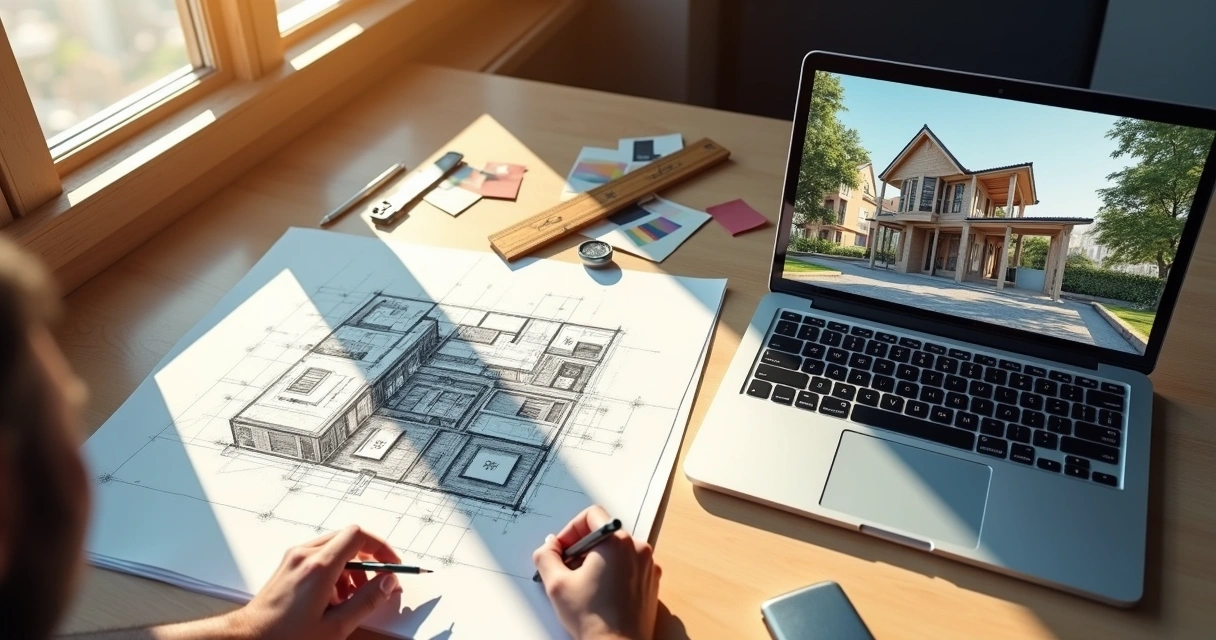
A arquitetura digital, então, é o grande guarda-chuva sob o qual abrigamos todas essas inovações. É o processo em que o ato de projetar se apoia em algoritmos, bancos de dados visuais, simulações e troca intensa de informações, transformando simples ideias em resultados visuais impressionantes.
Quem projeta digitalmente já está um passo à frente.
Principais vantagens da arquitetura digital
Você já se pegou pensando como seria entregar uma concepção visual para o cliente em questão de minutos, e não de semanas? Bom, algumas das vantagens do design digital vão muito além dessa velocidade:
- Visualização fotorrealista: a possibilidade de criar imagens e animações que beiram a realidade, facilitando desde pequenas decisões de décor até a aprovação de grandes projetos.
- Agilidade no desenvolvimento: desenhos, modelagens e renderizações podem ser ajustados em tempo real. “Mudou a cor da parede?” Ctrl+Z, Ctrl+C, Ctrl+V, pronto.
- Integração de etapas: da ideia ao detalhamento executivo, tudo pode estar conectado. Quando um detalhe muda, as outras fases são rapidamente atualizadas.
- Colaboração facilitada: equipes de arquitetura, engenharia e interiores trocam arquivos, comentários e revisam juntos, em qualquer lugar do mundo, basta conexão com a internet.
- Otimização de custos: simulação de materiais, previsão de interferências e erros corrigidos antes do canteiro de obras reduzem retrabalho e gastos desnecessários.
- Acessibilidade: não é preciso ter superservidores ou computadores caríssimos. Plataformas em nuvem, como a Redraw, permitem que projetos rodem em qualquer máquina, de qualquer lugar.
Pare para pensar: a capacidade de representar seu conceito de forma clara, convincente e até “instagramável” faz toda diferença na hora de conquistar clientes e alinhar expectativas. E tudo isso usando uma interface acessível, colorida e, por vezes, surpreendentemente intuitiva.
O cliente pede para ver como o sol bate na varanda? Agora é só clicar.
Exemplos práticos: softwares e ferramentas digitais para arquitetos
Chega de teoria, pessoal. Vamos falar do cotidiano de quem vive de projeto cadastrado, projeto revisado e projeto aprovado. O computador virou o ateliê principal. Segurer com firmeza aquela velha prancheta... bom, está cada vez mais raro.
- Modeladores 3D:Ideais para conceber volumes, testar arranjos espaciais e desenvolver aquela volumetria que impressiona logo nos primeiros encontros.
- Ferramentas como SketchUp, AutoCAD 3D, Rhino e similares já viraram itens de “sobrevivência digital” arquitetônica.
- Plataformas BIM (Building Information Modeling):Permitem integrar todas as fases do projeto, desde a concepção até a documentação e gerenciamento da obra.
- Criam um “gêmeo digital” da edificação, com dados sobre materiais, custos e prazos.
- Renderizadores e pós-produção digital:Softwares de renderização transformam modelagens em imagens realistas. Ferramentas de pós-produção refinam iluminação, texturas e detalhes finais.
- Aqui entra o diferencial de soluções como a Redraw, que permite criar e aprimorar renders diretamente no navegador, até para quem não domina configurações avançadas de hardware ou software.
- Ferramentas de desenho e croqui digital:Tablets e apps de esboço digital permitem rabiscar, anotar e compartilhar ideias de forma rápida, integrando-se ao fluxo de trabalho digital.
- Realidade aumentada e experiências imersivas:Com smartphones ou óculos de RA/RV, já dá para colocar o cliente “dentro” do projeto, caminhando virtualmente pelos ambientes antes mesmo de assentar um tijolo.
Essas ferramentas formam um verdadeiro arsenal para arquitetos, engenheiros e designers. Mais do que “ferramentas da moda”, elas representam o salto de qualidade e diferenciação visual exigido pelo mercado atual.
Como a arquitetura digital transforma o processo criativo
Pergunte para qualquer profissional da área: a inspiração pode surgir no trajeto para casa, na imagem de um edifício icônico ou num café derramado sobre a mesa (difícil de admitir, mas acontece). O digital entra como combustível para testar, errar, refazer e surpreender com agilidade.
Como assim?
- Iteratividade sem limites: manipule formas, luzes, cores e materiais sem medo de errar. Precisa alterar toda a composição? Nenhum drama; poucos cliques resolvem tudo.
- Simulações rápidas: preveja iluminação, circulação de ar, sustentabilidade, impacto visual... tudo “antes” de alguém reclamar na obra.
- Exploração criativa: esqueça a rigidez. Ferramentas digitais permitem estudar várias alternativas de layout, fachadas e paisagismo, quem nunca perdeu uma tarde inteira testando mil possibilidades e no fim escolheu a primeira?
- Comunicação clara: apresentações digitais encantam clientes e reduzem dúvidas. Nada como ver a solução pronta em 3D, em vez de pedir que o cliente “imagine” a mudança.
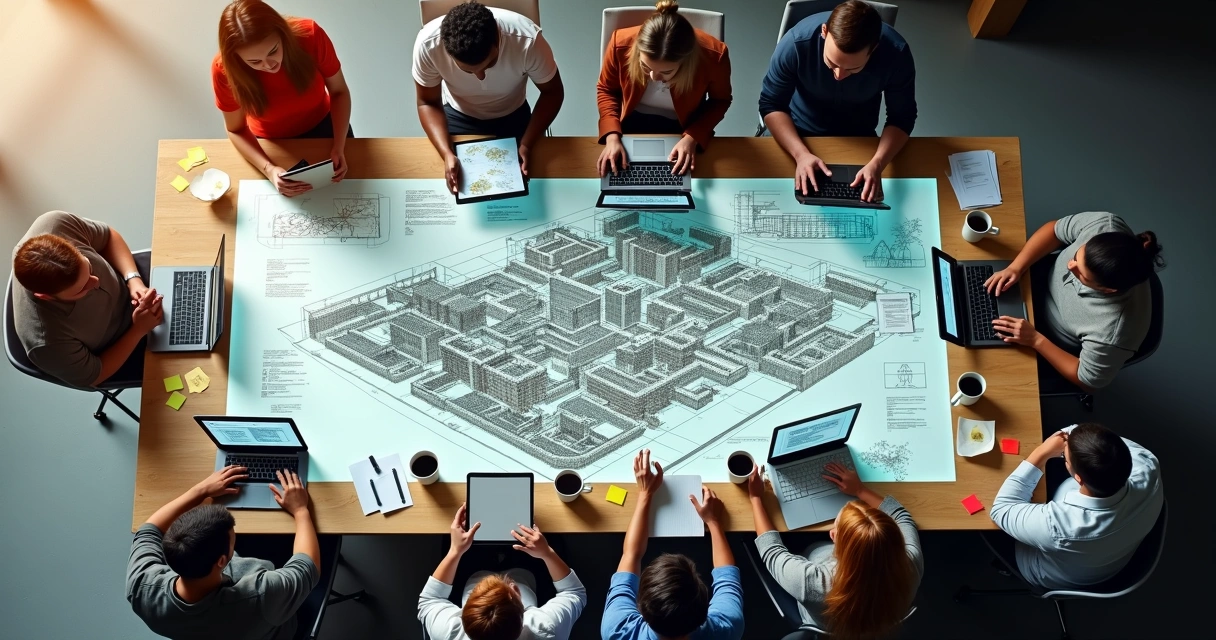
Entre um render e outro, o digital deixa a dúvida habitual: será que a tecnologia tira o charme do croqui à mão? Talvez, mas só para quem não gosta de praticidade e resultado. No dia a dia, as soluções digitais libertam o processo criativo de limitações físicas, acelerando a inovação na arquitetura e potencializando o talento de cada autor do projeto.
No digital, o “tentar de novo” é quase instantâneo.
Tendências e futuro da arquitetura digital
Agora a parte que todo mundo quer saber: para onde vamos? O ritmo da evolução é quase assustador, mesmo para quem já está por dentro. Veja as principais tendências rondando a arquitetura digital e que prometem bagunçar (ou melhorar) a rotina dos profissionais:
- IA aplicada no processo criativo: algoritmos que sugerem layouts, composições e soluções estéticas, aprendendo com preferências e históricos de projetos.
- Renderização em tempo real: imagens e animações sendo atualizadas instantaneamente durante a modelagem, sem aquela espera angustiante do “carregando”.
- Soluções cloud first: todo o processamento acontecendo na nuvem, com acesso a projetos de qualquer computador, tablet ou celular.
- Colaboração remota e simultânea: equipes trabalhando juntas pela internet em tempo real, cada um mexendo em um aspecto do projeto sem sobrepor informação.
- Interfaces intuitivas e acessíveis: plataformas focadas em UX levam até quem nunca usou CAD de verdade a criar projetos complexos em poucos cliques.
- Interação com outras tecnologias: integrações com dispositivos inteligentes, impressoras 3D, sensores IoT e realidade mista vão tornando o ciclo do projeto ainda mais digitalizado.
Considerando esse cenário, plataformas como a Redraw conquistam espaço ao entregar inteligência artificial e cloud computing a serviço da arquitetura, democratizando o acesso à automação e aos resultados de alto impacto visual.

Arquitetura digital e renderização: acelerando projetos com IA
Se há um ponto onde a arquitetura render encanta e surpreende, é na renderização. Antes, produzir imagens realistas que vendem o sonho do cliente envolvia horas de computador travando, configurações indecifráveis e muita paciência (ou queda de cabelo).
Hoje, com inteligência artificial aplicada ao fluxo de trabalho, o cenário é outro. Os renders podem ser criados, melhorados ou convertidos em vídeos animados em questão de segundos, diretamente no navegador e, detalhe, sem instalar nada. Em plataformas cloud como a Redraw, mesmo equipamentos simples conseguem gerar resultados de alto nível.
- Processamento em nuvem: libera os computadores locais, distribui o trabalho pesado e entrega imagem final otimizando tempo para o que importa: pensar o projeto.
- Transcrição do sketch ao realismo: desenhe à mão, tire uma foto e em segundos visualize a versão 3D com texturas, luz natural e “cara de revista”.
- Automação de ideias: não sabe por onde começar? Sistemas baseados em IA podem sugerir layouts ou traduzir descrições textuais em imagens conceituais impressionantes.
- Vídeos e animações sob demanda: aquela imagem estática já pode virar um minifilme do percurso pelo projeto, facilitando a venda e a explicação de cada detalhe.
Falar de render hoje é muito mais sobre conquistar o cliente do que sobre dominar “segredos técnicos”, e isso é bom. É a tecnologia tirando o peso do processo e colocando o profissional para focar no que faz de melhor: criar.
O “wow” do cliente vale mais que mil explicações técnicas.
Perguntas frequentes sobre arquitetura digital
O que é arquitetura digital?
Arquitetura digital é o conjunto de processos, técnicas e tecnologias voltados à criação, visualização, análise e desenvolvimento de projetos de arquitetura em ambientes digitais. Ela envolve desde o uso de softwares de modelagem 2D e 3D, simulações, IA na arquitetura, até experiências imersivas como realidade aumentada. Sua principal diferença está na capacidade de transformar rapidamente esboços, ideias e conceitos em representações visuais detalhadas e precisas, melhorando a comunicação e o resultado final do projeto.
Como a tecnologia impacta a arquitetura digital?
A tecnologia é como o motor principal da arquitetura digital. Ela permite que arquitetos e designers criem projetos mais visualmente atrativos, rápidos de desenvolver e fáceis de compartilhar com equipes e clientes. Com recursos como renderização em nuvem, inteligência artificial, colaboração online e simulações avançadas, o impacto está na redução de erros, otimização do tempo e na produção de imagens realistas mesmo em computadores simples. O resultado é um processo criativo mais fluido, eficiente e adaptado às expectativas atuais do mercado.
Quais são as principais ferramentas de arquitetura digital?
Algumas das ferramentas digitais mais usadas na arquitetura são softwares de modelagem (como SketchUp, Revit, AutoCAD 3D, Rhino), plataformas BIM para integração de projetos, ferramentas de renderização, pós-produção digital e aplicativos para croqui e apresentação. Plataformas como a Redraw ganham destaque ao permitir renderização acelerada, melhoria de qualidade e conversão instantânea de imagens no próprio navegador, democratizando o acesso a resultados profissionais sem exigir grandes investimentos em hardware.
Arquitetura digital vale a pena para projetos?
Sim, e não apenas por estar na “moda”. A arquitetura digital agiliza processos, minimiza retrabalhos e eleva a apresentação visual dos projetos a um novo patamar. O cliente entende melhor as ideias, o profissional toma decisões mais seguras e todo o ciclo do projeto tende a ganhar com redução de custos e aumento na assertividade. Para pequenos escritórios e grandes empresas, essa adoção já não é diferencial, é quase premissa básica para o sucesso no mercado.
Onde encontrar cursos de arquitetura digital?
Diversas universidades, escolas técnicas e plataformas online oferecem cursos de arquitetura digital, desde iniciação em softwares até especializações em BIM, renderização e experiências imersivas. Busque instituições reconhecidas como universidades federais, estaduais ou privadas de arquitetura e plataformas de aprendizado digital confiáveis. Muitas plataformas de software também oferecem módulos gratuitos e tutoriais. A dica é: escolha o curso que une teoria e prática, priorizando exemplos aplicados ao cotidiano.
Transforme sua Criatividade com Arquitetura Digital
A digitalização do setor não é apenas uma mudança; é uma revolução que redefine como os projetos são concebidos, apresentados e implementados. A arquitetura digital transcende tendências passageiras, consolidando-se como um elemento essencial que proporciona acesso, agilidade, confiança visual e, acima de tudo, liberdade criativa. Profissionais de todas as idades e experiências já perceberam que a fusão de softwares de design e plataformas inovadoras, como a Redraw, oferece uma rota rápida e eficaz para a criação de projetos memoráveis.
O futuro da sua carreira está em suas mãos. Se você deseja se destacar no mercado, transformar suas ideias em experiências visuais impactantes ou se já está cansado de métodos tradicionais que limitam sua criatividade, é hora de explorar o potencial da arquitetura digital. Acesse a Redraw, experimente suas funcionalidades e descubra como essa plataforma pode elevar sua prática a novos patamares. Dê o próximo passo rumo a um universo onde criatividade e tecnologia se encontram de forma harmoniosa e acessível.
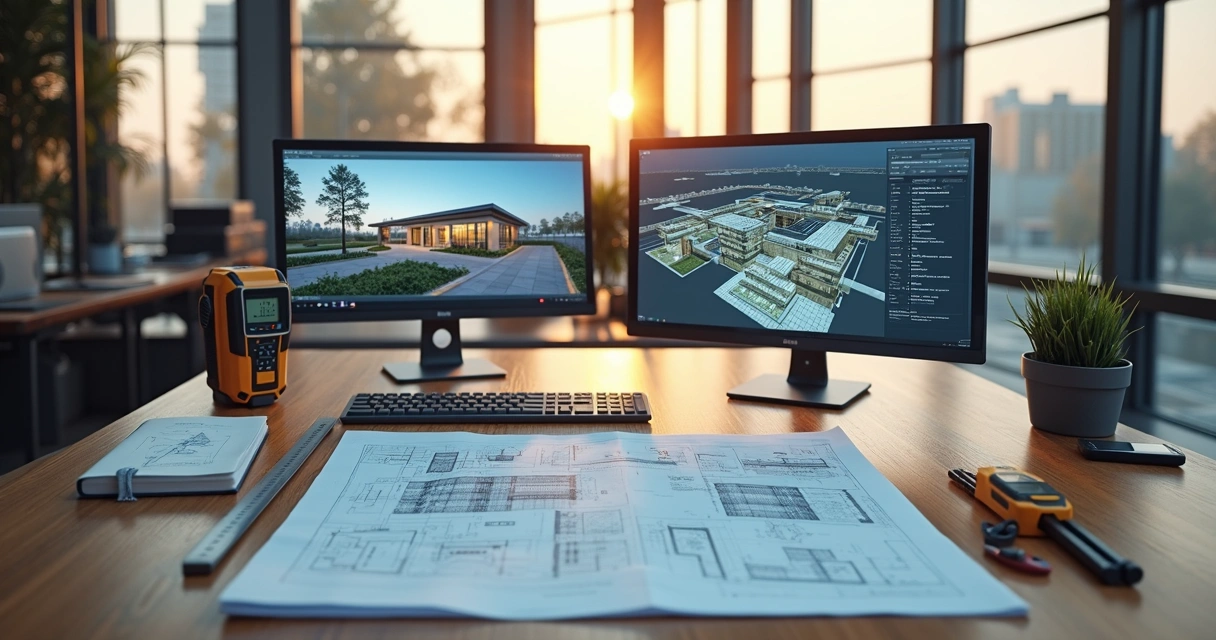
Architectural Survey
The crucial importance of the architectural survey
Architectural survey is that stage that many professionals consider 'boring', but which can be the difference between a project that works perfectly and a work that becomes a nightmare. Let's say it's like having a medical check-up: nobody likes it very much, but it's essential to avoid unpleasant surprises later. Documenting a building that has already been built, with precision and detail, is the starting point of any serious architectural proposal, whether for modest renovations, bold adaptations or technical diagnoses. And, of course, it's worth stressing: all of this only makes sense when we can see the result after the survey. To transform your measurements into realistic images and impress clients, try rendering your scenes in Redraw, which generates 3D visualizations directly from the browser and without a headache!
What is architectural survey and why does every project need it
You've probably found yourself asking, “Do I really need to measure everything again?” Yes. Because building surveying is not a luxury, it's a necessity. This process consists of collecting all the information of the existing property: room dimensions, heights, wall thicknesses, types of openings, frames, finishes, installations, and so on. The objective is to produce a faithful record - and those who have never found a 'crooked' wall or a room outside the square in the work do not know the value of a good architectural register.
The lack of up-to-date architectural documentation almost always becomes a headache when making changes. In addition, NBR 16.636-2 (Yes, there is always a rule to call your own) defines minimum criteria for this survey, ensuring security, clarity and avoiding legal proceedings between client and professional. Without a good survey, any project becomes a guessing game. And for us, nobody wants to rely solely on luck when it comes to construction.
When architectural surveying is mandatory (and when you should do it without it)
Let's get down to business: there are situations in which the measurement of the property is required by law. Some of them:
- Renovations to listed buildings or historic buildings, required by public agencies
- Approval of renovations in residential or commercial condominiums
- Accessibility works, including the adaptation of environments and routes
- Documentation for regulation with the city hall, notary offices and environmental agencies
But honestly, the law doesn't always have to knock on the door. There are cases in which architectural surveying is not mandatory, but avoiding it can be costly. Changes in hydraulic systems, replacement of coatings, electrical installations retracing the “path of the farm”... All of this depends on knowing every inch of the property. If the idea is to eliminate rework, carry out the detailed survey, even if no one charges.
Complete step by step: how to make a professional architectural survey
Preparation and necessary tools
Here comes the time to separate the amateur from the professional. Before setting foot in the building, gather everything that makes a difference:
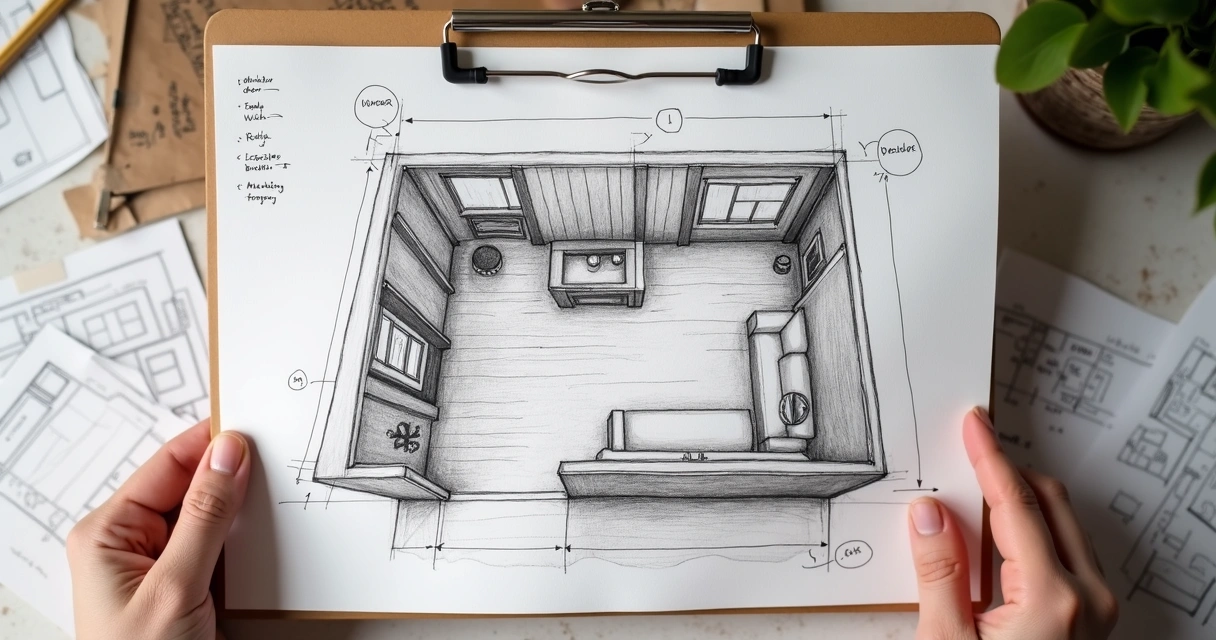
- Steel clamp (conventional and laser, to streamline large environments)
- Clipboard, sulfite sheets, or sketchpad
- Pencil, pencil, eraser (pen only for the brave...)
- Digital or traditional level, ruler and square
- Photo camera or smartphone
And of course, if your client is one of those obsessed with details, take care and bring electronic equipment, tablets and, who knows, even drones. But... always test your gadgets first and check the battery. Don't underestimate the power of well-used paper and pencils!
Measurement techniques and documentation
“Measuring is easy, measuring right is another story.” The secret lies in the details. Start by demarcating the perimeter, the main piece to avoid drawing a cube when the property is, in fact, an irregular polygon.
- Measure each wall individually, taking note of the length, height, and thickness carefully
- Identify doors, windows, openings, and other openings and record their exact position and dimensions
- Don't forget: stairs, pillars and unevenness may “disappear” at first glance, but create chaos in the project later
- Finish by calculating the diagonals, so you can find out if the environment is really a rectangle or just a
All of this organized in simple sketches, filled with indications and arrows. Here, precision is worth more than the beauty of the line.
Photographic recording and technical notes
Forget that phrase that a picture is worth a thousand words. In the world of Render architecture, photo without a caption doesn't save anyone. Capture every corner, coating details, visible installations, and points that deserve attention.
- Photograph each wall from the front
- Record the ceiling and floor
- Include electrical panels, passage boxes, and water points
Golden tip: attach labels and digital arrows to images as soon as possible so you don't get lost later. Some professionals swear that they will remember what that “patch in the footer” was, but months later... no one escapes oblivion.
Modern technologies in surveying: 3d scanners, drones and apps
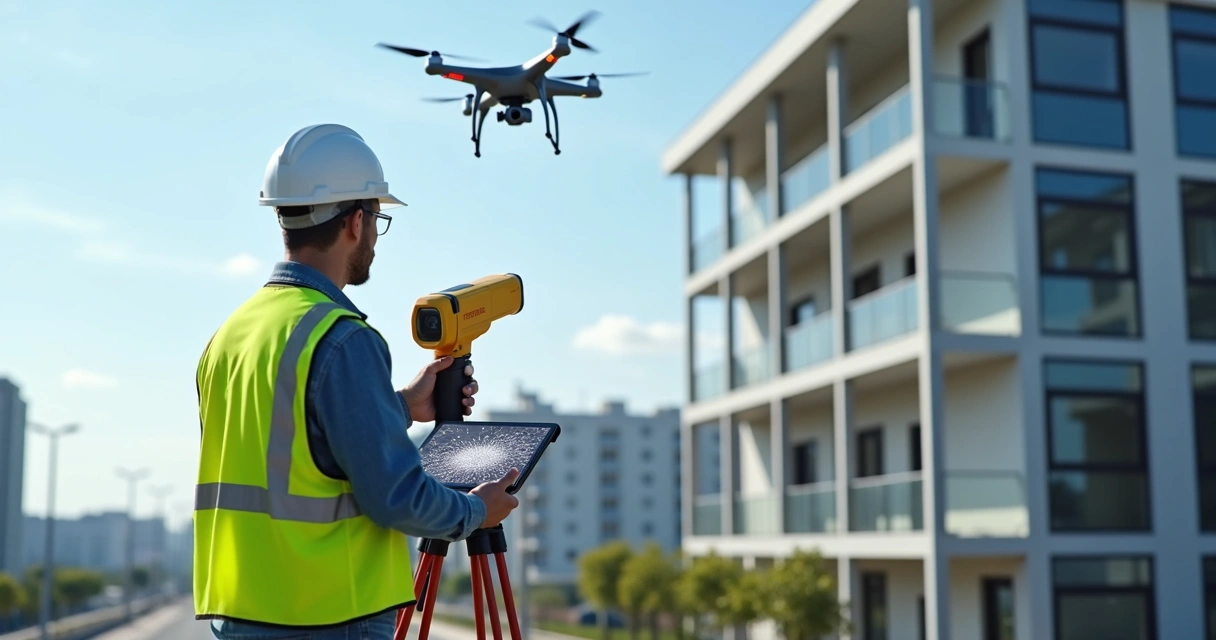
Of course, today's professional doesn't live on pencils and braid alone. The use of portable 3D scanners has grown, allowing architectural measurement to be digitized in real time, with an accuracy of up to millimeters. Digital models generated in this way can be imported into BIM software, saving hours of rework.
Drones are also allies, especially in large buildings or outdoor areas. Mobile apps, on the other hand, multiply the power of the smartphone to create instant plans from photos and even LiDAR sensing.
- Advantages of these features? Agility in the field, error reduction and integrated digital documentation
- Limitations? Cost of equipment, learning curve, and dependence on batteries (yes, always them!)
Still, for most residential projects, the good double braid + paper remains unbeatable in value for money.
From survey to project: turning data into stunning visualizations
Now begins the part that really shows the client the value of your work. It's no use a bunch of numbers and sketches if the result doesn't enchant those who pay the bill.
After the architectural registration, you model the property using your favorite software: SketchUp, Revit, Promob, AutoCAD... From there, it generates the views, cuts, floor plans, and 3D models. Want to take that next step? Render a realistic scene. And for this, Redraw is a practical solution, since it does not require complex configurations. Just prepare the scene in the software, capture the image or screenshot and process it in Redraw. The result: surprising images, ready to present, sell ideas and win approvals.
Your measurement, your art — but your rendering must impress!
This combination of technical survey precision and impactful visualization is what separates an ordinary project from a memorable experience for those who hire.
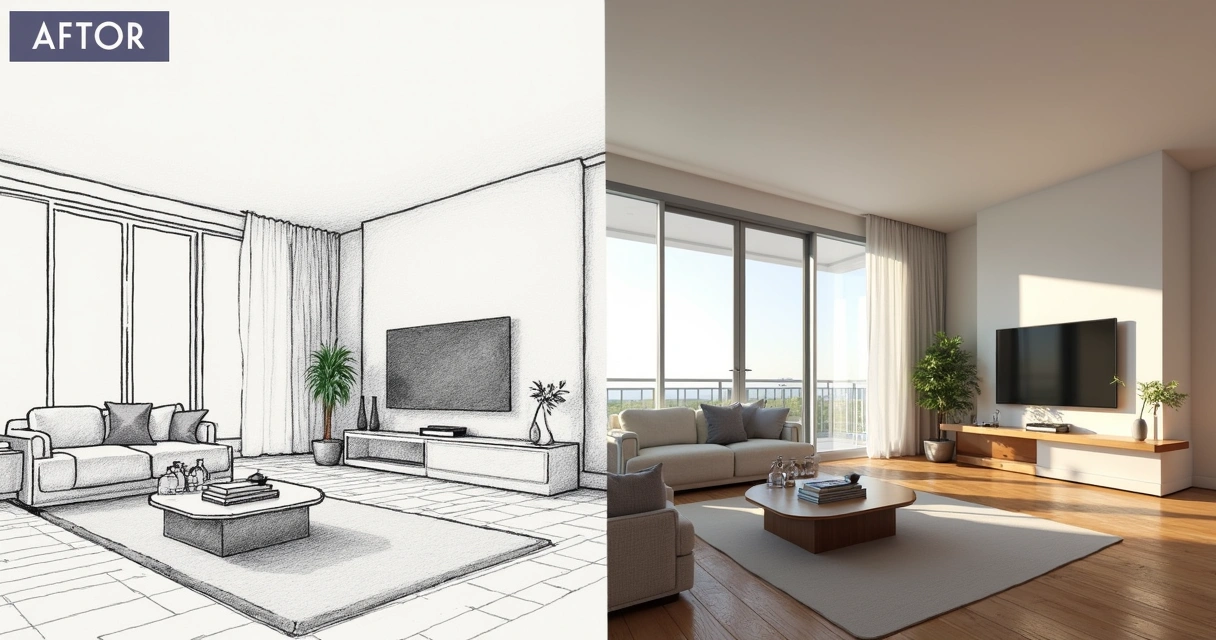
How much does an architectural survey cost: price guide 2025
The controversial question comes in: how much to charge? It depends. But, in order not to evade responsibility, see the values practiced:
- Small residential properties: from R$ 8 to R$ 12/m²
- Commercial properties or complexes: from R$ 10 to R$ 15/m²
- Measurements of outdoor areas, warehouses or large condominiums: starting at R$ 5/m²
Of course, risks, travel, time spent, and degree of difficulty are included. And don't forget: if the team uses technology (3D scanners, drones, tablets), the cost will accrue according to equipment and expertise.
Oh, and don't get caught up in the budget tale without a technical visit. Only those who set foot on the spot know how long each measurement will take.
Common architectural survey mistakes (and how to avoid them)
- Trusting old plants, without conferencing — spoiler: they almost never hit
- Forget to record room heights, unevenness and ceilings
- Ignore apparent details, such as pillars embedded in walls
- Always take measurements from the same point, without checking diagonals (that 'crooked room' says hi to you!)
- Neglecting the photographic record and ending up exchanging environments at the time of drawing
To avoid these missteps, check everything again before finalizing the documentation. And if something doesn't work, go back there. It's a waste of time just until the headache comes later.
Differences between architectural, topographic and cadastral survey
Not every measurement is the same, although the name sounds like it. See the difference:
- Architectural survey: measurements of existing buildings, detailing environments, walls, openings, internal installations
- Topographic survey: focuses on terrain, reliefs, contour lines, boundaries and georeferenced points (NBR 13133)
- Cadastral survey: detailed registration for legal purposes, such as areas built for regulation with the city hall
Conclusion? Each one has a function and is not a substitute for the other. In complete projects, they are usually complementary.
FAQ - Frequently Asked Questions about Architectural Survey
What is architectural survey?
It is the process of measuring and documenting an existing building in detail, recording room dimensions, door and window positions, wall thicknesses, electrical and hydraulic installations, and other construction elements. It serves as a starting point for renovations, adjustments, or even for researching the property's past.
How to make an accurate architectural survey?
The secret lies in measuring everything carefully, recording it in hand sketches, photographing each environment with notes, checking the diagonals and verifying that each record makes sense. Use trena (preferably laser for large areas), basic tools, and don't rely solely on existing plants. Make revisions after completing each step on site.
What tools to use in architectural surveying?
Steel tape, laser tape, sketchpad, pencil, eraser, level, square, smartphone for photos and, for the most modern, 3D scanner, drone and digital measurement applications. The common sense to decide between paper and technology also never goes out of style.
What is the architectural survey for?
It serves for a detailed record of the real conditions of a building, facilitating renovations, adaptation of projects, regulation with public agencies, approval of condominiums, and even sale or rental of properties. It also provides security to predict costs and plan schedules.
How much does an architectural survey cost?
In 2025, the average cost varies between R$ 5 and R$ 15 per square meter, depending on the type of property, complexity of the service, equipment used and the need for detailing. Lower values tend to involve only large areas or fewer details, while older, detailed properties require a larger budget.
Conclusion: the solid foundation for successful projects
Coming to an end, the lesson is simple: there is no good project without a well done architectural survey. If you want more than complete the table, make a detailed registration and transform your measurements into impactful images. Have you seen how Redraw can catalyze this process? Just capture the scene in your software, send it to the platform and let the artificial intelligence work.
The difference is in the presentation: transform data into renders that win customers!
If you are looking to value your technical work and want to see your projects truly come to life, discover the exclusive resources of Redraw and submit your images to test. Your next performance may be unforgettable.
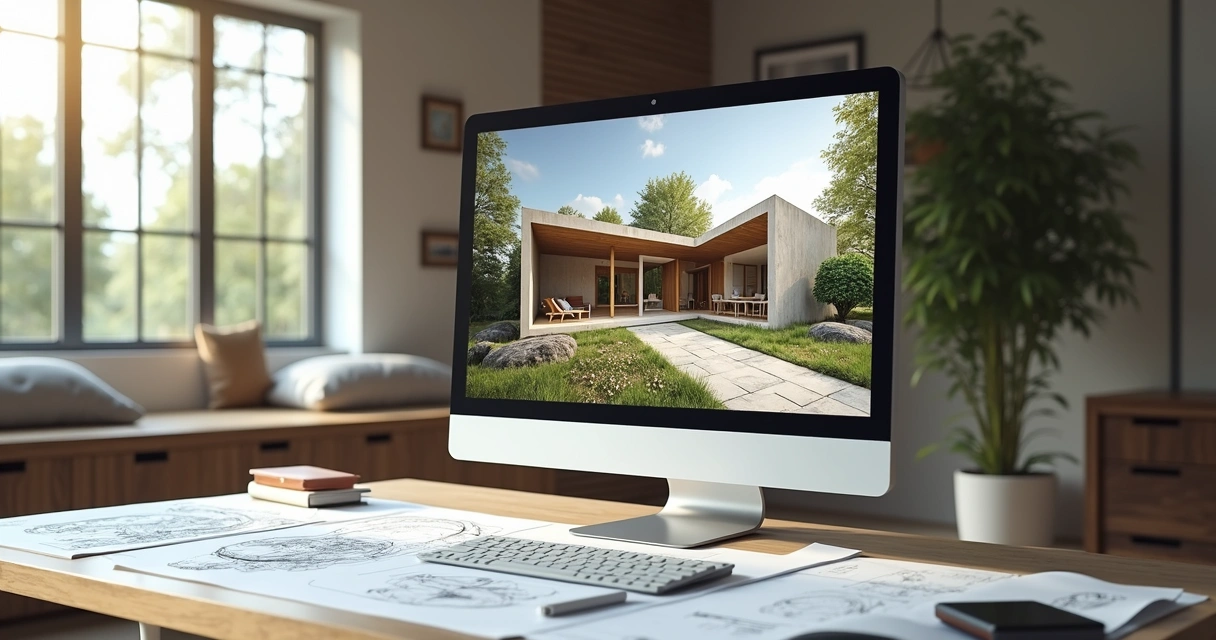
AI in Architecture
Introduction to the AI Revolution in Architecture
AI in Architecture has ceased to be a simple futuristic vision and has become a tangible reality in everyday offices. Regardless of whether you started your professional journey drawing on paper or if you are already an expert in digital tools such as Revit, the innovations brought by AI in architecture are profoundly transforming the way in which architects, engineers and designers approach, develop and present their projects. We are grateful for the technological advance that provides us with greater efficiency and agility. Those long hours of rendering that used to consume us? Now they are a relic of the past, thanks to platforms such as Redraw, which demonstrate that innovation can be both accessible and fast.
Let's explore, therefore, how this technology discreetly but meaningfully impacts each step of the workflow. Get ready, settle in, and read on to discover how AI in architecture is making architectural practice lighter and, most importantly, more engaging.
What is AI in architecture and why it matters
When we talk about artificial intelligence in architecture, we are dealing with systems that “learn” patterns, analyze information, and solve tasks related to the creation and presentation of built spaces. Do you know those algorithms that seem like magic, but are actually only processing tons of data to find objectively better, faster or, let's face it, less annoying to execute?
If traditional software is like an accurate and mandatory hammer, AI in architecture is, well, a modern toolbox. It goes beyond parameterized commands, responding and adapting according to data, context, and even personal style, if you know how to use it.
The resistance to adoption came, of course. After all, why trust a “robot” if you spent four years in college learning how to draw freehand? But little by little, the tiredness of repetitive routines, the increasing demands of customers and the desire to deliver something more visual and seductive (in less time) have overcome the prejudice of Render architecture.
When AI saves you time, even coffee cools down less in the office.
How AI is transforming the design process
Maybe you still make an ugly face, but it's undeniable: artificial intelligence is changing from the initial stages to the final presentation of the project.
Automation of the basics to free up time
Operational tasks, such as organizing layers in AutoCAD or generating dozens of variations of the same layout, can be automated. You no longer have to sacrifice Sunday to make a humanized plant, today, there are algorithms for that.
Intelligent analysis for better decisions
AI can process environmental data, residents' preferences, sustainability trends, or local laws. This means automatic suggestions or even alerts when detecting construction flaws, critical consumption points, or errors in technical details.
Generating creative alternatives
With a few clicks, you can get dozens of volumetric alternatives, room layout, or façade styles for that home or office. Creativity isn't just tied to what the brain invented at 2 in the morning. Now, ideas also arise from the data and analyses suggested by the “virtual assistant”.
Top 7 benefits of AI for architects
The list is large, but it's worth highlighting seven gains (no, you don't have to print and nail it to the office wall):
- Less time wasted. Remember when you needed hours to create a minimally presentable perspective? Today, artificial intelligence platforms are able to process and deliver realistic images in minutes. There's plenty of time for other tasks (or to plan that well-deserved break).
- Projects with higher visual quality. More detailed images, perfect textures and representations that delight the client. It's not just a whim, it generates trust and sells more.
- Less everyday office expenses. Reduced costs with expensive licenses, powerful hardware, overtime. Platforms like Redraw dispense with the need for supercomputers or awesome plugins. The pocket thanks.
- Forecasting and simulation of scenarios. Simulate lighting, insolation, energy consumption, or even the flow of users in spaces. AI detects problems even before the first brick, saving rework and money.
- Unlimited customization. Generate as many variants as you want of an environment, the entire project, or that charming toilet to please undecided customers. Who never?
- More sustainable and economical projects. The system suggests materials, layouts, and guidelines based on waste reduction, energy efficiency, and ecological solutions. Less impact, more focus on the planet. Everyone wins.
- Much more visual and assertive communication. Transform quick sketches into realistic images to convince the client or to sell the idea to the investor. Simple as that.
Have you ever imagined generating 10 layout options in less than 10 minutes?
AI rendering: the visual revolution in architecture
Remember that time when rendering an image was like watching ink dry? Well, it became an old pretext. Today, intelligent rendering is on another level, and here, the mention of Redraw is almost mandatory for those seeking agility and simplicity.
How does artificial intelligence rendering work
The flow is direct: you upload your project or root image, select the desired style, and the magic happens. AI transforms your ideas into realistic scenes, with automatically adjusted textures, shadows, and reflections. Don't spend bright nights configuring each light or material in SketchUp.
Why choose AI for images?
- Absurd speed compared to traditional mode
- It does not require extensive configurations, it's almost plug-and-play
- It works directly from the browser, without installing plugins or investing in hardware “from another planet”
- Consistent quality, no matter the size of the project
And it's worth noting: with solutions like Redraw, you focus on what matters, create and present, not overheating your head with configuration sheets or last-minute surprises.
Render at lunch, adjust after breakfast, and deliver before you go.
Main AI tools available on the market
We already went with a parallel ruler and an escalometer. Today, AI-based tools are gaining real space on the digital desks of architects. Some to create, others to analyze, and of course, those that impress in the rendering.
Tools for ideas and concepts
- Generate volumetry, explore layouts, and test different styles without having to start from scratch.
- Feasibility analyses based on environmental data and user preferences, with almost instantaneous answers.
Software for analysis and simulation
- Evaluation of thermal and lighting performance, solar simulations and even automatic constructability calculation.
- Integration with BIM allows checking conflicts and proposing alternatives for complex projects.
Visualization and rendering platforms
- Transforming electronic mockups into quasi-photographic images or animated videos is increasingly a matter of minutes, not hours.
- Redraw, for example, is a Brazilian solution that processes everything via the cloud, making it possible to render “wow” even on a modest computer.
Overcoming the Challenges of Implementing AI
Not everything is digital flower. In the beginning, there is always that question: “Am I going to be able to touch this? What if I lose my creative identity?” Breathe. It's normal.
- Distrust and fear of the new: Yes, there is a fear of losing space for machines. But AI is here to be an ally and not a substitute. It's to add up, not to steal your coffee.
- Learning curve: Intuitive tools reduce the need for eternal tutorials. Even so, testing and poking around are still the best ways to learn.
- Return on investment: The cost of adopting a tool may seem scary at first, but the time saved is worth every penny, especially with options like Redraw.
- Creativity doesn't die: AI proposes, but you approve (or ignore). The human touch still makes all the difference in the result.
Creativity is irreplaceable, but a little help never hurts.
The future of AI in architecture: trends and opportunities
Stop where it is? Unlikely. Every day there are new things that expand the presence of artificial intelligence in the world of projects.
Integrated emerging technologies
From BIM to management platforms, integration is the word of the time. Automate flow, correct errors before they become a problem, and ensure compatibility between technical and visual systems.
Adoption in addition to rendering
Voice recognition, drawings converted to 3D with only doodles, automatic urban analysis... It sounds like fiction, but some of these functions are already starting to gain traction.
Impact on the market and new functions
Demands arise for specialists in parameterization, data curation, and critical interpretation of the generated results. Collaboration between creatives and machines marks the start of a new phase, less repetitive and, who knows, less bureaucratic.
In the future, architecture will be human, and also a bit digital.
FAQ - frequently asked questions about AI in architecture
What is artificial intelligence in architecture?
Artificial intelligence in architecture consists of the use of computer systems that “learn” with data, AI to create architectural projector recognize patterns in projects and help from conception to architectural presentation. This includes everything from the automation of boring tasks to creative suggestions and more advanced renderings.
How can AI help with architectural projects?
AI can streamline processes, propose solutions based on real data, suggest more economic or sustainable alternatives, simulate scenarios, and even generate realistic images for presentation to the customer. It assists with decision-making, saving time and reducing rework.
What are the benefits of AI for architects?
Benefits include: fast rendering, reduced software and hardware costs, a wider range of design alternatives, automatic environmental analysis, better visual communication with clients, and easy integration with other technical tools.
Is it safe to use AI in architectural projects?
Yes, especially when the tool is trustworthy and recognized by the market. Platforms that work in the cloud and follow good data protection practices are quite secure. Even so, professional monitoring and validation are still essential.
Where to learn more about AI in architecture?
There are online courses, live courses, free content and webinars aimed at architecture and design professionals. In addition, testing tools like Redraw can be a practical way to get started. The important thing is to experiment, question, and discover how each resource can add to its own process.
Conclusion: Embracing AI for the Future of Architecture
At this point, it no longer makes sense to treat artificial intelligence as a fad or a “risk to the profession”. It is already integrated, silently or blatantly, into our workflow. For those who want to free up time, create better, spend less and impress more, AI-based tools open new doors every day.
A first experience is enough to understand: what seemed complicated, slow or distant is already part of the now. What if it's to test with a few steps, smooth onboarding, and headache-free rendering? The invitation remains. Get to know the Redraw, experience what artificial intelligence can bring to your projects and take the opportunity to reinvent your creative routine. The future, this time, has already begun.
Rendering Interiors
Demystifying Interior Rendering
Rendering interiors is one of those challenges that seem simple only for those who have never opened a SketchUp or Revit thinking that they could achieve that super visual catalog effortlessly and, of course, without spending anything other than their daily coffee. But here comes the reality. The “interior rendering” that you dream of so much requires sophisticated software, paid plugins and hours of tweaks in every corner of the scene. And, among us, who today has time and money left? Therefore, in this guide, you will discover how to transform your experience with interior visualization, understand traditional paths and new solutions in artificial intelligence, including learning about Redraw's practical approach. Ready to evolve your images and maybe even laugh a little at the madness that this process is? Then keep reading. And if you want to streamline your projects without hurting your pocket, write down the name: Redraw.
What is interior rendering and why is it fundamental
First: rendering interiors isn't just about slapping a 3D project nicely. It's about creating a realistic final image of an indoor environment, usually from a digital model. With this, architects, engineers, designers, and companies can present to the client, investor, or team a clear and attractive view of the space, even before the first wall is erected.
Do you know that customer who “can't see”? Or that boss who asks to “seek inspiration from Pinterest”? For all of them, interior rendering plays the role of an instant translator. You show colors, textures, lighting, furniture, sensations. The result is not only more convincing: it also reduces doubts and rework, since everyone sees the project in the same way.
- Time and money savings
- Easy for approvals
- Tests of different finishes at no extra cost
- Better visual communication
With all this, there's no denying it: mastering the rendering of interior spaces is almost a must for serious professionals in the market.
Traditional software for rendering interiors: advantages and limitations
SketchUp + plugins: the most popular combination
Perhaps that is the most confusing point. SketchUp, a favorite of architects and designers, is renowned for its ease of modeling and user-friendly interface. But one truth: it doesn't do native rendering. Seriously, that magic button for turning models into realistic images simply doesn't exist by default.
To achieve a truly impressive interior rendering with SketchUp, you have to resort to external (and paid) plugins. The most sought after, such as V-Ray or Enscape, require not only financial investment, but also an understanding of a new universe of configurations: lighting, materials, reflections, cameras, etc. The result can be fantastic, provided you are patient (and persistent).
Revit and its limitations for rendering
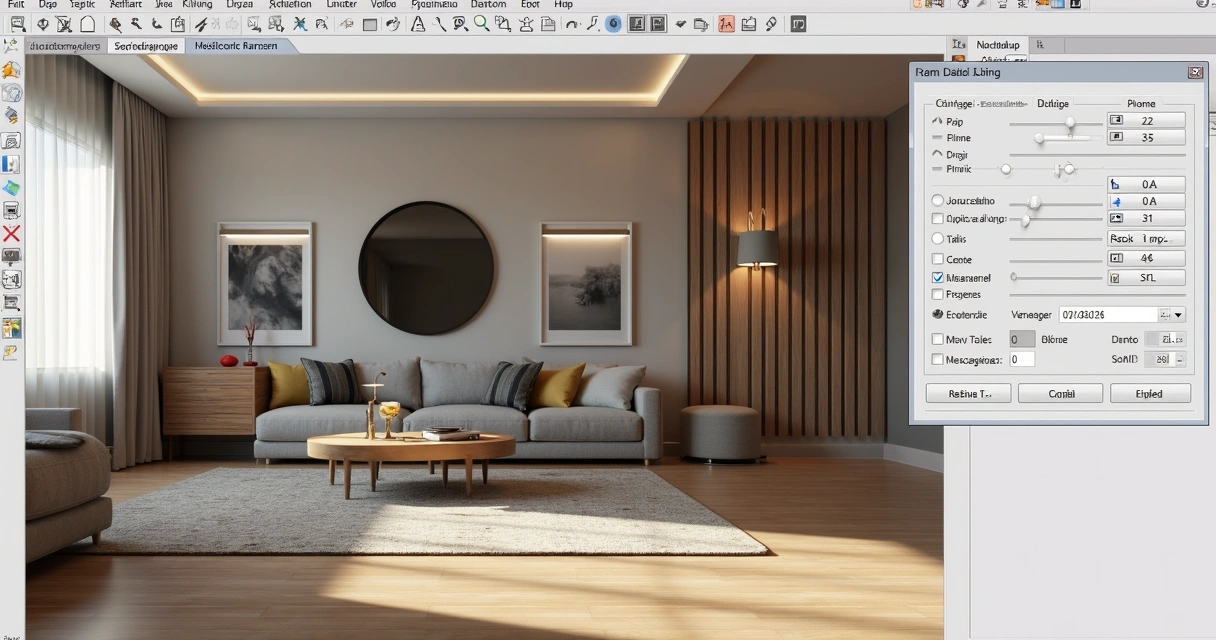
Many engineers and architects use Revit primarily for the BIM workflow. However, for those who think that it is enough to import the model and “take a direct rendering”, frustration is common. Revit even generates images, but with, let's say, debatable quality. Those who want truly professional results, those who impress in meetings, end up looking for plugins or exporting the project to more robust software.
Specialized software: Lumion, V-Ray and Enscape
The names are famous in the professional environment. Specific rendering software promises lighting effects, ultra-realistic materials, and integration with modeling tools. Customization is the strong point, with infinite adjustments and advanced features. But here's the catch: the learning curve is normally steep, the cost is high, and performance depends on the available hardware. Who never sighed when the computer started to crash in the middle of the process?
The real cost of traditional software
If we put it on the tip of the pencil, working with rendering using conventional methods involves considerable expenses:
- Program licenses (sometimes paying in dollars)
- Subscription rendering plugins
- Computers with powerful video cards
- Time invested to learn and adjust every little detail
If rendering interiors were just a push of a button, nobody needed a 20,000 real workstation.
Therefore, seeking leaner and faster solutions makes more and more sense for those who want practicality without giving up the visual result. And no, just goodwill is not enough.
How to prepare your interior project for rendering
Before thinking about the final image, there is a whole 3D scene preparation that makes a difference both for traditional methods and for AI, such as Redraw. A good rendering starts long before “exporting” or “sending for processing”.
Proper lighting setup
Lighting is pretty much the secret ingredient. It sets the mood of the environment, highlights materials and even influences visual comfort. Working well with natural and artificial lights is half the way to realistic results. An error I always see? Exaggerate brightness or forget soft shadows, which makes the result more artificial than an old catalog photo.
- Natural light: define the position of the sun, times, and openings.
- Artificial light: think about color temperature (warm, cool, neutral), distribution of light spots, and intensity.
- Shading: soft shadows add depth, hard shadows leave everything half flat.
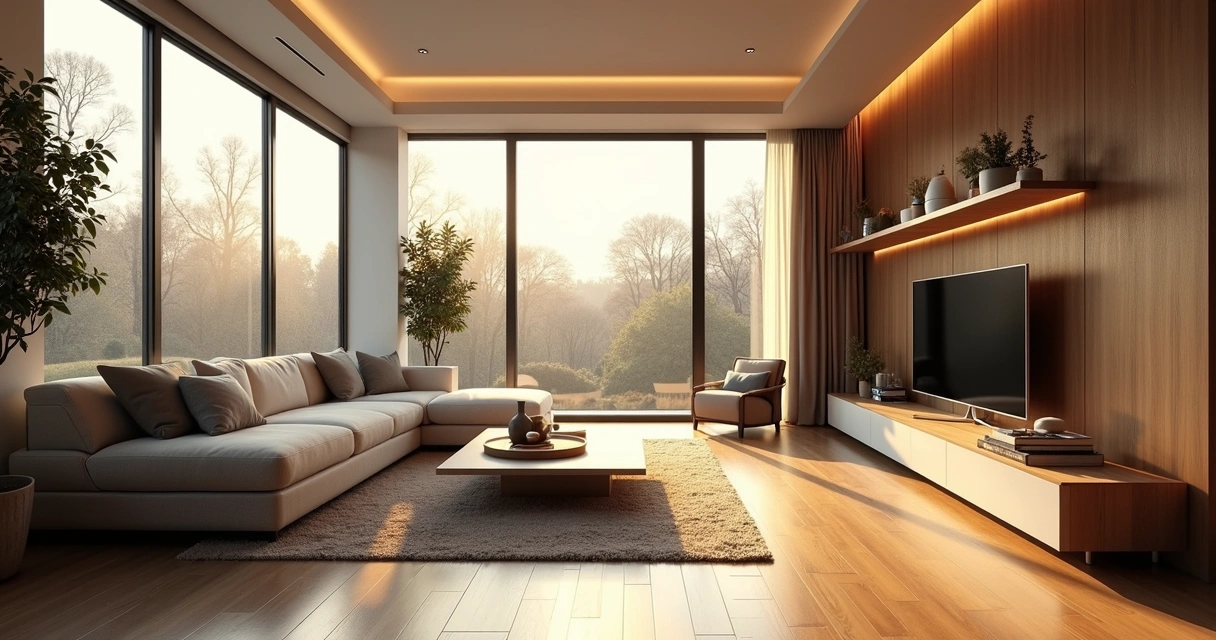
Definition of materials and textures
There's no escape: every material needs to be carefully chosen and adjusted to reflect, absorb, or transmit light in the right way. The secret to not falling into the “plastic effect” is to think about the roughness, color, reflection and even minor imperfections of the objects.
- Use high-resolution textures when possible.
- Diversify finishes: don't make everything shiny or all matte.
- Beware of excessive transparencies on glass and acrylics.
Camera positioning and composition
What's the use of a beautiful space if your camera takes up more ceiling than environment? The framework makes all the difference when reading the project. Look for compositions that enhance circulation, main lines, and bring a sense of depth.
- The height of the camera is close to the eye level of the person who would be there.
- Avoid distortion, especially on very open lenses.
- Add elements in the foreground to create layers in the scene.
Traditional methods vs. rendering with AI: the revolution
Until recently, generate a rendered image interior design was almost a ritual of patience and hardware. Now, artificial intelligence is completely changing the game. Let's compare what changes and what remains in this new scenario.
Limitations of conventional methods
Okay, modeled, adjusted light, materials, camera. Now it's time to wait for the rendering. And there it takes minutes, hours, sometimes even more, depending on the complexity and power of the computer. The process can become an endless cycle of “rendering, correcting, rendering again”.
In addition, it is common to face:
- Configuration errors that only appear in the final image
- Lack of realism in reflections and textures
- Limitation for last-minute quick adjustments
When the deadline is tight, the traditional surrender becomes its biggest boss.
How AI is transforming interior rendering
With artificial intelligence, there is the possibility of creating renders from static images and even sketches, saving time and freeing the professional to focus on the creative part. Trained AI models are able to understand light, perspective, and materials, suggesting realistic visuals almost instantly. The secret? Speed and simplicity, without leaving so much room for classic errors.
Advantages of Redraw for professionals
Redraw is following this innovative path. The proposal is simple: you prepare the scene, take a screenshot of your project, upload it to the platform and, in a few seconds, receive a quality rendering. No complex integration, no plug-ins or material library to install. Just a direct solution between your creativity and the final result.
- It works directly in the browser, without installation
- Does not require a powerful graphics card
- Affordable plans for those who don't want surprises in the budget
- Ideal for those who want to show ideas quickly, test finishes or surprise at meetings
Step by step: how to render interiors with Redraw
There's no secret, but the right process generates much better results. See how simple it is to incorporate Redraw into your flow:
Preparing your project in SketchUp/Revit
First truth: SketchUp and Revit They DON'T render on their own. Its role is to model the environment, detail furniture, insert components, all thinking about the angle that will be presented. Don't worry about rendering settings, focus on tidying up space, virtual lighting, and basic textures.
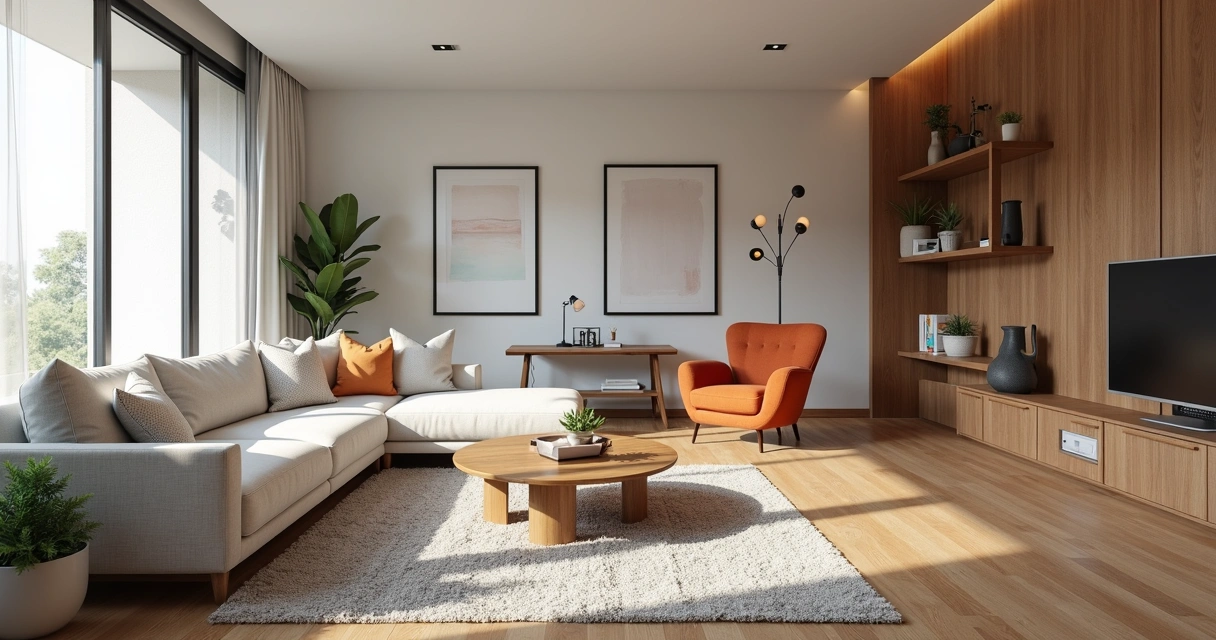
Capturing the ideal screenshot
Once you've adjusted the scene, frame the environment the right way. Use a high resolution, close windows and menus so as not to pollute the image. Prefer angles that enhance light, circulation, and points of interest. Simple as that. The generated file can be JPG or PNG.
- Define the field of view
- Centralize the most interesting area of the project
- Take the capture, ensuring good resolution
A good screenshot is half the job for an amazing rendering on Redraw.
Redraw processing: from image to professional rendering
Now comes the best part. On the platform, upload your image. Redraw interprets every detail: perspective, light, textures, and transforms the file into a practically instantaneous rendering with a realistic look. There is no need to export 3D files or import plugins. The result? An interior rendering ready for presentation without a headache.
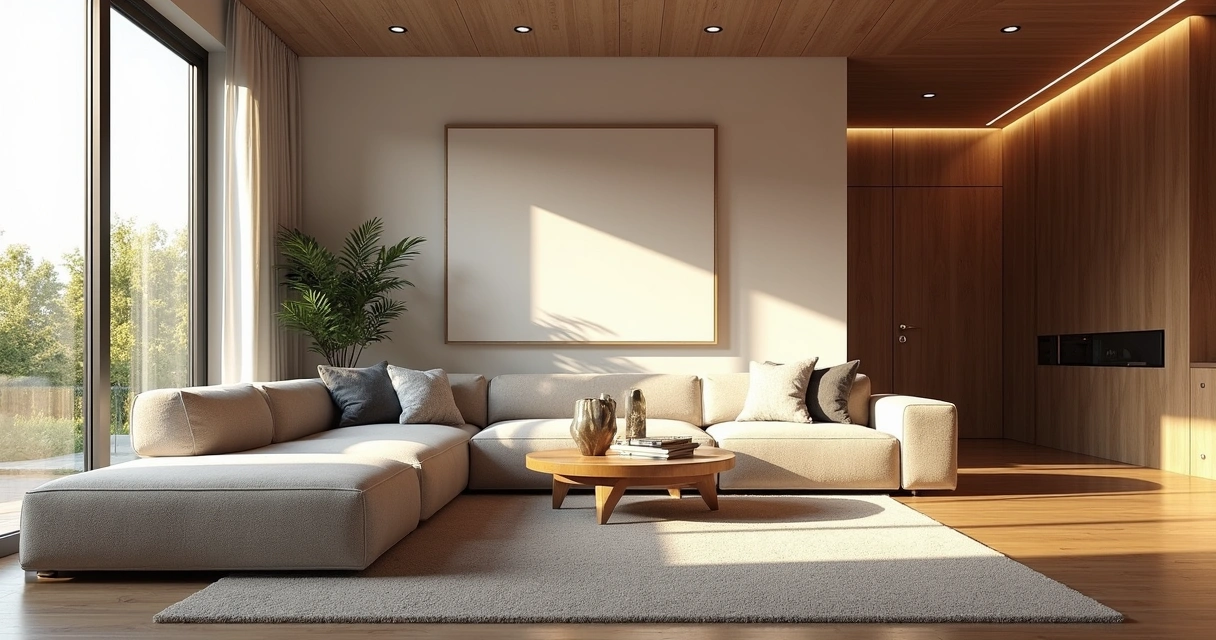
Professional tips for stunning interior renders
Even with AI facilitating the process, a professional eye is still indispensable. Choosing the right elements makes all the difference for the environment to tell a compelling story.
Natural vs. artificial lighting
Well-lit environments convey a sense of life and comfort. Switch between daylight, to enhance large, open spaces, and artificial light, to highlight specific areas such as kitchens, dining rooms, and reading corners.
- Explore times of day: the morning light creates different atmospheres than the warm lights of the late afternoon
- Combine types of lighting: recessed lights, sconces, floor lamps
- Be careful not to pop up whites or create areas that are too dark
Composition and framing
Visual composition can transform even a simple rendering into something memorable. Think of the rule of thirds, rearrange furniture to create a flow, and don't be afraid to “cut” objects partially in the image — this suggests continuity outside the frame.
- Prefer angles that show circulation and spatial relationships
- Include personal objects to create realism (books, paintings, plans)
- Avoid extreme symmetry: real spaces are never perfect
Details that make the difference
Almost imperceptible touches give personality to the project: finger marks on a glass, roughness of the carpet, the asymmetry of curtains. Elements such as open magazines, blankets, bottles, all of this brings the rendering closer to the photograph of an inhabited environment.

Comparison: Redraw vs. traditional software
You might be thinking, “Good, but does Redraw really deliver what it promises?” Let's look at it side by side.
- Creation time: In Redraw, from upload to render, everything happens in seconds. In traditional methods, between configuration, export, and adjustment, it can be hours.
- Hardware requirements: Redraw is independent of a powerful computer, since the processing takes place in the cloud. Conventional software requires machines equipped, generally with high-performance video cards.
- Cost: Redraw's subscription model allows you to test without major commitments. Traditional tools require a license purchase, expensive upgrade, and often hidden hardware or plugin costs.
- Ease of use: The Redraw flow reduces the learning curve, ideal for those who want to take a leap in quality without spending weeks on tutorials.
It may be that, for ultra-detailed work, classic methods still have room, but for most everyday uses, AI is already in front of even the most demanding eyes.
FAQ: frequently asked questions about interior rendering
What is interior rendering?
Interior rendering is the process of converting a digital model of an indoor environment into a realistic image, simulating light effects, materials, colors, and textures. In this way, it is possible to present to clients and teams what the space will look like after the completion of the work, even before construction begins.
What is the best 3D software for interiors?
Among the most used to model interiors are SketchUp and Revit, which are very popular for their flexibility and BIM features. However, for realistic rendering, it is necessary to use plugins or auxiliary programs. Alternatives based on artificial intelligence, such as Redraw, appear as practical options for creating realistic images from screenshots of the models made in these software.
How do I start rendering indoor environments?
The initial step is to model the environment in a 3D software of your choice, adjusting elements, lighting, and materials. Then, choose the rendering method: specific plugins, external tools, or an AI-based platform like Redraw. Be sure to prepare good frames and captures of the scenes you are going to present.
Is it worth investing in interior rendering?
Yes, especially for professionals who need to convey ideas clearly and win clients. Interior rendering reduces the risk of errors in execution, facilitates sales and negotiations, and adds value to the portfolio. With intelligent solutions such as Redraw, investment becomes even more accessible and practical.
How much does interior rendering software cost?
The costs vary widely: traditional licenses can be high, especially when adding plugins and the required hardware. AI platforms like Redraw offer diverse plans and direct browser access, saving investment in expensive machines and lengthy contracts.
Conclusion: the future of interior rendering
Coming to the end, you may have realized that rendering interior spaces may be less painful (and expensive) than you always believed. Artificial intelligence, ease of use and quick results are already a reality, especially with proposals such as Redraw. The key is to master the preparation of your project, understand the limitations and know how to choose the right method for each situation.
You can spend hours tweaking plugins, or a few seconds creating impactful images with Redraw.
Are you curious to try a new way to render your environments? Get to know the Redraw, simplify your workflow and surprise with results. Your next presentation may be just a screenshot away.
Industrial Architecture
Desvendando a Arquitetura Industrial
Arquitetura industrial não é sobre galpões antigos, fios expostos e aquele cheiro discreto de óleo no ar. Quem pensa que esse universo se resume a chaminés enferrujadas e concreto sem graça esquece do papel revolucionário desse estilo na modernização dos espaços. E cá entre nós, poucos estilos abraçam tão bem o conceito de funcionalidade chique. Hoje, a união entre tradição e tecnologia dá vida a projetos dignos de capa de revista, e, claro, impressiona clientes na primeira olhada. Já imaginou transformar aquele esboço cinzento num render incrível em menos de meio minuto? Com a Redraw, isso está ao alcance de um clique, sem precisar transformar seu computador numa usina nuclear.
Menos tempo renderizando, mais tempo projetando.
Quer entender onde tudo isso começou, como evoluiu, o que usar e como inovar? Vem comigo que este guia vai colocar luz até nos cantos mais escuros do seu projeto renderizado.
O que é arquitetura industrial e por que ela conquistou o mundo
Tudo começou em meio a engrenagens, vapor e fábricas barulhentas. A chamada arquitetura industrial veio da necessidade, foi filha da Revolução Industrial. Deu os primeiros passos entre o fim do século XVIII e começo do XIX, quando o "projeto bonito" era aquele que funcionava, simples assim. Os edifícios industriais precisavam ser construídos rápido, abrigar máquinas pesadas, resistir ao tempo e facilitar o fluxo de trabalhadores. Nada mais, nada menos.
Na década de 1900, os elementos que surgiram por pura funcionalidade começaram a ditar tendências. O aço passou a ser celebrado, o concreto ficou sem vergonha de aparecer e o vidro trouxe um ar de leveza. O charme? Sem floreios. Pieguices não tinham vez; só o que colaborava para o funcionamento ficava. Hoje, esse espírito prático, elegante e até meio bruto deu origem ao que chamamos de design industrial, alastrando-se de Nova York a São Paulo em lofts, escritórios e até cafeterias.

Principais características da arquitetura industrial
Se precisasse resumir o estilo industrial em uma frase, diria: menos pose, mais propósito. Mas os detalhes fazem a diferença, e o que vemos hoje são ambientes onde cada elemento grita autenticidade.
- Funcionalidade nua e crua: O espaço é planejado para fluxo intuitivo e uso constante. Não existe aquela parede só para “ficar bonitinha”.
- Materiais aparentes: O charme está no que muitos arquitetos antes tentavam esconder. Aço, concreto, tijolos, madeira crua, tudo fica exposto, até as vigas.
- Elementos estruturais como protagonistas: Dutos de ar condicionado à mostra, fiação exposta, colunas de ferro. Quebrar o teto de gesso deixou de ser dor de cabeça e virou destaque.
- Espaços integrados: Paredes mínimas, ambientes abertos. A ideia é deixar a circulação livre, favorecer colaboração e, quem sabe, até espionar o que os colegas estão fazendo.
- Luz natural dominante: Janelas generosas e, quando possível, panos de vidro do chão ao teto. Afinal, ninguém quer trabalhar num bunker.
Evolução histórica: da fábrica ao escritório moderno
A força da arquitetura industrial está na sua capacidade de se reinventar. O percurso é curioso, quase uma jornada de herói, com direito a reviravoltas e moda que vai e volta com força.
Século XVIII e XIX: Tudo começa nas fábricas inglesas, onde o aço e o tijolo marcam presença forte. O foco? Montar instalações protegidas para grandes maquinários, com estrutura robusta.Década de 1920 a 1950: O modernismo entra em cena quebrando paradigmas. O concreto se fortalece e surge o conceito de que a “forma deve seguir a função”. Nem sempre os arquitetos concordam entre si, mas todos querem inovar.Pós-guerra: A crise traz economia de materiais e simplificação máxima. Surge a onda do racionalismo, nada de luxo desnecessário.A partir de 1990: O que era solução barata para galpões vira objeto de desejo para escritórios criativos, lofts e até restaurantes badalados. Surge o chamado retrofit, que adapta antigas instalações industriais ao novo uso urbano. Ou seja, o velho galpão renasce como ícone contemporâneo.
Tipos e aplicações da arquitetura industrial
Seria ingênuo achar que o universo industrial é feito apenas de fábricas poeirentas. Os usos são infinitos, e alguns até surpreendem.
- Função industrial: Fábricas, armazéns, centrais logísticas, enfim, todos os lugares onde o funcionamento “bruto” ainda é indispensável. Praticamente, a versão raiz do estilo.
- Ambientes residenciais: Os lofts novaiorquinos lançaram moda nos anos 80, mas hoje já se vê residências onde o concreto e o metal dão o tom. Salas amplas, tetos altos, vigas que viram divisórias e pelúcia zero.
- Comercial e corporativo: Cafés, bares, agências, coworkings. O ambiente aberto, aliado à aparência de “pronto para qualquer desafio”, conquista empreendedores de todos os tipos.
- Patrimônio preservado: No Brasil, galpões ferroviários e antigas fábricas de tecidos se reinventam como centros culturais, shoppings ou espaços de arte. O segredo? Manter a alma, adaptando sem descaracterizar.
Como aplicar arquitetura industrial em seus projetos
Transformar aquele escritório com cara de repartição numa ode ao design industrial pode ser mais simples do que parece, mas exige atenção a alguns pontos. E não, não basta abrir o teto e largar os fios à mostra.
Escolha os materiais certos:
- Concreto: Tanto em pisos quanto em paredes, quanto mais bruto melhor. Piso queimado é praticamente um símbolo.
- Aço: Prefira o acabamento escovado, que ressalta o tom metálico original. Portas, escadas, vigas e divisórias se beneficiam do material.
- Tijolo aparente: Se não for possível usar os originais, há revestimentos que imitam bem. Só não vale exagerar, o truque é dar ar de autenticidade, não de cenário de novela.
- Vidro: Em grandes panos, amplia a iluminação e valoriza estruturas internas.
- Madeira bruta: Perfeita para humanizar o ambiente, oferecendo calor e textura.
Use sistemas construtivos modulares:
Estruturas metálicas com encaixes rápidos otimizam tempo e, cá entre nós, aliviam aquela dor de cabeça de obra interminável. O espaço precisa ser flexível, um requisito antigo para uso industrial e, por incrível que pareça, ainda faz todo sentido.
Pense em sustentabilidade:
- Reaproveitamento de materiais: Madeira de demolição, reciclagem de componentes metálicos e tijolos retirados de antigas demolições.
- Iluminação natural e ventilação cruzada: Diminuem gastos com energia e criam ambientes mais confortáveis.
Menos desperdício, mais criatividade. E nem precisa custar uma fortuna.
O desafio da visualização em projetos industriais
Quem já tentou apresentar um projeto industrial para um cliente sabe: aquela planta em preto e branco, cheia de linhas, não conquista ninguém. O mercado está cada vez mais visual, todo mundo quer entender em segundos a proposta. Renderizar e criar imagens impactantes faz diferença, mas aí vem o obstáculo clássico...
Softwares tradicionais de renderização são caros, exigem máquinas potentes e, quase sempre, deixam o designer arrancando os cabelos com tutoriais complexos. Renderizar um ambiente inteiro pode levar horas. Isso sem contar quando surge uma alteração urgente e começa tudo de novo. Sim, isso já aconteceu comigo. E aposto que você também já passou raiva parecida.
Nesse cenário, soluções que trazem inteligência artificial para descomplicar o processo de visualização arquitetônica fazem todo o sentido. A Redraw, por exemplo, reinventa esse desafio, permitindo gerar renderizações realistas a partir de um simples print da tela. É rápido, leve e funciona até no notebook do estagiário.
Renderização sem sofrimento: precisa, rápida e direta.
Arquitetura industrial e tecnologia de renderização com ia
Faz pouco tempo, renderizar projetos industriais era quase uma maratona (e sem troféu no final). Hoje, ferramentas baseadas em inteligência artificial mudaram as regras do jogo. Não é exagero.
- Menos barreiras tecnológicas: Não precisa de placa de vídeo absurda nem do software mais caro da loja. Tudo acontece na nuvem.
- Simplicidade radical: O processo básico é tirar o print do seu projeto, jogar na Redraw e pronto em menos de 30 segundos. Dá para reutilizar, testar variações, mostrar para o cliente e até brincar com alterações no café da tarde.
- Resultado profissional: Texturas, luz, materiais e ângulos ajustados sem aquela sensação de “projeto renderizado por IA”. A diferença na apresentação é gritante.
Esse avanço libera tempo precioso. O foco volta a ser o conceito, o layout e os detalhes de execução, e não dias preso no looping de ajustes infinitos.
Exemplos icônicos de arquitetura industrial
Torre Eiffel:
O maior clichê da França também é símbolo do orgulho industrial. Feita toda em ferro, foi, na época, um show de bravura estrutural. Hoje, é cartão-postal e inspiração para quem ama estrutura exposta.
Projetos brasileiros contemporâneos:
- Antigos galpões ferroviários convertidos em espaços de arte, como o Museu do Amanhã no Rio, onde concreto, aço e vidro conversam abertamente.
- Escritórios e coworkings em áreas urbanas que antes eram usadas para armazenamento ou pequenas fábricas, agora com vigas expostas e ambientação de armazém chique.
Retrofit e reuso adaptativo:
Há casos em que edifícios industriais quase ruíram e, com uma boa reforma, se transformaram em centros de inovação, incubadoras de startups e restaurantes estrelados. O segredo? Manter características originais e valorizar aquilo que, um dia, todo mundo quis esconder.
Tendências recentes:
- Espaços integrados para múltiplos usos, unindo lazer, moradia e trabalho—tudo num só galpão.
- Uso criativo de materiais reciclados e instalações de baixo impacto ambiental. Um toque brasileiro que mistura história e preocupação com o futuro.
FAQ - Perguntas Frequentes sobre Arquitetura Industrial
O que é arquitetura industrial?
Arquitetura industrial é um estilo que nasceu para atender as necessidades das fábricas, armazéns e espaços produtivos do século XIX em diante. Caracteriza-se pelo uso de materiais brutos como concreto, aço, vidro e tijolos aparentes, com foco total na funcionalidade. Atualmente, o conceito foi popularizado também em ambientes residenciais e comerciais que buscam unir praticidade, estética despojada e espaços integrados.
Quais materiais são usados em projetos industriais?
Os materiais mais usados incluem concreto aparente, aço (pintado ou escovado), vidro, madeira rústica ou de demolição e tijolos expostos. Em alguns projetos, elementos antigos como dutos e fiações são deixados visíveis, reforçando o aspecto autêntico que tanto marca esse tipo de construção.
Como aplicar inovação em arquitetura industrial?
A inovação pode estar no uso criativo dos materiais tradicionais, na implementação de sistemas modulares, no aproveitamento de iluminação natural e ventilação cruzada, além do reaproveitamento de estruturas antigas (retrofit). Outra forma de inovar é investir em tecnologias de apresentação, como renderização com inteligência artificial, agilizando o processo criativo e impressionando clientes, como faz a Redraw.
Vale a pena investir em arquitetura industrial?
Sim. O design industrial está em alta, valoriza os espaços, permite reaproveitar edificações existentes, reduz custos excessivos com acabamentos supérfluos e ainda facilita a integração de ambientes. É prático, atemporal e muito desejado, especialmente em grandes centros urbanos.
Onde encontrar inspirações de arquitetura industrial?
Além de obras famosas como a Torre Eiffel e exemplos nacionais de retrofit, vale visitar galerias de imagens de projetos modernos, feiras de arquitetura e experiências em espaços urbanos revitalizados. O portfólio de empresas do setor também pode trazer boas referências, e, ao renderizar com soluções como a Redraw, é possível visualizar rapidamente diferentes variações e ideias para enriquecer seus próprios projetos.
Transformando Ideias em Realidade: A Relevância da Arquitetura Industrial
Após percorrer o universo do design industrial, fica mais claro que esse estilo não é apenas tendência passageira, ele responde a demandas reais de funcionalidade, personalidade e adaptação ao tempo. Optar por esse caminho exige ousadia, escolha cirúrgica dos materiais, visão integradora e boa dose de sensibilidade ao contexto urbano.
E, quando o assunto é apresentação, vale recorrer a tecnologias como a Redraw. Apresente seus projetos industriais em tempo recorde, sem travar sua criatividade diante dos velhos obstáculos técnicos. Pronto para transformar esboços em imagens que impactam? Experimente a inovação da Redraw, acelere seu processo e surpreenda seu cliente já na primeira apresentação.
Realistic Rendering
The Future of Realistic Rendering
Realistic rendering goes beyond modern office jargon; it's about the transformation of projects into images so realistic that they can fool even the most skeptical client. Have you ever imagined that moment when the customer observes the rendering and asks: “this is ready, isn't it?”? That's where the magic happens. For architecture, engineering, and design professionals, achieving that dazzling magazine result has always been a challenge fraught with difficulties, from exorbitant costs to complex and unintuitive software. If you still believe that only expensive programs and a multitude of tutorials are the solution, it's time to learn about the future. Tools like Redraw bring sophisticated visualizations directly into the browser, simplifying the process without the need for high-performance renderings.
Before you become skeptical of exaggerated promises, take a deep breath. The purpose is to show that photorealistic rendering has become more accessible than ever, driven by artificial intelligence. Get ready to capture that print of your 3D in SketchUp (remembering that it doesn't work miracles alone) and discover the difference between having an idea and transforming it into an almost photographic image, all with the help of Redraw.
The next presentation may be more surprising than you might think.
Now, let's unravel how all of this works without the need to become an expert in each new rendering software.
What is realistic rendering in architecture?
Ask any architect what a realistic project image is and the typical answer will be: the one that looks like a photo, convinces the client and goes viral on Instagram. But technically, realistic rendering is the process of creating digital images of 3D models with maximum fidelity to reality, simulating materials, lights, shadows, colors, and even imperfections. It's not just a beautiful drawing: it's a set of techniques to recreate the physics of light and matter in a digital environment.
These visualizations help not only to sell the project, but also to understand the volumetry, uses, and sensations of the space. In short: a quality rendering speaks for you when the words run out.
The evolution of rendering: from traditional to artificial intelligence
The challenges of traditional methods
For decades, the rendering process was like that old noisy blender: efficient, but it consumes time, energy, and nerves. It was enough to want a photorealistic rendering to run into heavy renderers, infinite configurations of lights, textures, and seven computers crashing at the same time. And of course, patience. A lot of patience.
To make matters worse, the results are held hostage to the operator's skill. It's not enough to know how to model: you need to understand photography, light physics, and the mood of the processor on rainy Mondays.
How AI is transforming rendering
With artificial intelligence, the scenario changed. Today, AI-powered platforms, such as Redraw, analyze a simple print of your 3D model and generate realistic visualizations in seconds. The secret? Algorithms that simulate the interaction of light and materials autonomously, learning with each new project processed. That is, you no longer need nights in the clear by adjusting each parameter. Just upload the image, choose the style, and you're done.
Render shouldn't be synonymous with suffering.
This advance takes repetitive work out of the hands of professionals and frees up time for what really matters: designing, creating, thinking.
Essential elements for a realistic rendering
Natural and artificial lighting
If you believe that you just need to “turn on a light” on the render, we have bad news: lighting is at the heart of every realistic image. A misplaced light, for example, can transform a luxurious loft into a medieval dungeon.
- Natural light (sun, sky) determines shadows, ambience and a feeling of coziness
- Artificial light (lamps, lamps, LEDs) punctuates details, highlights volumes and creates mood
Testing intensities, color temperatures, and directions in each render is almost a ritual. Just be careful: too much artificial light gives off that mattress store vibe, while too little light disappears with the details of the project.
Realistic textures and materials
A floor that looks like plastic or wood with a cardboard face will put an end to any attempt at photorealistic rendering. Move the camera closer and check: the materials have variations, reflections and minor imperfections just as they do in real life.
A good texture library makes a difference, but the correct choice and application are even more important. A polished marble block reflects light differently than raw concrete. And the customer, you can bet, notices this detail.
Composition and camera angles
Think like a photographer. It is not enough to position the camera in the environment: the right angle enhances proportions, highlights elements and guides the eye. Creative perspectives, low angles to give grandeur, cuts that suggest continuity... try it!
Sometimes a two-degree lens adjustment transforms an “ok” environment into a magazine cover space. If in doubt, walk around 3D like someone looking for the best place for a coffee.
Details that make the difference
Have you ever noticed how a discreet reflection, a soft shadow, or even everyday objects increase the sense of realism?
- Small decorative objects humanize space
- Reflections and transparencies show the quality of the materials
- Subtle imperfections (a fallen leaf, a scratch on the floor) break the “plasticized effect”
But pay attention to balance: exaggerating the details can leave the rendering polluted, overshadowing the main project.
Traditional software vs. AI solutions
Sketchup and its limitations for rendering
SketchUp it's great for modeling and easy to learn. But I'm sorry to tell you: your native renderer is practically nonexistent. For realistic rendering, you need specialized plugins (such as V-Ray, Enscape, and others) or export to external software.
These plugins, of course, have an additional cost and a nice learning curve. In other words, modeling is only half the way. The rendering, oddly enough, requires a new universe of configurations, materials, and patience.
Revit and the need for plugins
Now take a look at Revit: powerful in technical documentation, but not at all friendly when it comes to rendering photorealistic. Without plugins, the most you can get are pretty generic images. And there's no use installing any plugin: compatibility is limited and, again, the learning curve is vertical.
The costs of specialized software
Nothing is as scary in the rendering world as the price of high-end software. Annual licenses can easily exceed five digits in reais, all of this to run heavy renderers, which require state-of-the-art hardware and advanced knowledge.
- Very high license costs
- Slow processing dependent on powerful machines
- Time invested in tutorials and forums exceeds (almost) the lifespan of the project
It only applies when the firm already banks an exclusive sector just to yield, which is not a reality for most.
Why AI is the future of rendering
Today, artificial intelligence has democratized the creation of realistic images for projects. Platforms like Redraw cut costs, time, and frustration. You don't need exclusive hardware or months of study: just prepare your scene, take a print (that's right, a print), send it to the platform and wait seconds. Neither plugin, nor esoteric integrations.
Photorealistic rendering without a headache. It's free to dream louder.
How to prepare your project for a realistic rendering
Modeling and proper geometry
It's no use wanting a perfect look with poorly resolved 3D: unplumbed walls, flying furniture, or unnecessary polygons end up appearing in the final result.
- Revise the geometry to avoid modeling flaws
- Use well-designed templates, preferably optimized for rendering
- Check wall thickness, fitted doors, and furniture proportions
Scene and lighting setup
Plan as if you were preparing the set of a professional photo. Position windows, choose the time of day according to the desired vibe, add artificial lighting and, if you want, insert translucent or opaque elements to play with light and shade.
The more thoughtful the scene, the more satisfied you (and the incredulous customer on the other side) will be with the final result.
Capturing the ideal image
The final stage is almost poetic: finding the angle that tells the story of the project. In the case of Redraw, for example, you don't need to export monstrous files: just take a well-framed screenshot of your model, at the ideal resolution (the higher, the better for details), and send it for processing.
Choosing the right moment to “click” makes all the difference. Sometimes a small adjustment to the field of view or vanishing point changes everything. Try, test, look with the eyes of a customer before sending.
7 professional tips for realistic rendering
- Plan the lighting thinking about the time of day and the atmosphere you want to transmit
- Ensure that textures have sufficient resolution and natural variations
- Use photographic references for materials, colors, and camera angles
- Include human elements (even abstract) to create empathy with the customer
- Work the depth by adjusting the lens aperture and focal length
- Always review the rendering on different screens. What looks perfect on your monitor may look weird on another
- Don't be afraid to experiment: AI is there precisely to speed up your tests and variations
The best rendering is the one that makes the client smile even before the first meeting.
Future trends in architectural rendering
Artificial intelligence and machine learning
The current pace of AI evolution is surreal. Algorithms are learning to simulate not only materials, but climates, urban contexts, intelligent furniture. With each new project submitted to platforms such as Redraw, the ability to understand styles and contexts increases.
Imagine asking the AI to simulate environments in different seasons of the year, or suggest furniture based on the design style. Yes, soon your render will be able to predict trends before you do.
Virtual and augmented reality
In addition to static images, architectural visualization leads to immersive experiences. Rendering environments for navigation in virtual reality (VR) or augmented reality (AR), where the client literally walks within the project, will be routine in a short time.

These technologies expand the power of rendering: they allow the client to interact, personalize, feel the space before the first wall is lifted.
FAQ - Frequently Asked Questions about Realistic Rendering
What is realistic rendering in architecture?
Realistic rendering in architecture is the process of transforming 3D models into images that faithfully simulate environments, materials, lights and shadows, as if they were photos of the project already executed. The objective is to present visualizations that allow the client to “see” the environment before the work begins, facilitating approvals and concept adjustments for Render architecture.
What software do you use for realistic rendering?
The main modeling software, such as SketchUp and Revit, do not deliver photorealistic rendering natively and rely on plugins or exporting to specific external programs. Today, artificial intelligence solutions, such as Redraw, allow you to create realistic images directly from screenshots, without requiring the configuration of complex plugins or the installation of heavy software.
Is realistic rendering worth it for projects?
Without a doubt. A good realistic visualization enhances the project, facilitates communication with the client, speeds up approvals, and reduces the risk of misunderstanding. It transforms abstract ideas into clear images, helping both in the technical part and in decision-making. In addition, it presents the professional with the most credibility and innovation in the face of competitors.
How to make a rendering look more real?
For a more convincing image, pay attention to the details: well-planned lighting, materials with believable textures, camera angles inspired by photography, balanced composition, and the inclusion of everyday elements. The choice of software or rendering platform also has a major impact, since AI can optimize and streamline the entire process, without requiring difficult technical configurations.
How much does a realistic rendering service cost?
The costs vary widely. Traditional software can require very high annual payments and still requires powerful machines. Artificial intelligence services, such as Redraw, tend to be more affordable because they operate in the cloud, do not require advanced hardware and reduce working time. In short, the amount can range from tens to thousands of reais, depending on the method chosen and the scale of the project.
Conclusion: realistic rendering accessible to all professionals
Ultimately, realistic rendering is less about having the “topzera” software and more about showing your vision convincingly and clearly. And despite the technical challenges, it no longer makes sense to accept that rendering takes hours, is expensive and requires a postgraduate degree in programming.
With Redraw and AI-based solutions, any architecture, engineering, or design professional can deliver photorealistic results in minutes, spending less (time, money, and mental health) and accelerating the creative process. Stop thinking that rendering well requires magic, now all you need is your project, a well-done print and the desire to surprise.
Want to impress customers and accelerate approvals? Bring Redraw into your routine and truly feel the difference.


The AI ecosystem for architects








Some examples
Impressive results
These are some of the results that several of our clients have achieved using Redraw